
Digital Signage Services: Touchscreen Kiosks with Split-Screen Widgets and No Programming
Organizations managing multiple screens or digital signage clients face a persistent challenge: delivering professional, dynamic content across displays without maintaining programming teams or spending hours creating custom layouts. Empty screens, static slideshows, and outdated information undermine institutional credibility and waste technology investments.
Read More
Campus Directory Touchscreen Display: Complete Implementation Guide for Digital Wayfinding and Recognition
Navigating large educational campuses presents persistent challenges for students, visitors, faculty, and staff. Traditional static directories quickly become outdated, require expensive physical updates, and fail to provide the dynamic, searchable experiences that modern campus communities expect.
Read More
Computer Module for Touchscreen Kiosk: Complete Guide to Selecting the Right System for Interactive Displays
Understanding Computer Modules for Touchscreen Kiosks The computer module serves as the brain of any touchscreen kiosk, determining performance, reliability, and functionality of interactive displays. Whether deploying digital recognition systems, wayfinding solutions, or information kiosks, selecting the right computing platform is fundamental to long-term success and user satisfaction.
Read MoreDigital Hall of Fame Touchscreen: Complete Guide to Interactive Recognition Displays for Schools and Organizations
Schools, universities, athletic organizations, and community institutions face a universal challenge—how to appropriately recognize decades of achievement, preserve institutional history, and inspire current participants when physical space remains finite and recognition needs continue growing. Traditional recognition approaches reached their practical limits generations ago. Trophy cases overflow with hardware barely anyone examines. Plaque walls display names without context or stories. Photo displays age and fade while countless achievements sit forgotten in storage rooms.
Read MoreHTML On-Screen Keyboard for Touchscreen Kiosks: Complete Implementation Guide 2026
Table of Contents Understanding HTML On-Screen Keyboards Why Kiosks Need Virtual Keyboards Key Features of Effective On-Screen Keyboards Implementation Methods and Best Practices Accessibility and User Experience Security Considerations Testing and Optimization Understanding HTML On-Screen Keyboards for Touchscreen Kiosks Touchscreen kiosks have become essential self-service tools across schools, museums, corporate facilities, and public spaces. Whether visitors are searching for alumni profiles, entering information, or navigating digital directories, an intuitive HTML on-screen keyboard is crucial for delivering seamless user experiences on touchscreen interfaces.
Read More
LG Touchscreen Software: Complete Guide to Interactive Display Solutions for Schools and Institutions
Educational institutions investing in interactive displays face a critical decision: selecting the right software to power their LG touchscreen hardware. While LG manufactures excellent commercial-grade displays used in schools, universities, and institutions worldwide, the display itself represents only half of the equation. The software running on these touchscreens determines functionality, user experience, content management ease, and ultimately whether your investment delivers lasting value or becomes an underutilized screen in your hallway.
Read MoreMWE-QIXZOCV Touchscreen Kiosk Interactive Displays: Compatibility with Rocket Alumni Solutions Software
Schools and athletic facilities investing in touchscreen kiosk hardware face critical decisions about display specifications, software compatibility, and long-term integration capabilities. The MWE-QIXZOCV line of touchscreen kiosk interactive displays represents a cost-effective hardware option for institutions implementing digital recognition systems—but hardware selection means nothing without compatible, purpose-built software delivering the interactive experiences your community expects.
Read More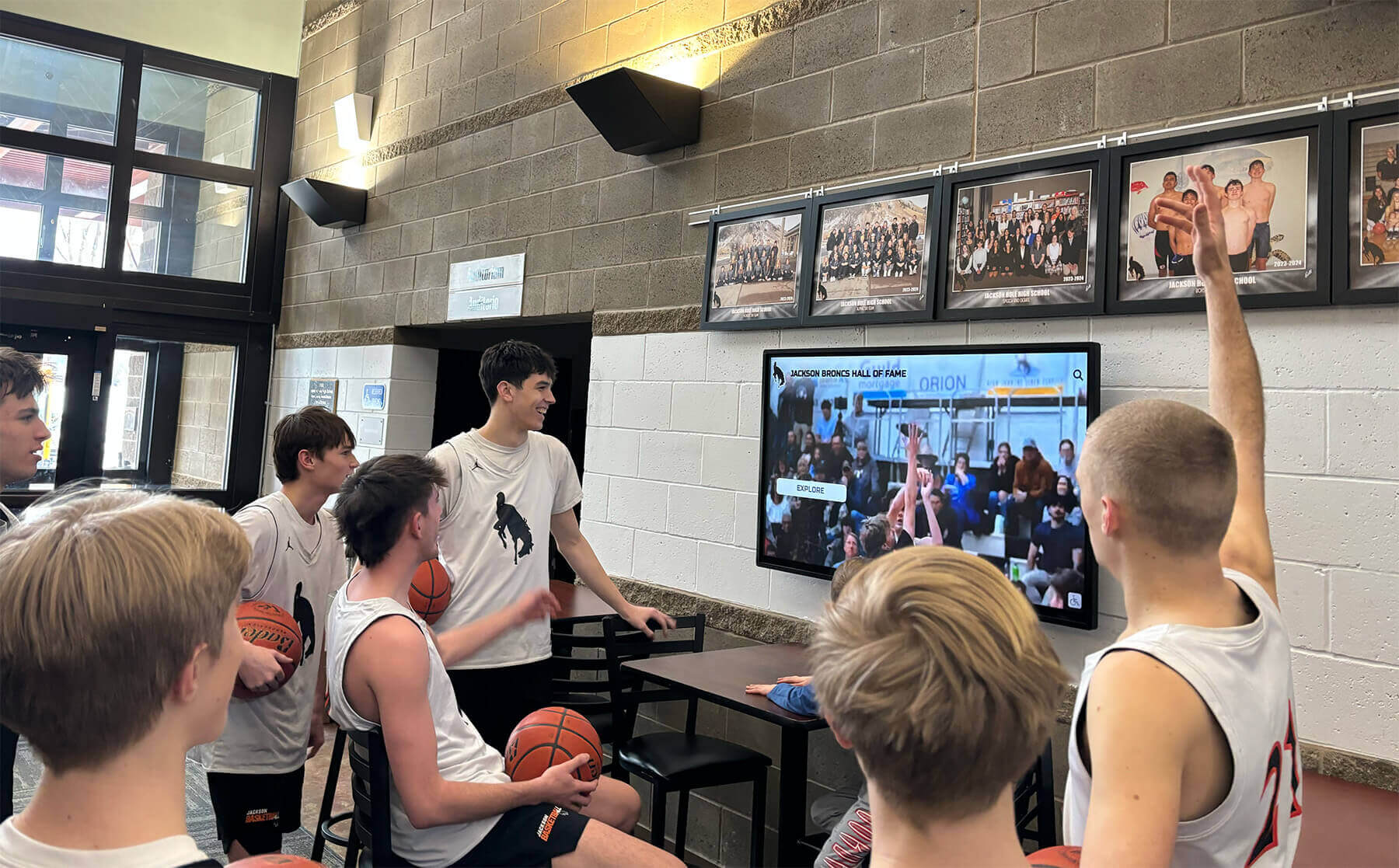
NBA Icons Interactive Display: Complete Guide to Celebrating Basketball Legends Through Digital Recognition 2026
Basketball recognition has evolved dramatically from static plaques and trophy cases to immersive interactive displays that bring basketball legends to life through multimedia storytelling, touchscreen engagement, and unlimited digital capacity. NBA icons interactive displays represent the cutting edge of this transformation, combining professional presentation with intuitive technology that allows schools, colleges, and athletic facilities to honor basketball excellence comprehensively while inspiring current players through accessible connections to program history.
Read More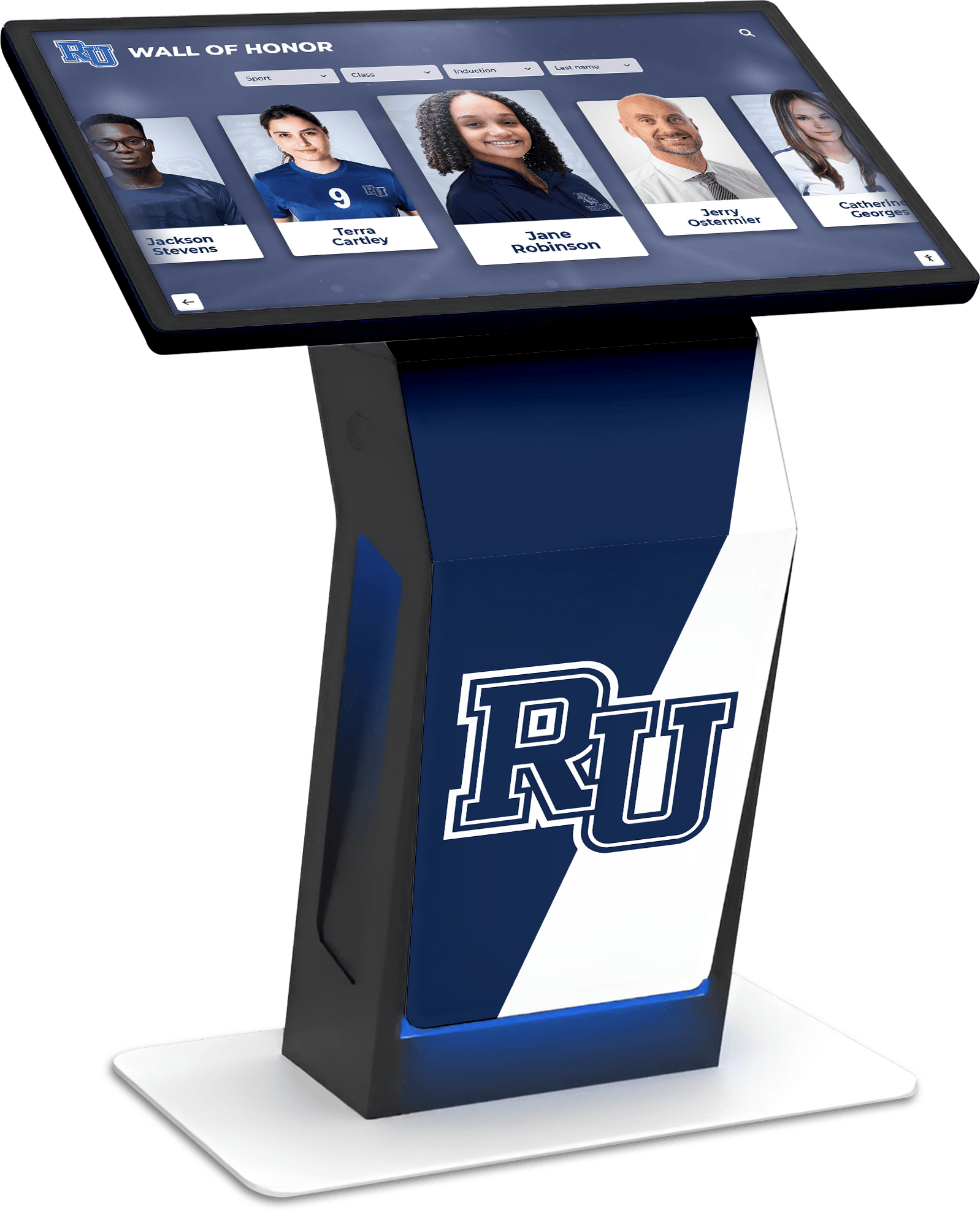
Touch Kiosk Hall of Fame Systems: Complete Guide to Interactive Recognition Displays for Schools and Organizations
Table of Contents Understanding Touch Kiosk Hall of Fame Systems Key Components and Technology Benefits of Touch Kiosk Recognition Implementation Planning and Best Practices Content Management and Engagement Hardware Selection and Technical Considerations Understanding Touch Kiosk Hall of Fame Systems Touch kiosk hall of fame systems represent the cutting edge of interactive recognition technology, combining freestanding touchscreen displays with sophisticated software platforms to create engaging, self-contained recognition experiences. These systems deliver all the benefits of digital hall of fame displays while adding the flexibility of portable, self-sufficient installations that require minimal facility modifications.
Read More
Touchscreen Building Directory: Modern Wayfinding Solutions for Schools, Offices, and Community Buildings
Modern buildings—whether educational campuses, corporate offices, hospitals, or community centers—have grown increasingly complex. Multi-story structures with dozens of departments, frequently changing room assignments, and diverse visitor populations create navigation challenges that traditional static signage simply cannot address effectively. Visitors wandering hallways searching for destinations, front desk staff overwhelmed with directional questions, and outdated directories displaying incorrect information all signal the need for better wayfinding solutions.
Read More
Touchscreen Digital Hall of Fame Wall & Interactive Awards: Complete Guide for Schools & Organizations 2026
Organizations accumulate achievement faster than physical space can accommodate recognition. A high school celebrates 50 years of championships, academic excellence, and distinguished alumni. A university honors decades of research breakthroughs, athletic records, and notable graduates. A corporation recognizes employee milestones, innovation awards, and leadership achievements across multiple facilities. Traditional plaques, trophy cases, and static wall displays served recognition needs for generations—until the volume of deserving achievements outgrew available space.
Read MoreFullscreen Kiosk App for Touchscreen Websites: Complete Guide to Browser-Based Interactive Displays in 2025
Table of Contents What is a Fullscreen Kiosk App? Browser-Based Kiosk Solutions Setting Up Fullscreen Kiosk Mode Security and Lockdown Features Touch Optimization for Kiosk Websites Popular Kiosk App Solutions Best Practices for Kiosk Deployment What is a Fullscreen Kiosk App for Touchscreen Websites? A fullscreen kiosk app transforms a standard web browser into a locked-down, fullscreen interface designed for public touchscreen displays, digital signage, and interactive kiosks. These solutions enable organizations to deploy web-based content on touchscreen hardware while preventing users from accessing the underlying operating system, browser controls, or unauthorized websites.
Read More






























