Technology Solutions
- Home /
- Categories /
- Technology Solutions

Interactive Touchscreen Kiosk Software: Comprehensive 2026 Comparison & Selection Guide
Organizations deploying interactive touchscreen kiosks in 2026 confront a software marketplace divided between purpose-built solutions designed for specific applications and generic platforms attempting to serve every possible use case. Choosing incorrectly results in implementations that frustrate users, burden staff with complex management workflows, and ultimately fail to deliver the engagement and operational efficiency that justified initial investment.
Read MoreRocket Alumni Solutions Hardware & Setup Reviews - Not Just Software
Athletic directors, school administrators, and facilities managers researching touchscreen recognition systems often encounter a concerning pattern: software vendors who disclaim hardware responsibility, leaving buyers to navigate manufacturer warranties, coordinate with third-party installers, and troubleshoot failures across multiple support channels. This fragmented approach transforms what should be turnkey solutions into ongoing technical burdens.
Read More
Best Digital Signage Software 2026: Top Solutions for Interactive Touchscreens
Organizations deploying digital signage in 2026 face a critical decision that determines whether their displays deliver engaging interactive experiences or become forgettable background noise: choosing software purpose-built for their specific application versus settling for generic content broadcasting tools that ignore how people actually interact with screens.
Read MoreBest Touchscreen Software - Web Based vs Native App: Complete Guide 2026
Schools, museums, athletic facilities, and organizations deploying touchscreen kiosks face a fundamental software architecture decision that affects everything from development costs to long-term maintenance: should your interactive display run on web-based software or a native application? This choice determines deployment complexity, ongoing management requirements, hardware compatibility, and ultimately whether your touchscreen investment delivers lasting value or creates technical burdens.
Read MoreBest Touchscreen Software for Mac: Complete Guide to Kiosk Mode Solutions 2026
Mac users deploying touchscreen kiosks face a unique challenge: macOS wasn’t originally designed with public-facing touchscreen displays in mind. Unlike iOS or dedicated kiosk operating systems, Mac requires specialized software to create reliable, user-friendly kiosk experiences. Whether you’re setting up interactive displays for schools, museums, retail environments, or corporate lobbies, selecting the right touchscreen software for Mac determines whether your kiosk succeeds or frustrates users.
Read MoreMWE-QIXZOCV Touchscreen Kiosk Interactive Displays: Compatibility with Rocket Alumni Solutions Software
Schools and athletic facilities investing in touchscreen kiosk hardware face critical decisions about display specifications, software compatibility, and long-term integration capabilities. The MWE-QIXZOCV line of touchscreen kiosk interactive displays represents a cost-effective hardware option for institutions implementing digital recognition systems—but hardware selection means nothing without compatible, purpose-built software delivering the interactive experiences your community expects.
Read More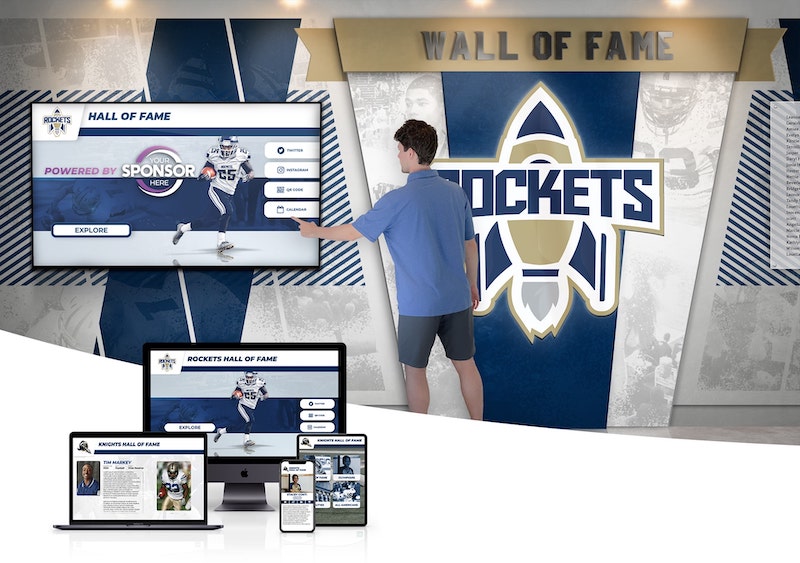
Online Hall of Fame Website: Complete Guide to Creating Digital Recognition Platforms That Engage Communities in 2026
Creating an online hall of fame website transforms how organizations honor excellence and engage communities. Traditional recognition methods confined to physical plaques and trophy cases reach only visitors who happen to walk past specific locations. Digital platforms break these limitations, making achievements accessible to anyone, anywhere, at any time—while offering interactive features that static displays simply cannot match.
Read MorePhoto Booth Software for Kiosk Public Use & Events: Complete Guide 2026
Schools, museums, athletic facilities, and event organizers deploying interactive kiosks for public engagement face a critical software decision that shapes visitor experiences, operational efficiency, and long-term content management capabilities. Whether implementing photo-capture stations at events, interactive recognition displays in institutional hallways, or self-service information kiosks at public venues, selecting appropriate software determines whether installations deliver lasting engagement value or create technical maintenance burdens.
Read MoreTools to Build Community Showcase: Modern Solutions for Recognition and Engagement
Every thriving community—whether a school, organization, club, or institution—has stories worth celebrating. Championship victories, academic milestones, volunteer contributions, alumni successes, and countless other achievements deserve prominent recognition that inspires pride and strengthens community bonds. Yet most communities struggle to showcase these accomplishments effectively using traditional bulletin boards, static displays, or scattered social media posts that quickly disappear from view. These outdated approaches limit what can be celebrated, who sees the recognition, and how long achievements remain visible.
Read MoreTouch Screen Kiosk Software For Interactive Kiosk Displays: Complete Guide 2026
Schools, museums, athletic facilities, and organizations deploying interactive touchscreen kiosks face a critical software decision that determines everything from initial deployment complexity to daily content management efficiency. Touch screen kiosk software transforms standard displays into powerful engagement tools—but only when the platform matches your operational capabilities, content management needs, and long-term maintenance realities.
Read MoreTouchscreen Kiosk App - Fully Locked Down Kiosk Browser Download Guide 2026
Schools, museums, athletic facilities, and organizations deploying touchscreen kiosks require reliable software that transforms standard tablets and displays into fully locked down, public-facing interactive systems. The right kiosk browser prevents users from accessing device settings, launching unauthorized apps, or exiting your chosen interface—ensuring your touchscreen serves its intended purpose without security vulnerabilities or user confusion.
Read MoreTouchscreen Software for Recognition Displays: Complete Guide to Rocket Alumni Solutions 2026
Athletic directors, activities coordinators, and institutional leaders evaluating touchscreen software for recognition displays face a critical question: should they invest in generic digital signage platforms, build custom solutions, or select purpose-built recognition software designed specifically for celebrating achievement? The software architecture decision determines whether your digital record board becomes a transformative recognition platform or an expensive maintenance burden requiring constant IT intervention.
Read More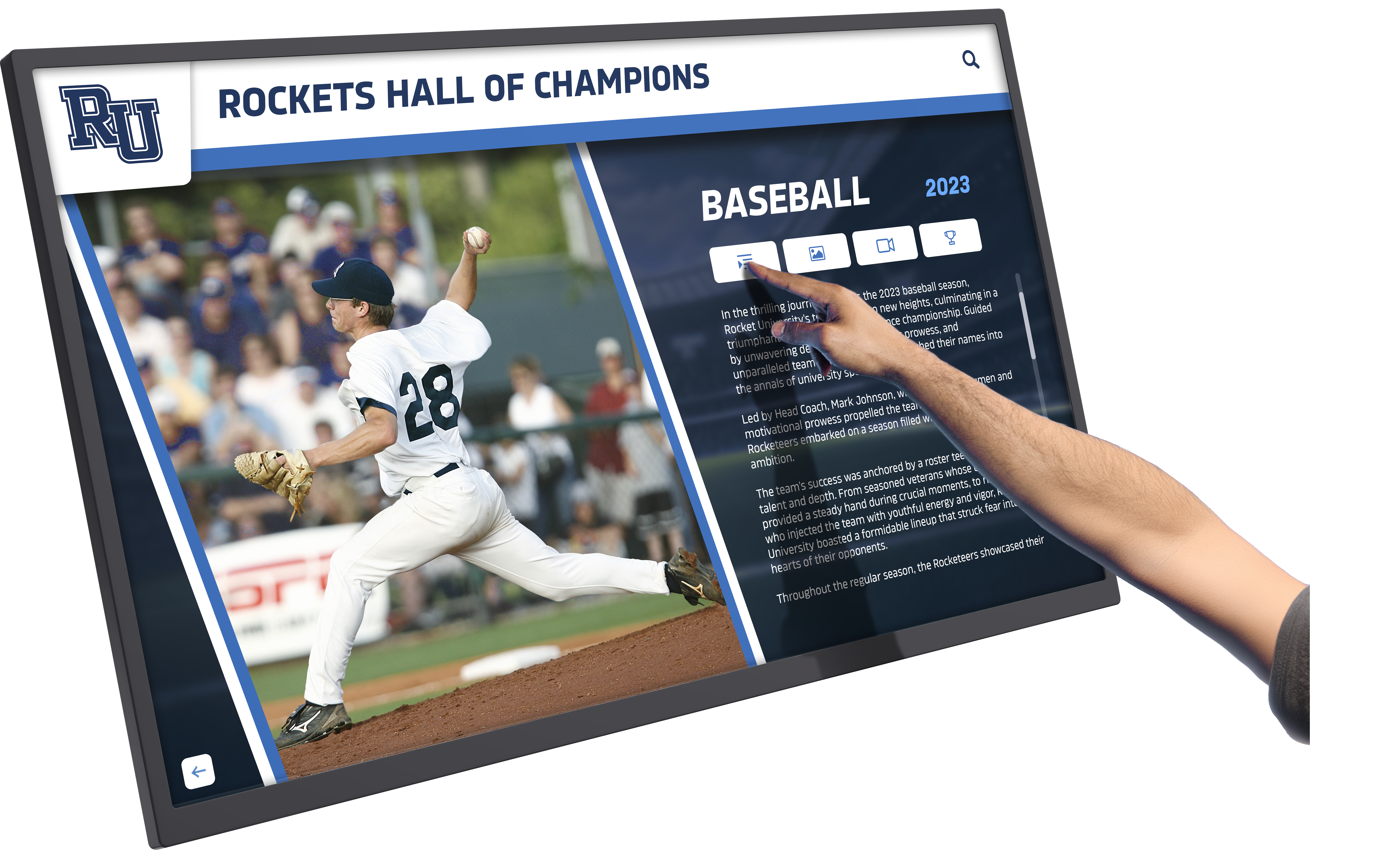
Touchscreen Software: Complete Guide to Selecting Interactive Display Solutions for Schools, Organizations, and Public Spaces
Modern touchscreen software has revolutionized how organizations engage audiences, present information, and create interactive experiences in physical spaces. From educational institutions showcasing achievement histories to sports venues celebrating athletic excellence, museums creating immersive exhibits, and corporate lobbies presenting company information, touchscreen software transforms static displays into dynamic engagement tools that visitors remember and explore enthusiastically.
Read More






























