Interactive Technology
- Home /
- Categories /
- Interactive Technology

Digital Kiosk vs Touchscreen Directory: Complete Building Navigation Guide
Building visitors arrive with one immediate need: finding their destination quickly without asking for directions. Whether it’s a prospective student searching for the admissions office, a parent locating their child’s classroom, or an alumni visitor trying to reach the athletic hall of fame, navigation confusion creates frustration that undermines first impressions and wastes valuable time.
Read MoreDigital Record Board for Campus Engagement: 20 Ideas That Work
Athletic directors and campus administrators face a persistent challenge: maintaining student, alumni, and visitor engagement in an era when attention scatters across endless digital channels. Traditional recognition displays—static plaques, outdated trophy cases, forgotten bulletin boards—fail to capture interest or communicate institutional identity effectively. Meanwhile, achievements pile up in storage boxes, historical records gather dust in filing cabinets, and compelling campus stories remain invisible to the communities that should celebrate them.
Read More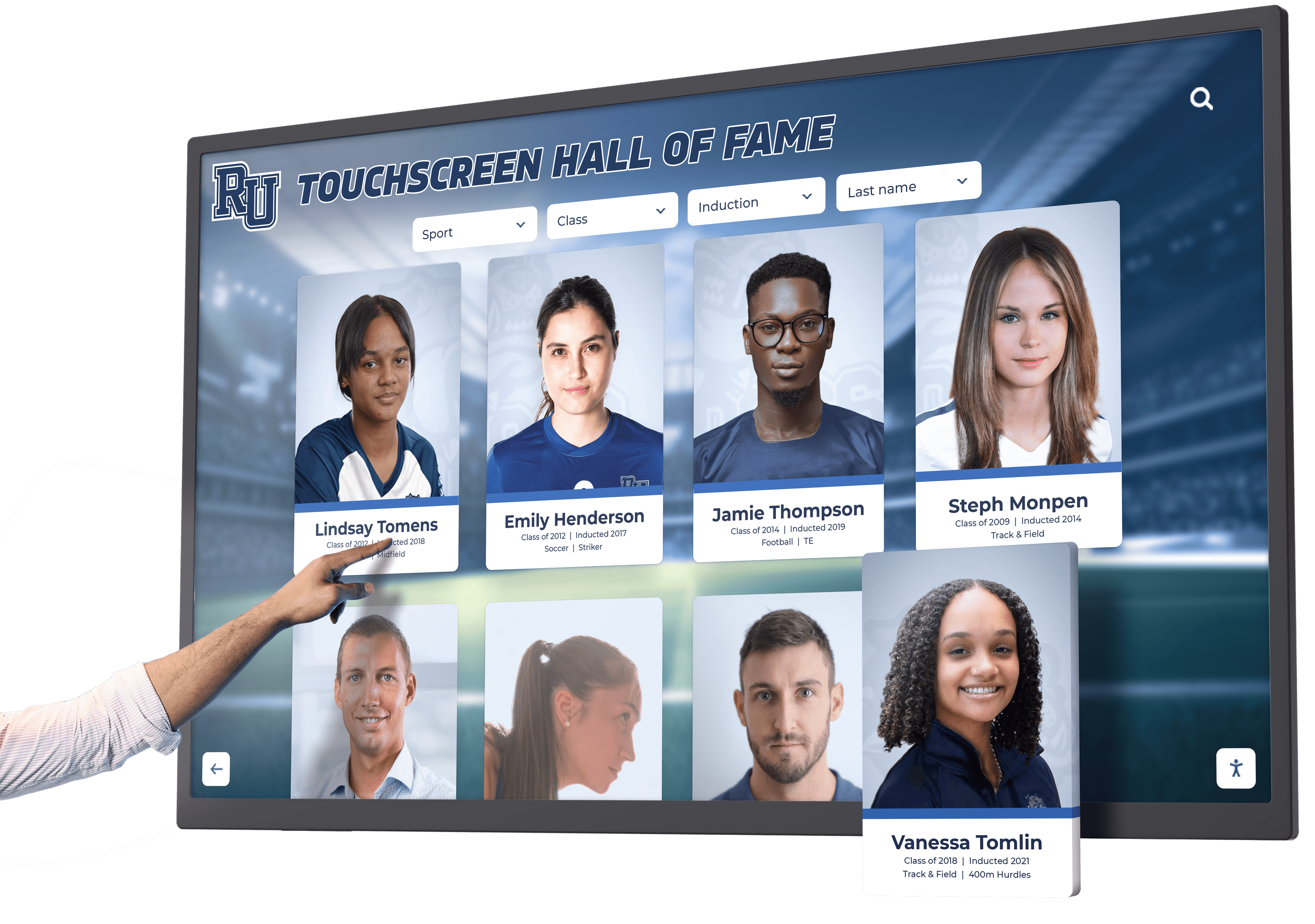
Best Touchscreen Hall of Fame: Complete Selection Guide 2026
Schools, universities, athletic programs, and organizations face a common challenge: honoring achievements comprehensively while working within finite physical space. Traditional trophy cases fill within years. Plaques consume wall space faster than anticipated. Championship banners crowd gymnasiums until no room remains. These capacity constraints force difficult decisions about which accomplishments deserve visible recognition and which must be stored away where they provide no inspirational value.
Read More
Digital Signage Examples: Creative Display Ideas for Schools and Organizations
Digital signage has evolved far beyond simple announcement boards and advertising screens. Today’s most effective displays create engaging experiences that celebrate achievements, guide visitors, share stories, and build community connections in ways static signs never could.
Read More
Touchscreen Kiosks for Events and Functions: Interactive Display Technology Guide 2026
Equipment manufacturers face a persistent challenge at trade shows, conferences, and customer events: how do you effectively communicate complex product features when traditional brochures overwhelm visitors and verbal demonstrations reach limited audiences? Static displays sit ignored while competitors with engaging technology capture attention. Printed materials accumulate costs without demonstrating actual product capabilities. Sales teams repeat identical explanations dozens of times while prospective customers wait.
Read More
Design a Touch Screen Experience That Truly Engages Users: Complete Guide 2026
Designing touch screen experiences that truly engage users requires understanding a fundamental truth: touch interfaces demand different design principles than traditional desktop or mobile applications. The best touchscreen experiences combine intuitive interaction patterns, thoughtful visual hierarchy, robust accessibility features, and careful attention to the physical and psychological factors that influence how people interact with large-format displays in public or semi-public environments.
Read More
Digital Alumni Hall of Fame Experience: Complete Guide to Interactive Recognition That Inspires and Engages
Alumni halls of fame serve a vital purpose in educational institutions—honoring distinguished graduates, inspiring current students, and preserving institutional legacy. Yet traditional recognition approaches often fall short of creating truly engaging experiences that resonate with contemporary audiences accustomed to interactive digital content in every aspect of their lives.
Read More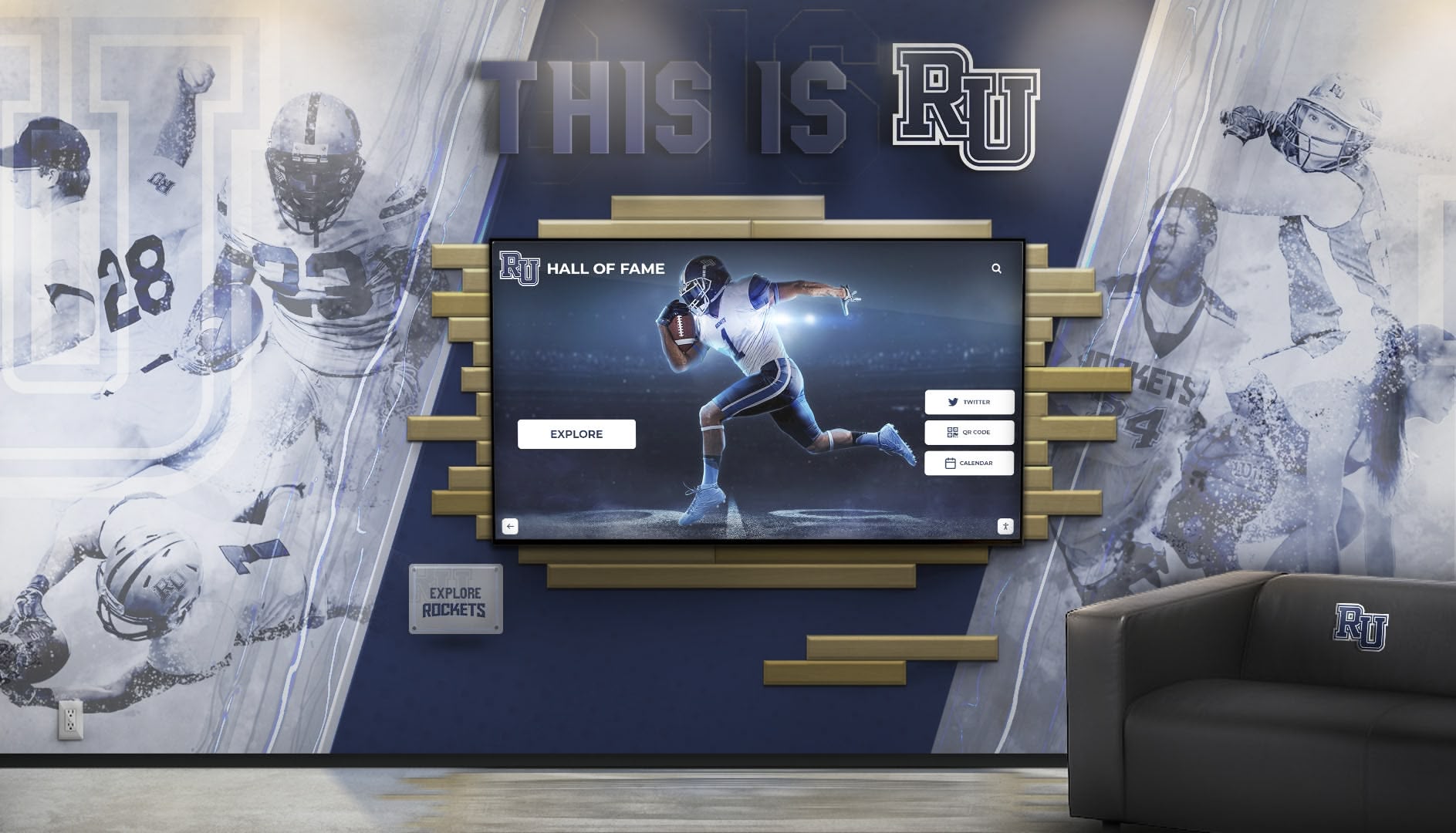
Digital Boards for Photos and Videos: Modern Solutions for Schools and Organizations in 2026
Schools, universities, and organizations generate thousands of photos and videos each year—from daily activities and special events to athletic achievements and historical milestones. Yet most of this valuable visual content sits hidden in digital folders, rarely seen by the communities it’s meant to engage and inspire. Traditional photo displays offer limited space, no video capability, and require extensive manual updating that makes showcasing dynamic multimedia content impractical.
Read More
Digital halls of fame: Complete Guide to Modern Recognition Display Systems
Table of Contents Understanding Digital halls of fame Technology Key Features and Interactive Capabilities Implementation Across Different Sectors Design and User Experience Best Practices ROI and Long-term Value Analysis Future Trends in Digital Recognition Understanding Digital halls of fame Technology A digital halls of fame represents the evolution of traditional recognition displays into dynamic, interactive systems that transform how organizations celebrate achievements, honor contributors, and inspire future excellence.
Read More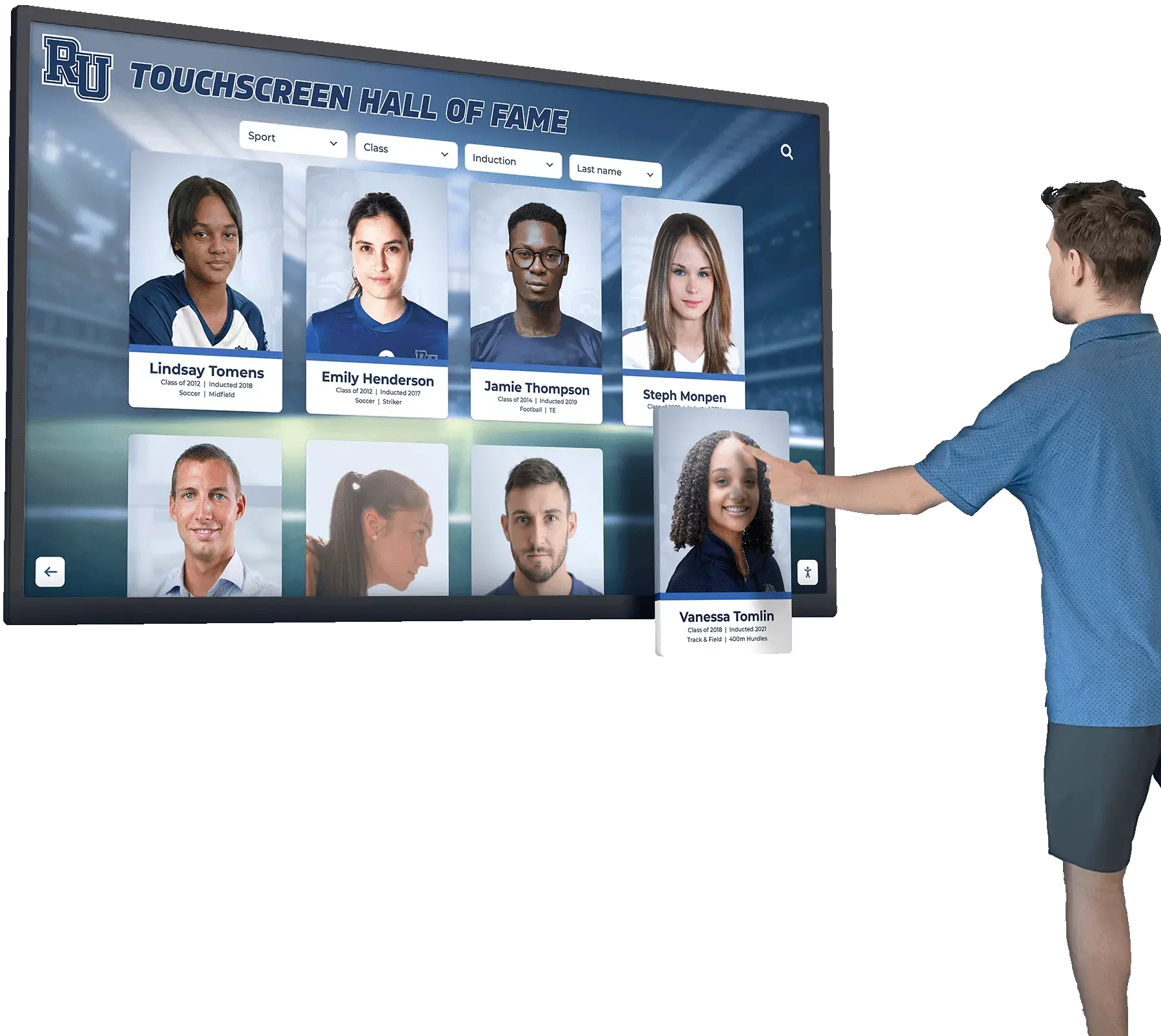
Digital Tools That Help Bring History to Life: Complete Guide to Modern Historical Engagement
History used to live exclusively in dusty textbooks, static museum displays, and aging photographs tucked away in archives. Students struggled to connect with distant events and figures that felt abstract and irrelevant to their modern lives. Museums watched attendance decline as younger generations sought more engaging experiences. Schools found historical materials deteriorating in storage, inaccessible to those who might benefit from them most.
Read MoreDigital Trophy Touch Wall: The Complete Guide to Interactive Recognition Displays That Transform Athletic Celebration
Athletic programs face a universal dilemma that intensifies with every championship won and every record broken. Trophy cases overflow with hardware commemorating decades of competitive excellence. Storage rooms fill with awards earning dust rather than inspiring current athletes. Recognition walls reach capacity, forcing administrators to choose which achievements remain visible and which disappear from view. Physical space limitations create an impossible situation where the more successful a program becomes, the less comprehensively it can showcase that success.
Read More
HTML On-Screen Keyboard for Touchscreen Kiosks: Complete Implementation Guide 2026
Table of Contents Understanding HTML On-Screen Keyboards Why Kiosks Need Virtual Keyboards Key Features of Effective On-Screen Keyboards Implementation Methods and Best Practices Accessibility and User Experience Security Considerations Testing and Optimization Understanding HTML On-Screen Keyboards for Touchscreen Kiosks Touchscreen kiosks have become essential self-service tools across schools, museums, corporate facilities, and public spaces. Whether visitors are searching for alumni profiles, entering information, or navigating digital directories, an intuitive HTML on-screen keyboard is crucial for delivering seamless user experiences on touchscreen interfaces.
Read More
Interactive Touchscreen Displays at The Masters: Celebrating Golf's Most Prestigious Tournament Through Digital Recognition
The Masters Tournament stands as golf’s most iconic championship—a tradition unlike any other that captivates millions of fans worldwide each April at Augusta National Golf Club. From the legendary azaleas to the coveted Green Jacket, The Masters represents the pinnacle of golf achievement, combining rich history, unforgettable moments, and a dedication to excellence that spans decades. How do organizations honor and showcase such a prestigious tournament’s comprehensive history in ways that engage modern audiences while preserving the tradition and reverence this championship deserves?
Read MoreThe Complete History of Touchscreen Technology: From 1960s Innovation to Modern Interactive Displays
Touchscreen technology has fundamentally transformed how humans interact with computers, mobile devices, and digital displays. From air traffic control systems in the 1960s to the smartphones in billions of pockets today, touchscreen evolution represents one of the most significant innovations in human-computer interaction. Understanding this history reveals not just technological progress, but how intuitive touch-based interfaces have democratized technology access while creating entirely new possibilities for education, recognition, and communication.
Read More
Touch Wall for High Schools: Complete Interactive Display Guide for Modern Recognition and Engagement
High schools face an ongoing challenge that grows more pressing each year: how to meaningfully recognize generations of student achievement when physical space remains permanently fixed. Traditional trophy cases fill completely within a decade. Wall space for plaques exhausts even faster. Championship banners crowd gymnasiums until no more can fit. Schools must choose which accomplishments deserve visible recognition and which must be stored away, providing zero inspirational value to current students.
Read MoreTouchboard Sign: Complete Guide to Interactive Digital Signage for Schools & Organizations
Understanding Touchboard Signs: The Evolution of Interactive Digital Displays A touchboard sign represents the modern evolution of traditional static signage, combining large-format touchscreen technology with dynamic digital content to create engaging, interactive experiences for schools, businesses, and community organizations. Unlike conventional bulletin boards or printed displays, touchboard signs enable users to explore content through intuitive touch interactions, access detailed information on demand, and experience multimedia presentations that static signage cannot deliver.
Read More
Touchscreen Augmented Reality Display: Complete Guide for Schools 2026
Athletic directors and school administrators face a persistent challenge: traditional recognition methods consume space, age poorly, and exclude most achievements due to physical constraints. A single trophy case holds perhaps fifty items. Wall plaques require constant expansion. Championship banners crowd gymnasiums until no space remains.
Read MoreTouchscreen Kiosk Software 2026 - Complete Buying Guide: Best Interactive Solutions for Schools & Organizations
Table of Contents Understanding Touchscreen Kiosk Software What to Look for in Kiosk Software Software Solutions Comparison Industry-Specific Applications Implementation and Setup Making the Right Choice Understanding Touchscreen Kiosk Software in 2026 The touchscreen kiosk market has evolved dramatically, with organizations across education, healthcare, retail, and corporate environments adopting interactive display solutions to enhance visitor engagement and streamline operations. Selecting the right touchscreen kiosk software determines whether your investment delivers exceptional experiences or becomes a costly disappointment.
Read MoreTouchscreen Kiosk Software: Complete Guide to Interactive Display Solutions for Schools & Organizations
Organizations implementing touchscreen kiosks face a critical decision that determines success or failure: selecting the right software platform. While hardware considerations receive significant attention—screen size, mounting options, durability specifications—the software powering these interactive displays ultimately defines user experience, administrative efficiency, content management capabilities, and long-term value. Poor software choices create frustration, limit engagement, and waste investment regardless of hardware quality.
Read MoreUPDD Touch Software: Complete Touchscreen Driver and Configuration Guide 2026
Touchscreen technology has become ubiquitous across industries, from educational institutions implementing interactive recognition displays to retail environments deploying self-service kiosks. Behind every successful touchscreen installation lies driver software translating physical touches into actions the operating system and applications understand. While modern operating systems include native touch support, specialized driver software like UPDD (Universal Pointer Device Driver) from Touch-Base fills critical gaps, supports legacy hardware, and provides advanced configuration options unavailable through standard drivers.
Read MoreWhich Software Can I Use to Create Interactive Touchscreen Experiences? Complete 2026 Guide
Creating compelling interactive touchscreen experiences requires choosing software specifically designed to transform passive displays into engaging, intuitive platforms that captivate users and deliver exceptional results. Whether you’re developing recognition displays for educational institutions, wayfinding systems for hospitals, information kiosks for museums, or interactive exhibits for corporate environments, the software platform you select fundamentally determines user experience quality, content management ease, long-term scalability, and ultimately whether your touchscreen investment delivers transformative value or disappointing mediocrity.
Read MoreFullscreen Kiosk App for Touchscreen Websites: Complete Guide to Browser-Based Interactive Displays in 2025
Table of Contents What is a Fullscreen Kiosk App? Browser-Based Kiosk Solutions Setting Up Fullscreen Kiosk Mode Security and Lockdown Features Touch Optimization for Kiosk Websites Popular Kiosk App Solutions Best Practices for Kiosk Deployment What is a Fullscreen Kiosk App for Touchscreen Websites? A fullscreen kiosk app transforms a standard web browser into a locked-down, fullscreen interface designed for public touchscreen displays, digital signage, and interactive kiosks. These solutions enable organizations to deploy web-based content on touchscreen hardware while preventing users from accessing the underlying operating system, browser controls, or unauthorized websites.
Read More






























