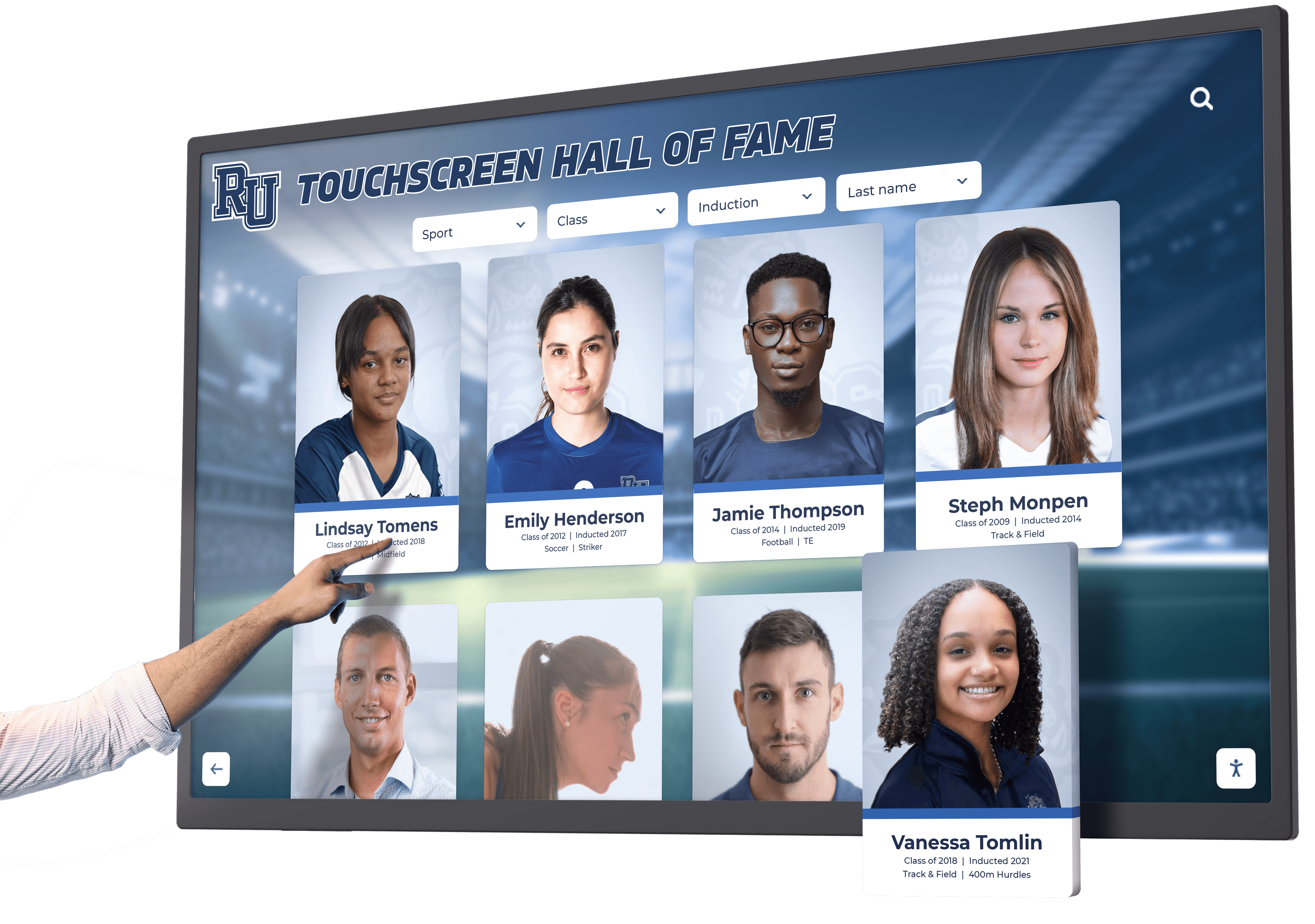




Schools and universities installing digital recognition displays face a requirement many administrators initially overlook: accessibility compliance. Federal law mandates that educational institutions provide equal access to information and technology for all students, staff, alumni, and visitors—including individuals with visual, auditory, motor, or cognitive disabilities. The Web Content Accessibility Guidelines (WCAG) 2.2 AA standard represents the recognized benchmark for digital accessibility, establishing technical requirements that ensure your touchscreen displays serve every member of your community without barriers.
Accessibility compliance isn’t optional paperwork—it’s federal law under the Americans with Disabilities Act (ADA) and Section 508 of the Rehabilitation Act. Educational institutions failing to provide accessible technology face legal liability, Office for Civil Rights complaints, loss of federal funding eligibility, and potential discrimination lawsuits. Beyond legal requirements, accessible design delivers superior user experiences for everyone, not just those with disabilities. Features designed for accessibility—high contrast displays, clear typography, logical navigation, keyboard alternatives—improve usability for all visitors regardless of ability status.
This guide explains what WCAG 2.2 AA accessibility means for school touchscreen displays, why compliance matters beyond legal obligation, how accessible design benefits your entire community, what specific technical requirements apply to interactive recognition displays, and how solutions like Rocket Alumni Solutions build accessibility into platform architecture from day one rather than treating it as afterthought compliance checkbox.
Understanding WCAG 2.2 AA Accessibility Standards
The Web Content Accessibility Guidelines (WCAG) 2.2, published by the World Wide Web Consortium (W3C), establish internationally recognized standards for digital accessibility. WCAG defines three compliance levels—A (minimum), AA (mid-range), and AAA (highest)—with Level AA representing the practical standard adopted by most accessibility regulations worldwide. WCAG 2.2 AA compliance ensures digital content remains perceivable, operable, understandable, and robust for users with diverse abilities. For educational institutions, meeting WCAG 2.2 AA standards isn't merely best practice—it's legal requirement under ADA Title II and Section 508, protecting schools from liability while ensuring equitable access to information and recognition systems that celebrate your entire community.
Legal Requirements for Accessible Educational Technology
Educational institutions operate under strict accessibility mandates that explicitly include digital displays and interactive technologies.
Americans with Disabilities Act (ADA) Title II
Public schools, state colleges, and universities must provide equal access to programs, services, and activities under ADA Title II. The Department of Justice has clarified repeatedly that digital content—including touchscreen kiosks, digital signage, and interactive displays—falls under ADA requirements. Schools cannot claim that recognition displays constitute “decorative” content exempt from accessibility standards. If a display communicates information about students, athletes, alumni, donors, or achievements, it serves a communicative function requiring accessibility compliance.
Recent settlement agreements between the DOJ and educational institutions establish clear precedent. Universities settling accessibility complaints committed to ensuring all digital displays meet WCAG 2.2 AA standards, implementing alternative access methods for touchscreen content, providing regular accessibility audits, and training staff on accessibility requirements. These settlements demonstrate federal enforcement priorities while establishing practical compliance roadmaps other institutions should follow proactively.
Section 508 of the Rehabilitation Act
Any educational institution receiving federal funding—which includes virtually all public schools, many private schools through Title programs, and universities accepting federal research grants or student aid—must comply with Section 508. This statute requires that electronic and information technology is accessible to people with disabilities, including both employees and members of the public.
Section 508 standards, updated to match WCAG 2.2 AA, apply explicitly to:
- Interactive kiosks and touchscreen displays installed in public areas
- Web-based content accessible through school networks or digital displays
- Software and applications operating on touchscreen systems
- Digital content management systems used to update recognition displays
- Mobile applications providing access to display content
Institutions failing Section 508 compliance risk federal funding restrictions, enforcement actions from the U.S. Access Board, and complaints filed with funding agencies’ civil rights offices.

State Accessibility Laws and Regulations
Many states impose accessibility requirements exceeding federal minimums. California’s Unruh Civil Rights Act, New York’s Human Rights Law, and similar statutes in other states create additional compliance obligations and enforcement mechanisms. State procurement codes often mandate WCAG compliance for any technology purchased with state education funds, creating contractual accessibility requirements beyond constitutional obligations.
Educational institutions should consult with legal counsel about specific state requirements applicable to their jurisdiction. However, meeting WCAG 2.2 AA standards generally satisfies both federal and state accessibility mandates, making this the practical target for compliance planning.
The Risk of Non-Compliance
Schools face substantial consequences when accessibility compliance fails:
Legal Liability: Discrimination lawsuits filed by students, employees, or community members denied equal access to information displayed on non-accessible systems. Legal settlements in accessibility cases routinely reach six-figure amounts, not including attorney fees and remediation costs.
OCR Complaints: Office for Civil Rights investigations triggered by complaints about inaccessible technology. OCR can mandate comprehensive accessibility audits, corrective action plans, and ongoing monitoring—consuming substantial administrative resources.
Federal Funding Jeopardy: Section 508 violations can theoretically result in federal funding suspension or termination. While rarely invoked, the threat creates compliance pressure during investigations.
Reputation Damage: Public disclosure of accessibility complaints signals institutional indifference to disability inclusion, harming recruitment, community relations, and institutional reputation.
Core WCAG 2.2 AA Principles for Touchscreen Displays
WCAG organizes accessibility requirements around four foundational principles, each containing specific success criteria that touchscreen displays must meet.
Principle 1: Perceivable Information
Users must be able to perceive all information presented, regardless of sensory abilities.
Text Alternatives for Non-Text Content
Every image, icon, graphic, or visual element must have text alternatives that screen readers can convert to speech or braille. For athletic record boards, this means:
- Athlete photos accompanied by descriptive alt text identifying individuals and context
- Trophy and medal images described textually
- Statistical graphics and charts available in text format
- Team logos identified by name rather than relying on visual recognition alone
Rocket Alumni Solutions implements comprehensive alt text throughout platform architecture, ensuring screen reader users receive equivalent information to visual display consumers.
Adaptable Content Presentation
Information must be presentable in different ways without losing meaning. WCAG requires that content structure remains logical when presented through assistive technologies:
- Semantic HTML markup identifying headings, lists, data tables, and navigation elements
- Logical reading order enabling linear navigation through content
- Relationship indicators showing connections between labels and form fields
- Information independent of visual characteristics (not relying on “click the red button” instructions)
Digital recognition systems meeting this requirement enable screen readers to navigate athlete profiles, browse achievement lists, and explore historical records in structured sequences matching visual layout logic.
Distinguishable Content Display
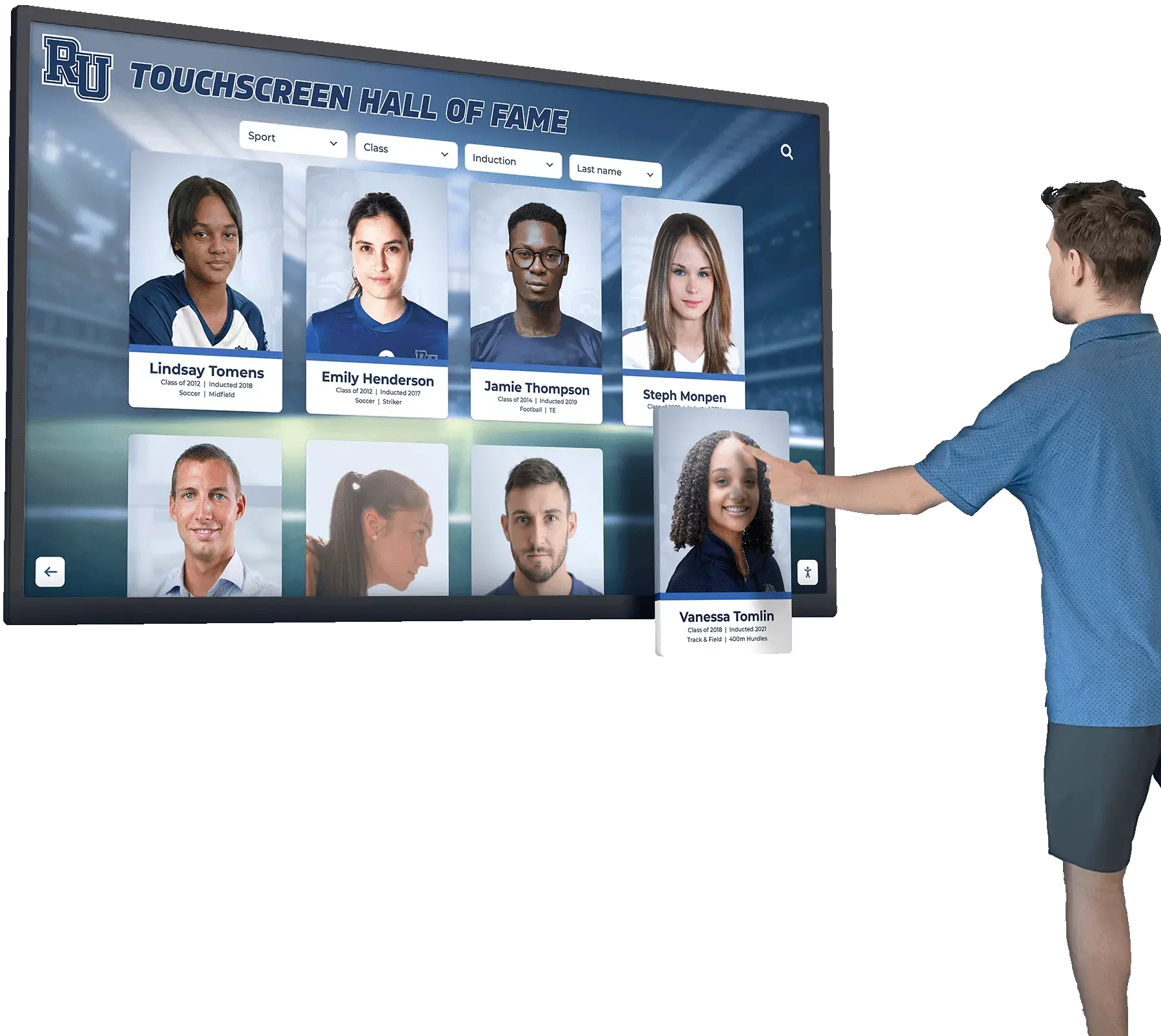
Visual presentation must make content easy to perceive through sufficient contrast, color independence, and text sizing:
Color Contrast Requirements: WCAG 2.2 AA mandates minimum contrast ratios of 4.5:1 for normal text and 3:1 for large text (18pt or 14pt bold). This ensures text remains readable for users with low vision, color blindness, or viewing screens in bright lighting conditions. Many school displays fail this requirement by using light text on light backgrounds or low-contrast color schemes matching school branding without considering accessibility.
Color Independence: Information cannot rely on color alone. Record boards indicating “gold medalists in yellow, silver in gray” create accessibility barriers. Accessible design adds text labels, icons, or patterns distinguishing categories without requiring color perception.
Text Resizing: Users must be able to increase text size up to 200% without loss of content or functionality. Fixed-size text preventing scaling violates WCAG requirements and creates barriers for users with low vision.
Audio Control: If displays include audio narration or announcements, users must be able to pause, stop, or control volume independently from system-wide audio settings.
Principle 2: Operable Interface
All interface components and navigation must be operable through diverse input methods.
Keyboard Accessibility
Every function available through touch must also be operable via keyboard or keyboard equivalents. This serves users with motor disabilities who cannot perform precise touch gestures, individuals using adaptive technologies like sip-and-puff controllers, and people with temporary injuries limiting touch interaction.
Specific requirements include:
- Tab navigation through all interactive elements in logical sequence
- Visible focus indicators showing which element currently has keyboard focus
- Keyboard shortcuts for common actions (return to home, search, navigate categories)
- Escape mechanisms allowing users to exit modal dialogs or navigation traps
- No functionality requiring specific touch timing or gesture complexity
Accessible touchscreen platforms provide alternative input methods—including USB keyboard support, external switch interfaces, and voice control options—ensuring operation doesn’t require touch capability.
Sufficient Time for Interaction
Timed interactions create accessibility barriers for users who read slowly, process information differently, or operate interfaces through adaptive technologies requiring extra time:
- Adjustable time limits with user control over extensions
- Warning alerts before time expires, with simple extension options
- No session timeouts that lose user progress through content exploration
- Pause and resume capabilities for auto-advancing content
Record board displays should avoid aggressive timeout resets that return to home screens after short inactivity periods, as users with disabilities often require extended time to consume content.
Navigation Assistance Features
Users must be able to navigate efficiently and understand their location within information architectures:
- Multiple navigation pathways providing various routes to content (search, browse by category, filter by year)
- Clear page titles and headings describing current location
- Breadcrumb trails showing navigation path
- Skip navigation links bypassing repetitive navigation menus
- Consistent navigation patterns across all display sections
Resources on digital recognition display systems demonstrate how accessible navigation benefits all users regardless of ability status.
Principle 3: Understandable Information and Interface

Content and operation must be understandable to diverse users.
Readable Text Content
Information must be readable and understandable:
- Language identification allowing screen readers to pronounce text correctly
- Readable text complexity appropriate for audience education levels
- Abbreviations and acronyms explained on first use
- Pronunciation guidance for unusual names or terminology
- Definitions available for specialized athletic or institutional terminology
Athletic displays often use sports-specific jargon—“All-American,” “All-Conference,” “school record holder”—that may be unfamiliar to community members. Accessible systems provide definitions or explanatory context on demand.
Predictable Interface Operation
Interfaces must behave consistently and predictably:
- Navigation mechanisms appearing in consistent locations across screens
- Repeated interface components functioning identically throughout application
- Changes of context only occurring on explicit user request, not automatically
- Consistent identification of functions using same labels and icons
Input Assistance
Forms and interactive elements must help users avoid and correct errors:
- Clear labels and instructions for search fields or filter options
- Error identification with specific descriptions helping users understand problems
- Correction suggestions when input mistakes occur
- Confirmation steps for actions that cannot be easily reversed
Principle 4: Robust Technology Implementation
Content must be robust enough to work reliably with current and future assistive technologies.
Compatible Markup and Code
Technical implementation must follow standards enabling assistive technology interpretation:
- Valid HTML and CSS following W3C specifications
- Proper use of ARIA (Accessible Rich Internet Applications) attributes
- Complete start and end tags for all HTML elements
- Unique ID attributes preventing conflicts
- Programmatically determined component names and roles
Poor code quality creates unpredictable behavior with screen readers and other assistive technologies. Professional accessibility requires clean technical implementation, not just visual design considerations.
Platforms like Rocket Alumni Solutions build accessibility into core system architecture, ensuring WCAG compliance across all features and future updates rather than requiring schools to manage technical accessibility details independently.
New Requirements in WCAG 2.2
The 2023 release of WCAG 2.2 added nine new success criteria addressing mobile accessibility, cognitive disabilities, and low vision needs—all relevant to touchscreen displays.
Focus Appearance Requirements
WCAG 2.2 strengthens focus indicator requirements, mandating that keyboard focus must be clearly visible with minimum size and contrast standards. This helps users navigating via keyboard or switch devices see exactly which element currently has focus. Many touchscreen interfaces designed exclusively for touch interaction lack adequate focus indicators, creating barriers when users attempt keyboard navigation.
Dragging Movement Alternatives
Interactive functions requiring dragging gestures must have alternative single-pointer input methods. For touchscreen record boards, this means drag-to-scroll interfaces must also offer button-based scrolling alternatives, ensuring users with limited dexterity can navigate content.
Target Size Requirements
Touchscreen targets must meet minimum size requirements ensuring users can activate controls accurately without precision difficulty. WCAG 2.2 specifies 24x24 CSS pixel minimum target sizes, with spacing or additional requirements for smaller targets. Small buttons, tight navigation menus, or densely packed options create accessibility barriers for users with motor disabilities, older adults, or anyone using displays in motion.
Consistent Help Access
If touchscreen displays offer help mechanisms—tutorials, contact information, FAQs—these must appear consistently on all screens where users might need assistance. Accessible systems provide persistent help access rather than hiding guidance on specific screens.
Cognitive Accessibility Improvements
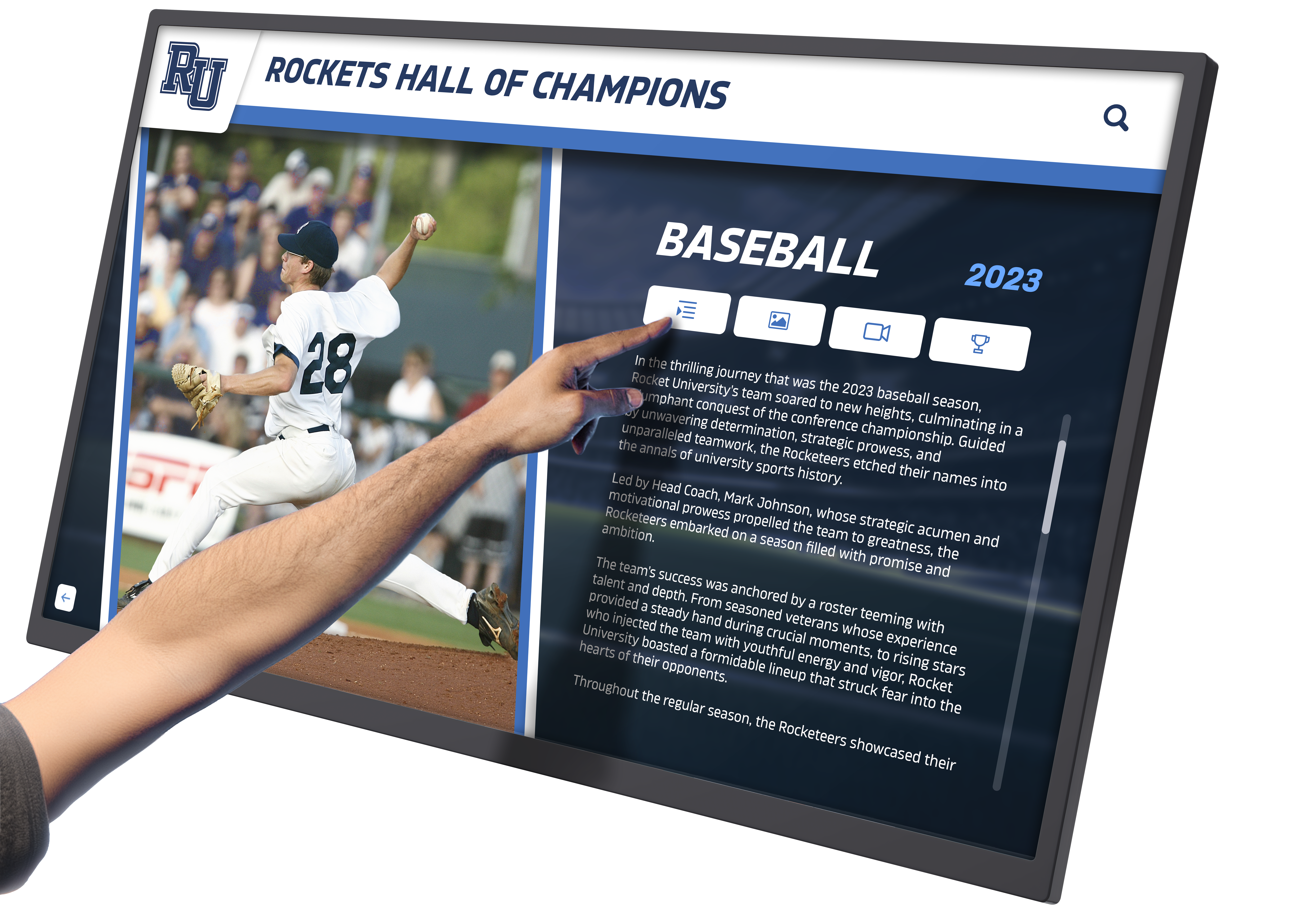
WCAG 2.2 adds requirements supporting users with cognitive disabilities:
- Redundant entry prevention, saving information users already provided
- Accessible authentication not relying solely on cognitive function tests
- Consistent help and error prevention throughout interfaces
For school recognition displays, this means simplified navigation, clear consistent layouts, forgiving search functions accepting multiple query formats, and elimination of unnecessary complexity in user interactions.
Universal Benefits of Accessible Design
Accessibility features designed for users with disabilities improve experiences for everyone—a concept called universal design.
Improved Usability for All Visitors
High contrast displays remain readable in bright lobby lighting or viewing from angles. Large touch targets reduce mis-taps for all users regardless of motor precision. Clear navigation helps anyone find specific athletes or achievements quickly without hunting through complex menu structures. Keyboard shortcuts benefit power users seeking efficiency. Text alternatives enable content access in any context—even when displays malfunction or users cannot physically approach kiosks.
Better Mobile and Remote Access
Accessible web-based platforms function better on mobile devices where users access recognition content remotely. Semantic HTML and logical content structure improve mobile browser rendering. Flexible layouts accommodating different screen sizes mirror accessibility requirements for content adaptation. Touch target size requirements ensuring accessibility for users with motor disabilities simultaneously prevent mobile users from accidentally tapping wrong navigation elements.
Resources on touchscreen digital hall of fame systems demonstrate how accessibility drives overall system quality.
Improved Search Engine Optimization
Accessible content structure using semantic HTML, descriptive headings, and text alternatives improves search engine indexing. When schools want alumni, prospective students, or media to discover recognition content through web searches, accessibility practices directly improve discoverability. Alt text for images becomes searchable content. Proper heading hierarchy helps search engines understand content organization. Logical link text (not “click here”) provides context improving search relevance.
Support for Temporary Disabilities
Accessibility features assist users facing temporary limitations: athletes in casts using record boards single-handed, visitors wearing sunglasses in bright lobbies, parents holding infants while viewing displays, staff with seasonal allergies affecting vision, or anyone experiencing temporary injury or illness. Permanent accessibility features serve temporary needs without requiring special accommodations.
Aging Population Accommodation
As populations age, accessibility becomes increasingly relevant for broader percentages of communities. Older alumni returning for reunions may experience age-related vision decline, arthritis limiting fine motor control, hearing loss, or cognitive changes. Recognition systems designed accessibly serve aging communities respectfully without requiring special “senior” modes that might feel patronizing.
Implementing Accessible Recognition Displays
Schools planning or upgrading digital recognition systems should prioritize accessibility from initial planning through ongoing operation.
Accessibility Requirements in Vendor Selection
Purchase specifications must explicitly require WCAG 2.2 AA compliance with verification methods:
Request WCAG 2.2 AA Conformance Statements: Vendors should provide detailed accessibility conformance reports (ACRs) documenting how systems meet each WCAG success criterion. Generic claims of “accessible design” prove insufficient—demand specific technical documentation.
Third-Party Accessibility Audits: Ask for recent professional accessibility audits conducted by certified specialists. Vendors confident in accessibility will readily provide audit results. Those hesitant may lack genuine compliance.
Built-In vs. Retrofit Accessibility: Determine whether accessibility is built into core system architecture or added superficially as compliance afterthought. Systems designed accessible from inception generally perform better than those where accessibility features were retrofitted after initial development.
Ongoing Accessibility Commitment: Verify vendor commitment to maintaining accessibility through platform updates and new feature releases. One-time compliance proves insufficient as systems evolve—vendors must commit to persistent accessibility standards.

Physical Installation Accessibility
Hardware placement and configuration affect accessibility as much as software design:
Mounting Height Considerations: ADA guidelines specify forward reach ranges of 15-48 inches and side reach ranges of 9-54 inches for wheelchair users. Touchscreen displays must mount at heights enabling wheelchair users to reach and operate all interface elements comfortably. Many schools install displays too high, creating barriers for users in wheelchairs or individuals with short stature.
Clear Floor Space Requirements: Provide minimum 30x48 inch clear floor space in front of displays, allowing wheelchair users to approach directly. Side approaches require wider clear space. Installations in corridors, lobbies, or alcoves must ensure adequate maneuvering space.
Glare and Lighting Management: Position displays to minimize glare from windows or overhead lighting. Glare creates barriers for users with low vision or light sensitivity. Anti-glare screens or adjustable display orientation may be necessary in challenging lighting environments.
Audio Considerations: If displays include audio features, ensure volume controls are accessible and audio remains intelligible in typical ambient noise levels. Provide headphone jacks for private listening when displays are in high-traffic areas where audio might disturb others.
Resources on school digital signage implementation provide guidance on accessible installation planning.
Content Development for Accessibility
Staff creating content for recognition displays must follow accessibility practices:
Write Descriptive Alt Text: Image descriptions should convey meaningful information, not merely repeat visible text. For athlete photos, alt text might read: “Sarah Johnson, Class of 2019, All-State soccer player in white number 10 jersey celebrating championship victory.” This provides context screen reader users would miss from image alone.
Use Meaningful Link Text: Link phrases like “click here” or “read more” provide no context when announced by screen readers. Descriptive link text—“View Sarah Johnson’s complete athletic record”—enables users to understand link purpose without surrounding context.
Structure Content with Headings: Proper heading hierarchy (H2, H3, H4) creates document structure enabling screen reader users to navigate efficiently by jumping between headings. Athletic displays might use H2 headings for sport categories, H3 for athlete names, and H4 for achievement types.
Provide Text Versions of Data Visualizations: Graphs showing record progression, charts comparing team statistics, or visual timelines must have text equivalents conveying the same information. This serves blind users, people with cognitive disabilities who struggle interpreting graphics, and anyone whose assistive technology doesn’t render visualizations effectively.
Testing for Accessibility Compliance
Verification confirms that systems actually meet accessibility standards:
Automated Accessibility Testing: Tools like axe DevTools, WAVE, or Lighthouse identify common accessibility issues—missing alt text, insufficient contrast, heading hierarchy errors. Automated testing catches technical violations efficiently but cannot evaluate all accessibility aspects.
Manual Testing with Assistive Technologies: Test displays using actual screen readers (JAWS, NVDA, VoiceOver), keyboard-only navigation, voice control software, and screen magnification tools. Manual testing reveals usability issues automated tools miss—confusing navigation, problematic interaction patterns, or unclear content structure.
User Testing with People with Disabilities: Invite individuals with various disabilities to use displays and provide feedback. Direct user input reveals practical accessibility barriers that technical testing overlooks. Many universities maintain accessibility testing panels of students, staff, and community members with disabilities who provide ongoing feedback.
Periodic Accessibility Audits: Schedule regular professional accessibility audits (annually or with major system updates) ensuring continued compliance as content and features evolve. Accessibility isn’t one-time achievement but ongoing commitment requiring persistent verification.
How Rocket Alumni Solutions Prioritizes Accessibility
Rocket Alumni Solutions builds WCAG 2.2 AA accessibility into platform architecture as core design principle rather than compliance afterthought.
Accessible by Design Philosophy
From initial development, Rocket’s engineering team integrates accessibility specialists into design and development processes. Every feature undergoes accessibility review before release. Semantic HTML markup, ARIA attributes, keyboard navigation, focus management, and screen reader compatibility form non-negotiable requirements in development standards. This architectural approach ensures accessibility persists through platform evolution rather than degrading with new feature releases.
Comprehensive Accessibility Features
Specific accessibility implementations include:
- Full keyboard navigation enabling operation without touch interaction
- Screen reader optimization with descriptive ARIA labels, logical heading structures, and meaningful alt text
- High contrast display options meeting WCAG color contrast requirements
- Flexible text sizing supporting 200% zoom without content loss
- Touch target sizing exceeding WCAG 2.2 minimum requirements
- Multiple navigation methods supporting diverse user preferences and abilities
- Timed interaction controls allowing extended interaction time
- Error prevention and recovery with clear instructions and correction suggestions
Regular Accessibility Audits
Rocket conducts regular third-party accessibility audits by certified Web Accessibility Specialists (WAS) and Certified Professional in Accessibility Core Competencies (CPACC) professionals. Audit findings drive continuous improvement ensuring accessibility standards strengthen over time rather than degrading.
Institutional Accessibility Support
Beyond platform features, Rocket provides schools with:
- Accessibility conformance documentation for institutional compliance records
- Content accessibility guidelines helping staff create accessible recognition content
- Training resources teaching administrators accessible content practices
- Ongoing accessibility consultation addressing school-specific accessibility questions
Resources on digital hall of fame platforms demonstrate how purpose-built accessibility distinguishes professional recognition systems from generic digital signage.
The Complete Picture: Why Accessibility Matters
WCAG 2.2 AA compliance represents more than legal requirement—it reflects institutional values and commitment to serving entire communities equitably.
Legal Protection and Compliance
Meeting accessibility standards protects schools from legal liability, OCR complaints, and funding jeopardy. Documented accessibility compliance creates strong defense against discrimination claims while demonstrating good faith efforts toward equal access. The modest cost of accessible implementation proves far less expensive than legal settlements, remediation mandates, or reputation damage from discrimination findings.
Supporting Educational Mission
Educational institutions exist to serve all students and community members. Inaccessible recognition systems contradict educational missions by excluding individuals with disabilities from celebrating community achievements. Accessible design demonstrates that every student, athlete, alumnus, and donor deserves equal access to recognition celebrating their contributions.
Community Inclusion
Approximately 15% of the global population lives with some form of disability, according to the World Health Organization. In the United States, about 26% of adults have a disability, with rates increasing with age. Schools implementing accessible recognition systems ensure significant portions of communities—students with disabilities, alumni experiencing age-related changes, visitors with temporary injuries, and anyone benefiting from accessibility features—can engage fully with institutional recognition.
Technical Excellence
Accessibility requires thoughtful technical implementation—clean code, semantic markup, logical information architecture, and user-centered design. These practices produce better systems for everyone, not just users with disabilities. Accessible platforms generally demonstrate higher overall quality, better performance, superior usability, and more sophisticated design than inaccessible alternatives.
Future-Proofing Investment
Technology evolves rapidly. Accessible systems built on standards-compliant foundations adapt more easily to emerging assistive technologies, new devices, and changing user needs. Schools investing in accessible platforms today avoid costly retrofitting as technology advances and accessibility expectations strengthen.
Platforms like Rocket Alumni Solutions provide accessible online awards displays that serve institutions sustainably across decades rather than requiring frequent replacement as accessibility standards evolve.
Moving Forward with Accessible Recognition
Schools planning digital recognition systems should prioritize accessibility from project inception through ongoing operation.
Start with accessibility requirements in vendor specifications, demanding WCAG 2.2 AA compliance documentation and verified implementation rather than generic accessibility claims. Evaluate vendors based on demonstrated accessibility commitment reflected in product design, testing practices, and ongoing support.
Plan accessible physical installation, ensuring mounting heights, clear floor space, lighting management, and hardware configuration meet ADA guidelines and serve users with diverse abilities.
Train content creators on accessibility practices, establishing standards for alt text, heading structure, link text, and multimedia alternatives ensuring content accessibility matches platform technical compliance.
Implement regular accessibility testing combining automated tools, manual evaluation with assistive technologies, and direct user feedback from community members with disabilities.
Monitor accessibility compliance persistently, treating it as ongoing commitment requiring attention through system updates, content changes, and feature additions rather than one-time achievement at initial installation.
Communicate accessibility commitment to your community, demonstrating institutional values through accessible design that serves every student, athlete, alumnus, donor, and visitor equitably.
WCAG 2.2 AA compliance isn’t obstacle to overcome or box to check—it’s opportunity to demonstrate that your institution genuinely values inclusion, serves your entire community, and implements recognition systems reflecting the educational mission of equitable access and service to all.
Accessible recognition systems honor the complete community without barriers, ensuring that every achievement receives celebration accessible to every person regardless of ability status. That’s not just legal requirement—it’s ethical imperative and practical necessity for educational institutions committed to serving diverse communities comprehensively.
Ready to implement accessible digital recognition that serves your entire community? Explore how Rocket Alumni Solutions delivers WCAG 2.2 AA compliant touchscreen platforms designed specifically for educational institutions—combining legal compliance, superior usability, and inclusive design that ensures every member of your community can explore, celebrate, and engage with the achievements that define your institutional legacy.































