




Every football program—from a single-A rural high school to a Division I university—runs on documentation. Rosters submitted to the state athletic association, programs handed out on game night, depth charts posted in the weight room, recognition displays in the athletic hallway: they all draw from the same core set of player and staff data. The problem is that most programs collect this data in five different spreadsheets that are never quite in sync. A well-structured football team roster template solves that by establishing one authoritative record that feeds every downstream use—print programs, digital displays, yearbooks, alumni archives, and athletic record boards.
This guide breaks down every field worth capturing, organized by category: players, coaches, program records, and sponsors. It includes ready-to-adapt table formats, a build checklist, school-specific examples, and guidance on moving from a static spreadsheet to a live digital display that keeps records updated automatically.
What Makes a Football Roster Template Complete?
A complete football team roster template does more than list names and jersey numbers. It captures the biographical, statistical, and historical data that athletic directors, yearbook advisers, communications staff, and future alumni need to tell the full story of a program. When fields are defined clearly from the start—and populated consistently—rosters become the foundation for recognition programs that last decades, not just one season.
Table of Contents
- Why Roster Documentation Matters Beyond Game Night
- Player Profile Fields
- Coaching Staff Fields
- Program Records and Achievement Fields
- Sponsor Recognition Fields
- School-Specific Roster Examples
- Step-by-Step: Building Your Template
- From Spreadsheet to Digital Display
- Frequently Asked Questions
Why Roster Documentation Matters Beyond Game Night
Athletic directors often think of rosters as a compliance document—a form submitted to satisfy state association requirements. That framing undersells the long-term value of thorough roster data.
Consider what a complete roster enables:
- Yearbook production: Advisers pull player photos, jersey numbers, and positions directly from the roster instead of chasing coaches for updated lists.
- Athletic record boards: When career statistics are captured per player per season, auto-ranking systems can surface all-time leaders in every category without manual research.
- Alumni engagement: Former players looking up their era can find their names, positions, and stats decades later if the data was captured and archived.
- Scholarship documentation: Colleges verifying a recruit’s high school career appreciate organized, complete records going back four years.
- Hall of fame nominations: Programs with thorough historical rosters have the evidence needed to nominate players confidently, rather than relying on memory and newspaper clippings.
When roster data is collected consistently across seasons, it becomes a program history. When it is scattered or incomplete, history disappears with every coaching change.
Player Profile Fields
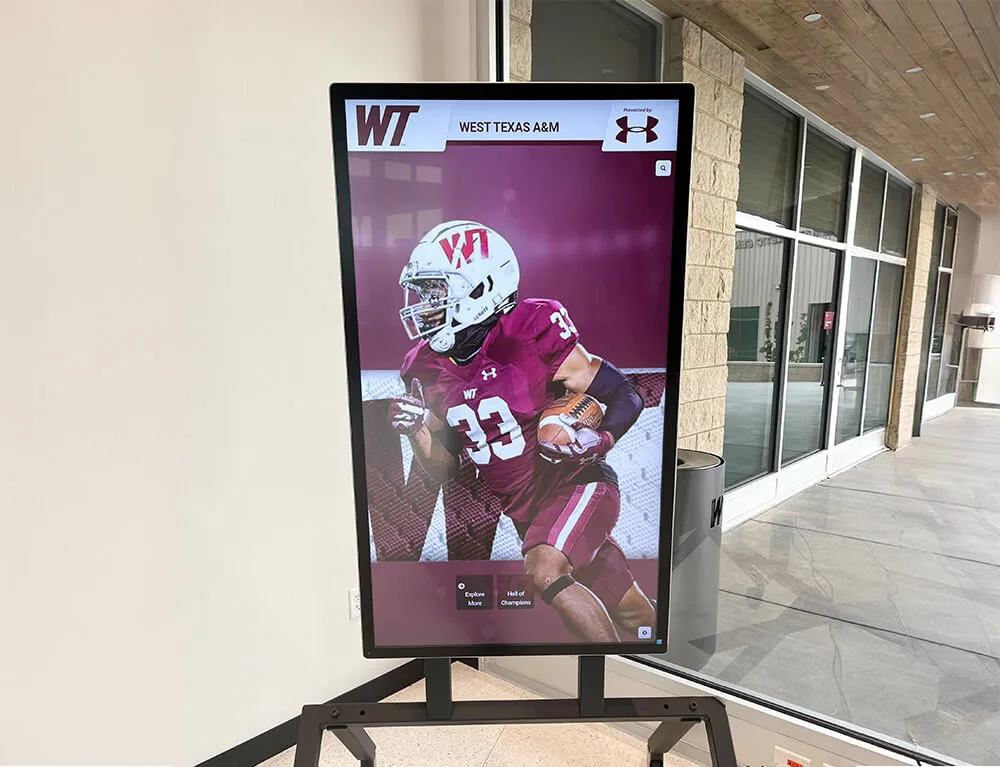
The player section is the core of any football team roster template. These fields split naturally into three layers: identity information, athletic information, and performance data.
Identity Fields
| Field | Notes |
|---|---|
| Full legal name | First, middle initial, last — consistent with school records |
| Preferred display name | Nickname or shortened name used in public-facing programs |
| Jersey number | Current season number; track historical numbers separately |
| Graduation year | Used to sort class years and trigger alumni status |
| Hometown | City and state; valuable for community recognition and media |
| High school (for college rosters) | Previous institution |
| Profile photo | File name, resolution, date captured |
| Parent/guardian contact | For emergency and communication purposes — keep in secured fields |
Athletic Fields
| Field | Notes |
|---|---|
| Primary position | Use standardized abbreviations: QB, RB, WR, TE, OL, DL, LB, DB, K, P, LS |
| Secondary position | Versatile players often contribute at multiple spots |
| Depth chart slot | Starter, backup, scout team — updated weekly |
| Height | Feet and inches; collect at start of season |
| Weight | Pounds; collect at start of season |
| Academic class | Freshman, sophomore, junior, senior (not graduation year alone) |
| Eligibility year | Especially relevant at the college level |
| Years on varsity | Cumulative count through current season |
| Captain designation | Boolean; season-specific |
| Letterwinner status | Boolean; awarded at season end |
Performance / Statistical Fields
These fields are populated after each season closes. Capture them per season and roll them into career totals.
| Field | Applies to | Notes |
|---|---|---|
| Games played | All positions | |
| Games started | All positions | |
| Rushing attempts | RB, QB, FB | |
| Rushing yards | RB, QB, FB | Season and career |
| Rushing touchdowns | RB, QB, FB | |
| Receptions | WR, TE, RB | |
| Receiving yards | WR, TE, RB | Season and career |
| Receiving touchdowns | WR, TE, RB | |
| Passing attempts | QB | |
| Passing completions | QB | |
| Passing yards | QB | Season and career |
| Passing touchdowns | QB | |
| Interceptions thrown | QB | |
| Interceptions | DB, LB | |
| Sacks | DL, LB | |
| Tackles | LB, DL, DB | Solo, assist, total |
| Tackles for loss | DL, LB | |
| Forced fumbles | All defensive | |
| Fumble recoveries | All defensive | |
| Pass deflections | DB, LB | |
| Field goals made / attempted | K | |
| Punting average | P | |
| Kickoff return yards | Special teams | |
| Punt return yards | Special teams |
Capturing these fields per player per season—even for players who never started—creates a data asset that supports future record board updates, alumni profiles, and hall of fame nominations without requiring retroactive research.
Coaching Staff Fields
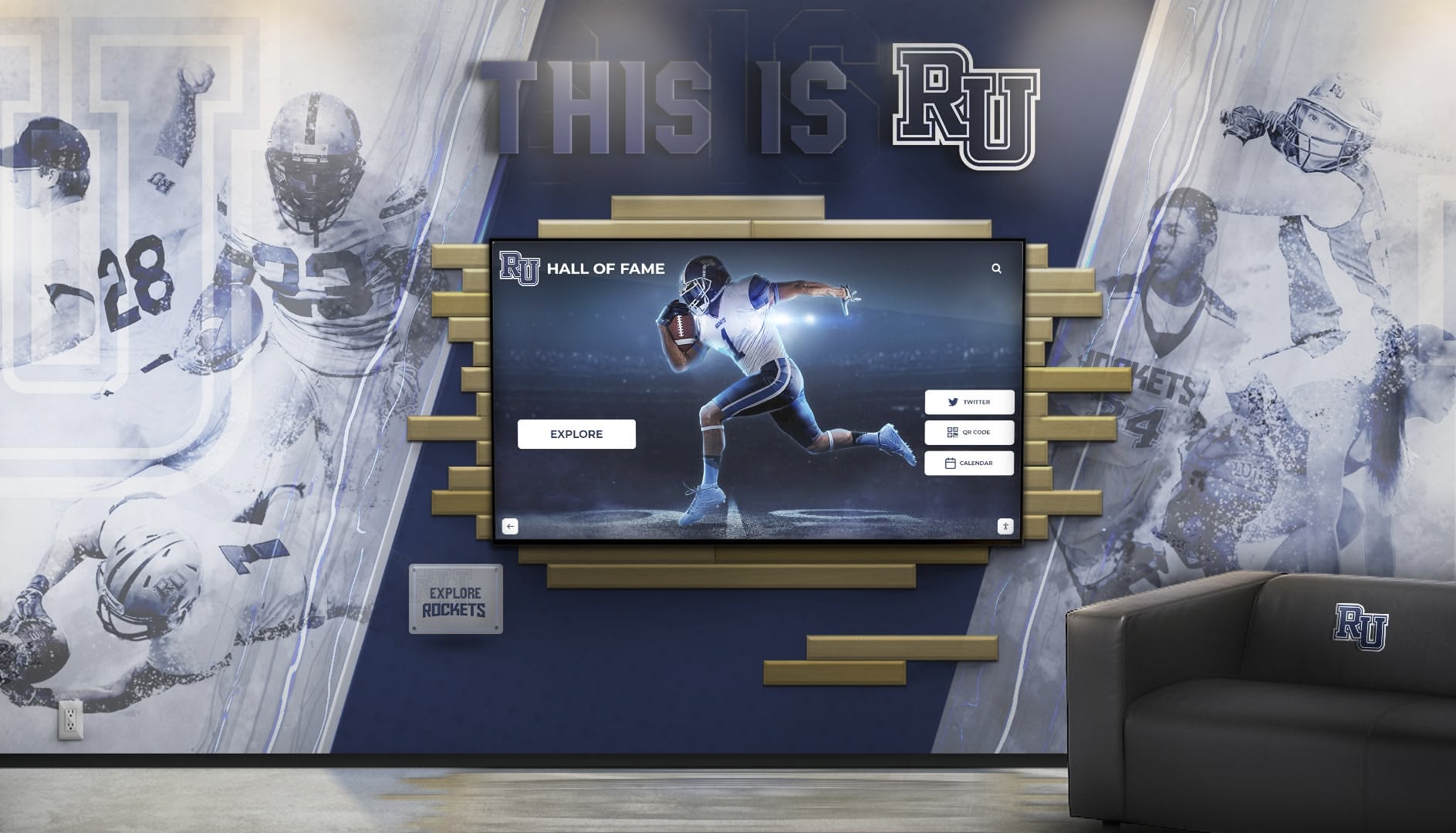
Coaches are part of program history, not just administration. Including coaching staff in your template ensures that when a new athletic director arrives five years from now, the record of who built the program still exists.
Head Coach Fields
| Field | Notes |
|---|---|
| Full name | |
| Title | Head Football Coach, Head Coach / Athletic Director, etc. |
| Years at program | Start year through current season |
| Career record at this school | Wins-losses-ties |
| Overall career record | If applicable |
| Alma mater(s) | Undergraduate, graduate |
| Certifications | CPR/AED, coaching license level if required by state |
| Contact (internal) | Email, extension |
| Profile photo | File name and resolution |
| Notable achievements | Conference titles, playoff appearances, coach of year awards |
| Previous programs | Where applicable |
Assistant Coach and Staff Fields
| Field | Notes |
|---|---|
| Full name | |
| Title | Offensive coordinator, defensive coordinator, position coach, etc. |
| Position group coached | OL, QB, DB, LB, etc. |
| Years with program | |
| Alma mater | |
| Profile photo | |
| Certifications | Same as head coach |
| Previous experience |
Support Staff Fields
Many programs overlook support staff in rosters, but trainers, strength coaches, and film coordinators contribute directly to program success and deserve to be documented.
| Field | Notes |
|---|---|
| Full name | |
| Role | Athletic trainer, strength & conditioning, video coordinator, team chaplain, etc. |
| Years with program | |
| Certifications relevant to role |
Program Records and Achievement Fields
The records section transforms a roster template into a permanent program archive. These fields define the all-time marks that belong on an athletic record board—and they become increasingly valuable as seasons accumulate.
Season-Level Record Fields
| Field | Example |
|---|---|
| Season year | 2025 |
| Overall record | 11-2 |
| Conference record | 7-1 |
| Conference finish | 1st, West Division |
| Playoff result | Regional final, state semifinal, state champion |
| Season MVP / Offensive MVP | Player name, position |
| Season Defensive MVP | Player name, position |
| Coach of the Year honors | Level (district, regional, state) |
| Total points scored | Season aggregate |
| Total points allowed | Season aggregate |
| Season attendance average | If tracked |
Individual All-Time Records
Capture these per statistical category. Each record entry should include the player’s name, the mark, the season it was set, and the opponent or context when it matters.
| Category | Record holder | Mark | Season | Notes |
|---|---|---|---|---|
| Career passing yards | ||||
| Single-season passing yards | ||||
| Career rushing yards | ||||
| Single-season rushing yards | ||||
| Career receiving yards | ||||
| Career touchdown passes | ||||
| Career receiving touchdowns | ||||
| Career tackles | ||||
| Career sacks | ||||
| Career interceptions | ||||
| Single-game points scored |
Filling this table even partially—with whatever records are verifiable from available archives—gives future staff a baseline. Every season you add data, the record board becomes more accurate and more compelling.
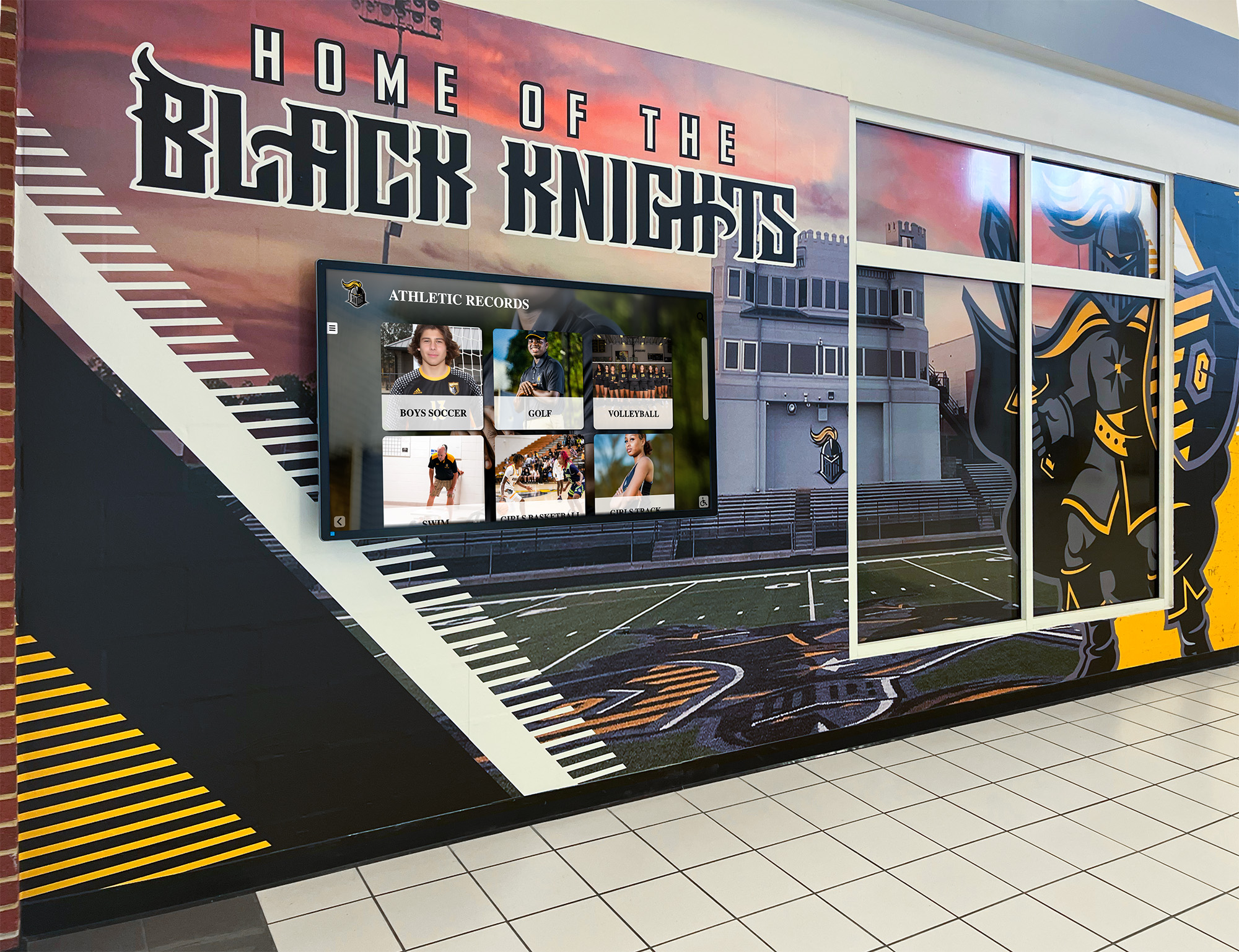
Building these records into a digital athletic record board eliminates the manual work of resorting when a record falls. Auto-ranking systems update the leaderboard in real time, so every new season champion appears at the top automatically.
Team Achievement Milestones
| Field | Example |
|---|---|
| First state championship | Year |
| Most recent state championship | Year |
| Total state championship count | |
| Consecutive winning seasons (current streak) | |
| Longest winning streak (all-time) | Wins, season(s) |
| First 1,000-yard rusher | Player, year |
| First 2,000-yard passer | Player, year |
| First player to reach 100 career TDs | Player, year |
| Notable rivalries | Opponent, all-time series record |
Sponsor Recognition Fields
Sponsors fund everything from game programs to digital displays to travel budgets. A dedicated sponsor section in your football program template documents who supported the program, at what level, and for how long—information that matters when renewing relationships and honoring long-term partners.
Sponsor Entry Fields
| Field | Notes |
|---|---|
| Organization name | Legal name for contracts, display name for public recognition |
| Contact name | Primary booster or business contact |
| Contact email / phone | Internal use only |
| Sponsorship tier | Presenting, platinum, gold, silver, supporting |
| Sponsorship amount | Or in-kind value if applicable |
| Season(s) sponsored | Track tenure for long-term recognition |
| Logo file | File name, format, approved resolution |
| Placement permissions | Game program, scoreboard, digital display, social media |
| Recognition notes | Any specific acknowledgment requested by sponsor |
| Renewal status | Active, pending, lapsed |
Sponsorship Tier Definitions (Sample Structure)
| Tier | Typical Benefits | Recognition Placement |
|---|---|---|
| Presenting Sponsor | Name on all printed and digital materials | Game program cover, scoreboard, digital display |
| Platinum | Full page ad + digital recognition | Inside front cover, hallway display |
| Gold | Half page ad + recognition | Program interior, roster page |
| Silver | Quarter page ad | Program interior |
| Supporting | Name listing | Program inside back cover |
When sponsor logos and tenure data are captured in the roster template alongside player and coach information, programs can recognize long-term sponsors in athletic hall of fame displays alongside player and team achievements—a detail that strengthens renewal conversations significantly.
School-Specific Roster Examples
Different program levels have different documentation needs. Here are three representative examples.
Example 1: Small High School (Single A/AA)
A small-school football program often has a roster of 30–45 players and a staff of 3–5 coaches. The priority fields are:
- All player identity fields (name, number, grade, position, hometown)
- Season statistics for offensive skill players (QB, RB, WR) and key defensive players
- Season win-loss record, conference finish, and playoff result
- Head coach record and years of service
- Two or three primary sponsors
With only one or two people responsible for all athletic communications, keeping the template lean but complete prevents data from being lost when staff turns over.
Example 2: Large High School (5A/6A)
Larger programs face a different challenge: more players, more staff, more media scrutiny, and more alumni who follow the program closely. Priority additions include:
- Full statistical capture for all positions, not just skill players
- Academic honors (all-state academic, honor roll) tracked alongside athletic stats
- Dedicated records section tracking all-time leaders in 10–15 categories
- Sponsor tier structure with 10–20 partners
- Archived rosters going back 10+ years, building toward a searchable program history
Large programs that maintain comprehensive archives over time create compelling materials for youth sports awards programs and senior recognition events—because the data to tell individual stories already exists.
Example 3: College or University Program
At the college level, roster templates must also accommodate NCAA or NAIA compliance fields, transfer portal tracking, and eligibility documentation. Priority additions include:
- Academic eligibility status (can be coded rather than detailed, for privacy)
- Hometown and high school (standard in college programs, used in media relations)
- Recruiting class year
- Transfer origin school, if applicable
- Major / area of study (for academic recognition programs)
- NIL status tracking, if your institution requires it
College programs managing hall of fame and record board initiatives benefit from platforms that can display career records by class year and decade—giving alumni from every era a connection to the program’s history. Resources like interactive hall of fame recognition tools outline how multi-era archives can be structured for digital display.
Step-by-Step: Building Your Template
Follow this sequence to build a football team roster template your program will actually use consistently:
Step 1: Audit what you already have. Collect every spreadsheet, database export, printed program, and digital file related to past rosters. Identify which fields have been captured consistently and which are spotty or missing entirely.
Step 2: Define your minimum field set. Start with the fields your program must have for compliance (state association requirements, AD reporting). Add the fields necessary for game programs. Then add the archive fields for records and recognition. Resist the urge to add every possible field on day one—an 80-field template that goes unfilled is worse than a 30-field template populated completely.
Step 3: Choose your format. A shared Google Sheet or Excel workbook works for most programs. Use separate tabs for: Players, Coaches, Records, and Sponsors. Add a fifth tab as a Season Summary that pulls key data automatically from the others.
Step 4: Establish a data collection workflow. Assign clear ownership. The head coach or team manager fills player identity and athletic fields during fall camp. The athletic director or AD assistant fills administrative and contact fields. A designated stats keeper fills performance fields weekly. The booster club liaison fills sponsor fields.
Step 5: Lock the template at season start. Once rosters are submitted to the state association, freeze the identity fields. Only statistical and status fields (starter/backup, captain) should change mid-season.
Step 6: Archive before clearing.
At season end, export the completed roster to a permanent archive file (PDF and original spreadsheet format) before updating for the next season. Label files clearly: [SchoolName]_Football_Roster_[Year].xlsx.
Step 7: Update the record board. Compare this season’s stats against the all-time records table. Update any records broken. Note the player, mark, date, and opponent. This step takes under 30 minutes if the statistical fields were captured consistently.
From Spreadsheet to Digital Display
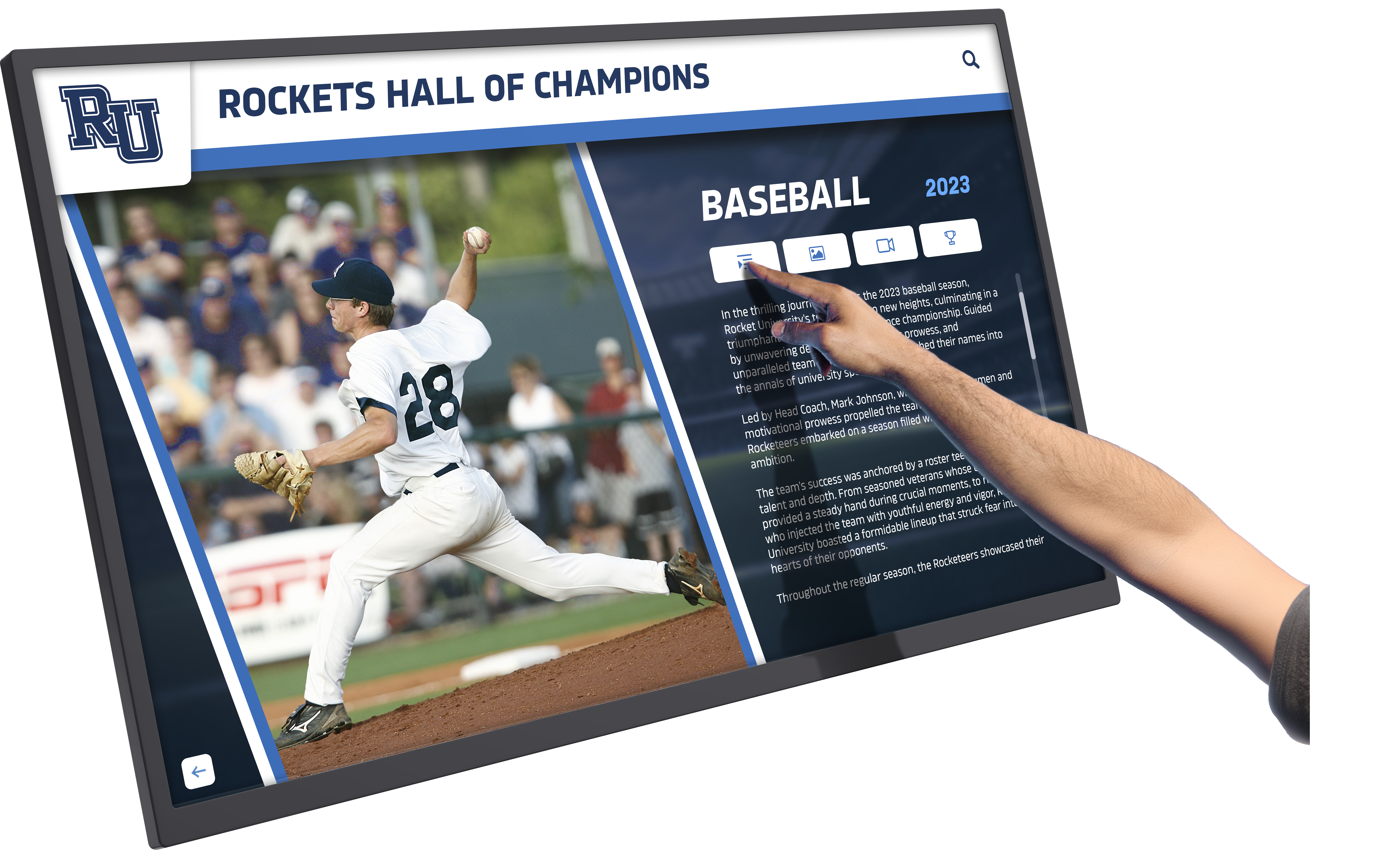
A football team roster template in a spreadsheet is functional. The same data organized for a digital display becomes something your entire school community can engage with—athletes, alumni, parents, and prospective students walking through your facility.
What Digital Displays Add That Spreadsheets Cannot
- Auto-ranking: When career statistical data is loaded into a record board platform, the system automatically ranks all-time leaders in each category and updates rankings each time new season data is added. No manual resort required.
- Photo and media integration: Player profile photos, highlight video clips, and newspaper scans bring archived data to life in ways a spreadsheet cannot.
- Searchability: Visitors to a touchscreen display can search by player name, graduation year, position, or record category. Alumni can find themselves in seconds.
- QR unlock: Modern recognition platforms let visitors scan a QR code to transfer a player’s full profile to their phone—a feature that drives engagement at alumni events, open houses, and signing days.
- Multi-sport integration: The same platform that displays football records can house basketball, track, baseball, and every other sport’s all-time leaders, making the athletic hallway a comprehensive program archive rather than a football-only display.
Athletic programs investigating digital options can review comprehensive guides to hall of fame and recognition tools to understand what platforms are available at different budget levels and use cases.
Moving Data from Template to Platform
Most digital recognition platforms accept data import via CSV or structured spreadsheet. When your template fields map cleanly to the platform’s data schema, migration is straightforward. The fields most commonly required for import are:
- Player name and graduation year
- Position
- Profile photo file reference
- Career statistics by category
- Record entries (mark, holder, season)
Programs with clean historical archives—even going back 20 or 30 years—can populate a digital record board in a single migration rather than waiting to build data one season at a time. Athletic directors who have invested in recognition display infrastructure note that programs with thorough historical rosters see significantly higher engagement because alumni from every generation can find their era represented.
Book a Live Demo with Rocket Alumni Solutions
Frequently Asked Questions
What is the standard format for a football team roster template?
Most state athletic associations require name, jersey number, grade level, and position at minimum. Program-facing templates typically add height, weight, hometown, and academic class. A complete archival template also includes season statistics, career totals, and coaching staff information. There is no single universal standard—the right format is the one your program will populate consistently every season.
How do I handle players who change jersey numbers between seasons?
Track jersey number as a season-specific field, not a permanent player attribute. Each year’s roster entry should record the number worn that season. This is especially important for archived records, where a player may appear in multiple seasons with different numbers.
What statistical fields matter most for a high school football roster template?
For skill players: rushing yards, receiving yards, passing yards, and total touchdowns are the headline stats that appear on record boards and recognition displays. For defensive players: tackles, sacks, and interceptions. For all positions, games played and games started provide context for rate statistics. Capturing these six to eight fields per season per player covers the vast majority of recognition and archival needs.
Should sponsors be listed on the public-facing roster?
Typically yes, on printed game programs and digital displays, with sponsor logo and tier designation. Contact information and financial terms remain internal. Some programs create a separate sponsor recognition section in the game program or a dedicated sponsor panel in their digital athletic display.
How do I capture records for players from before digital records were kept?
Start with what is verifiable: newspaper archives, printed programs, annual report documents, and long-tenured staff and alumni memory. Document each historical record with a confidence level (verified, estimated, oral tradition) so future staff understands the evidentiary basis. Even partial historical records are better than none—and platforms that support all-time athletic recognition can display records with contextual notes acknowledging incomplete historical data.
Can one roster template work for multiple sports?
The identity fields (name, grade, number, hometown, photo) are almost entirely transferable. The statistical fields are sport-specific. The most efficient approach is a master identity database shared across all sports, with sport-specific statistical tabs appended for each program. The coaching staff and sponsor sections can also share structure, with program-specific customization layered on.
How often should we update the records section?
At minimum, once per season after the final game. Programs that maintain live statistical tracking can update records weekly during the season, which is particularly useful for displays in athletic hallways where students and staff see updates in real time. For youth sports recognition programs, weekly updates keep the display relevant and give athletes ongoing motivation throughout the season.
What is the best way to archive rosters long-term?
Maintain three copies: a shared drive folder accessible to multiple administrators, a local backup on school-controlled hardware, and an exported PDF copy stored with other permanent athletic records. Name files consistently (School_Sport_Year) and include a “last updated” date inside the document. Long-term, migrating data into a dedicated digital recognition platform provides the most durable archive because the data lives in a structured database rather than individual files that can be lost in staff transitions.
How do sponsors benefit from being included in the roster template?
Documented sponsor tenure builds the case for long-term partnership recognition. A sponsor who has supported your program for eight consecutive seasons deserves different recognition than a first-year partner. When sponsor history is tracked in the template, programs can present tenure milestones at banquets, include “X years of partnership” callouts in recognition displays, and make a compelling case for renewal by showing the sponsor exactly where their name has appeared. Resources covering alumni event recognition strategies include examples of how sponsor recognition integrates with broader program celebration events.
Building Program History One Season at a Time
A football team roster template is not just an administrative form—it is the foundation of your program’s institutional memory. Every player who wore the jersey, every coach who led the team, every record broken, and every sponsor who invested in the program deserves to be captured completely and preserved reliably.
Programs that treat roster documentation as an ongoing archive rather than a seasonal compliance task create something far more valuable than a list of names: they build a searchable, displayable history that connects current athletes to those who came before, motivates future players who see all-time records within reach, and gives alumni a permanent place in the story of the program they helped build.
For athletic directors and coaches ready to move from spreadsheets to an always-current display that updates automatically and engages everyone who walks through the athletic hallway, digital recognition platforms built specifically for school athletics provide the infrastructure to make that history visible without ongoing manual effort.
Explore tools that connect youth sports recognition with long-term archival display to see how programs at every budget level are preserving program history and engaging their communities.
See Your Football Program's Records on a Live Digital Display
Rocket Alumni Solutions builds interactive record boards and recognition displays for high school and college football programs. Auto-ranking, unlimited historical entries, and browser-based updates — no IT department required.
Book a Free Demo






























