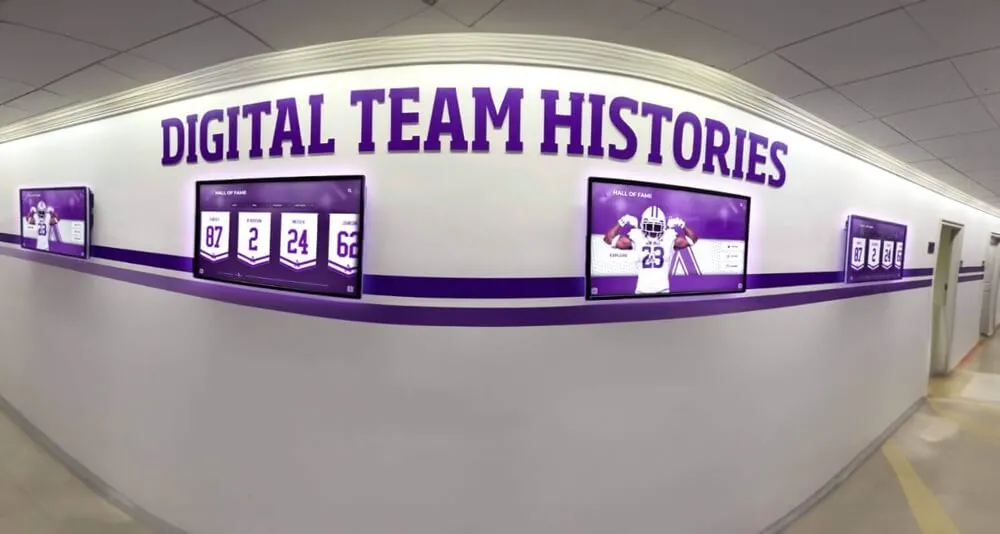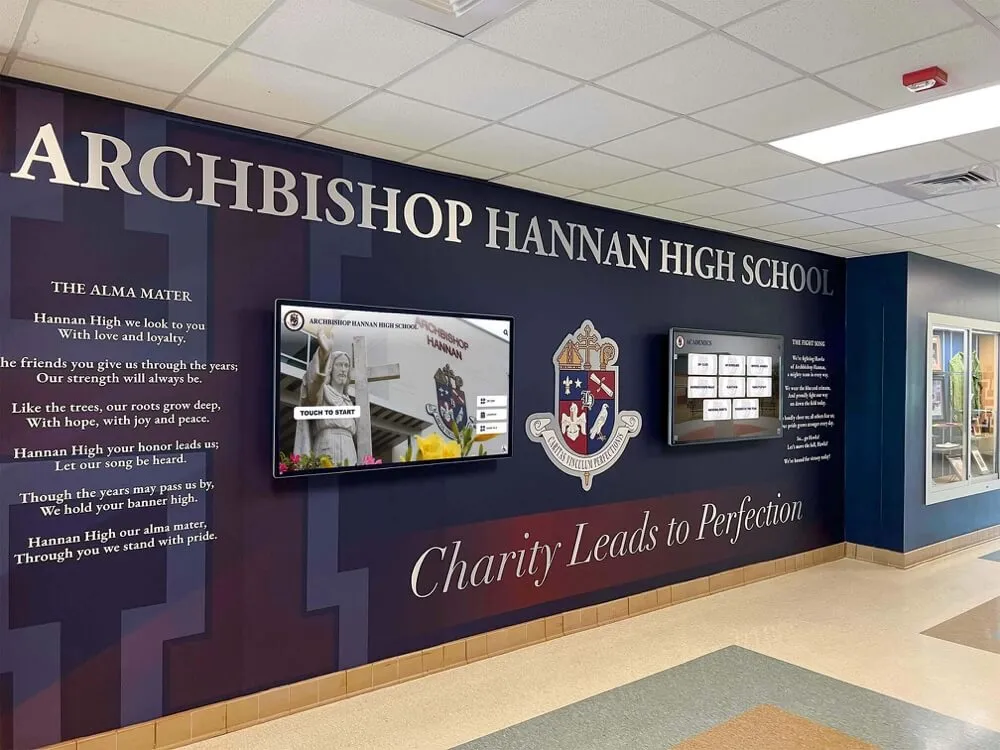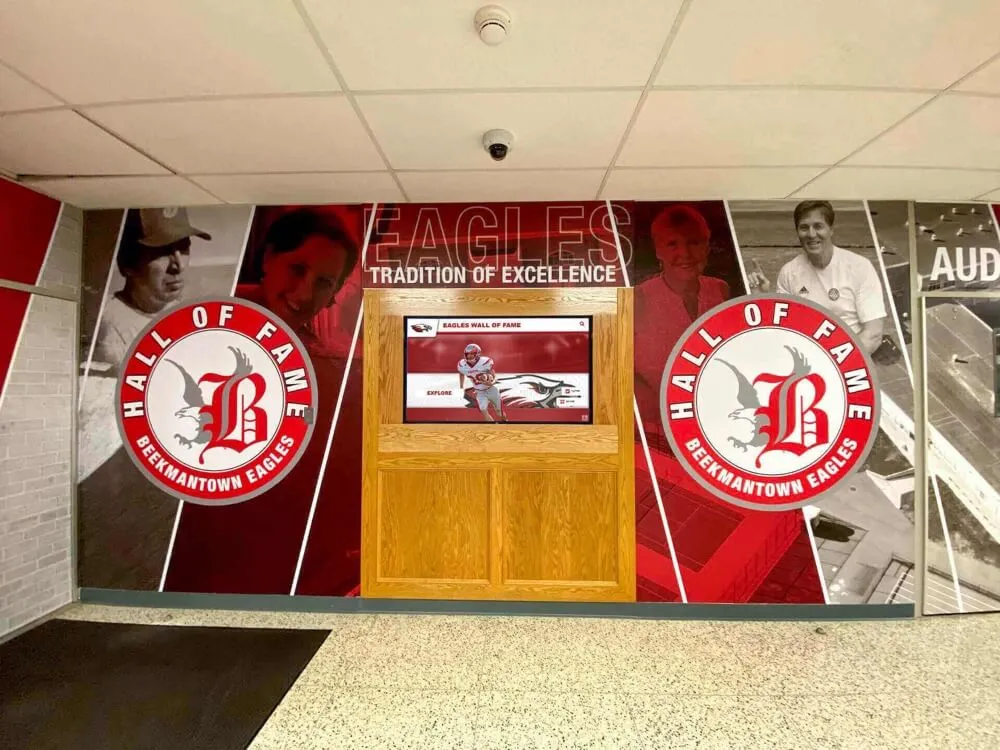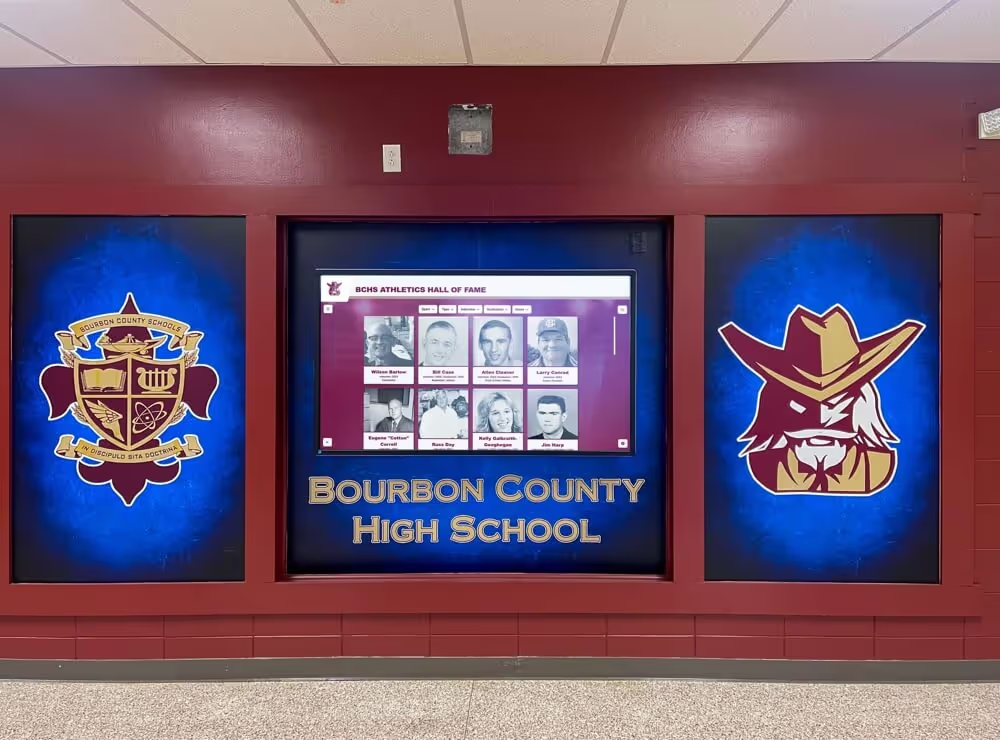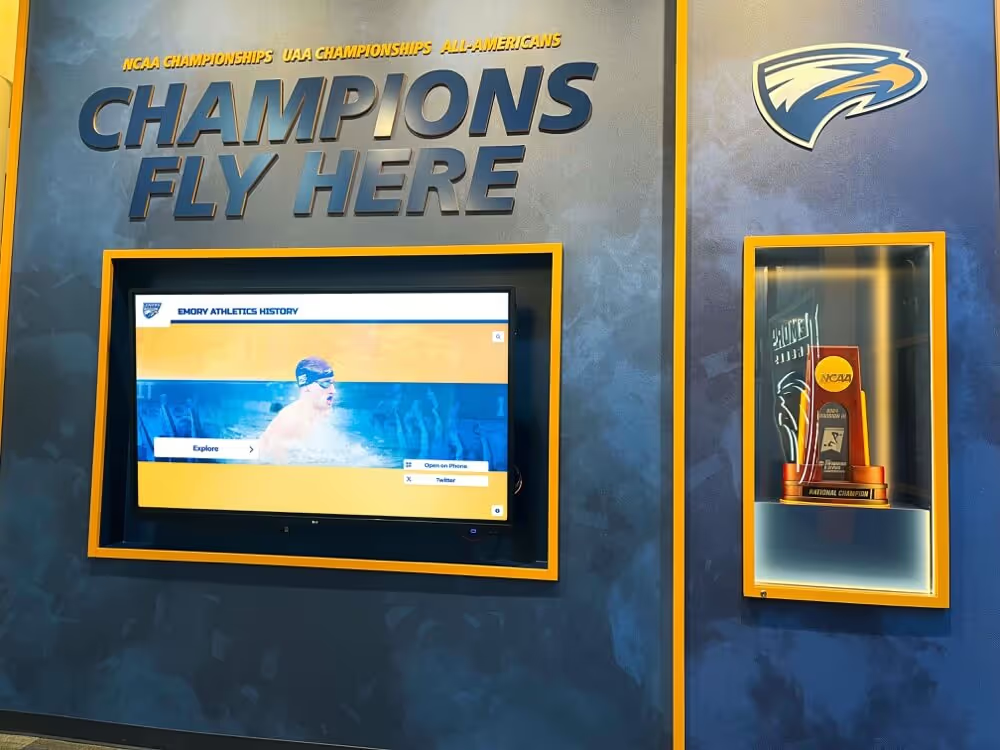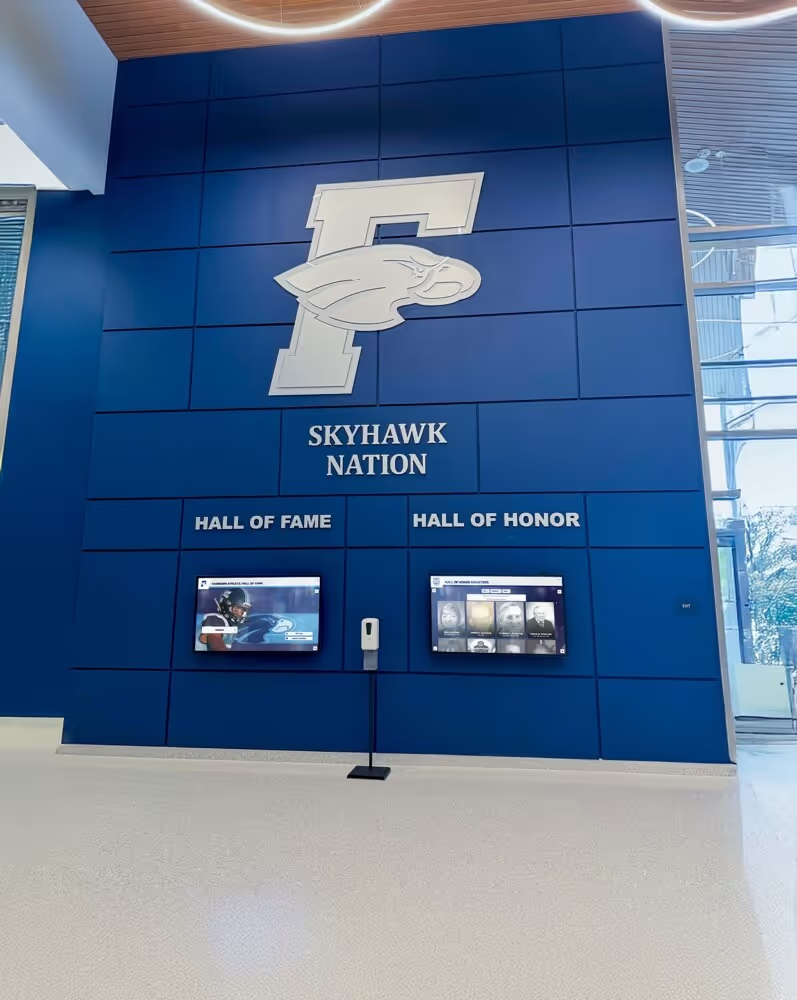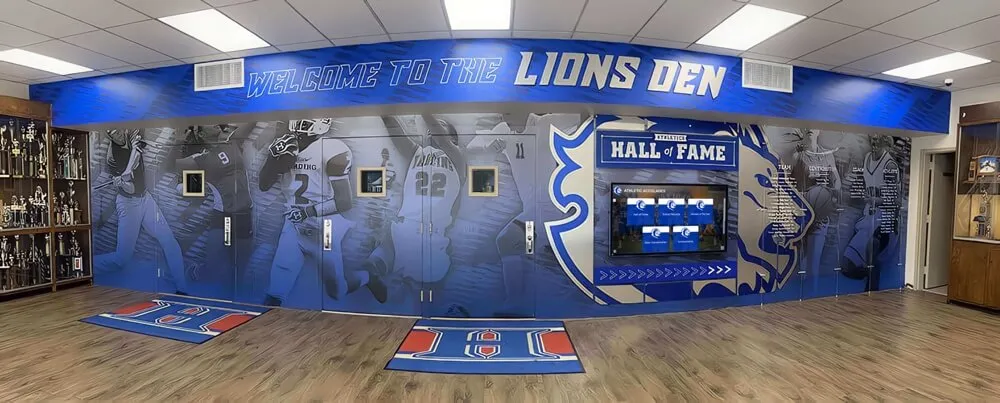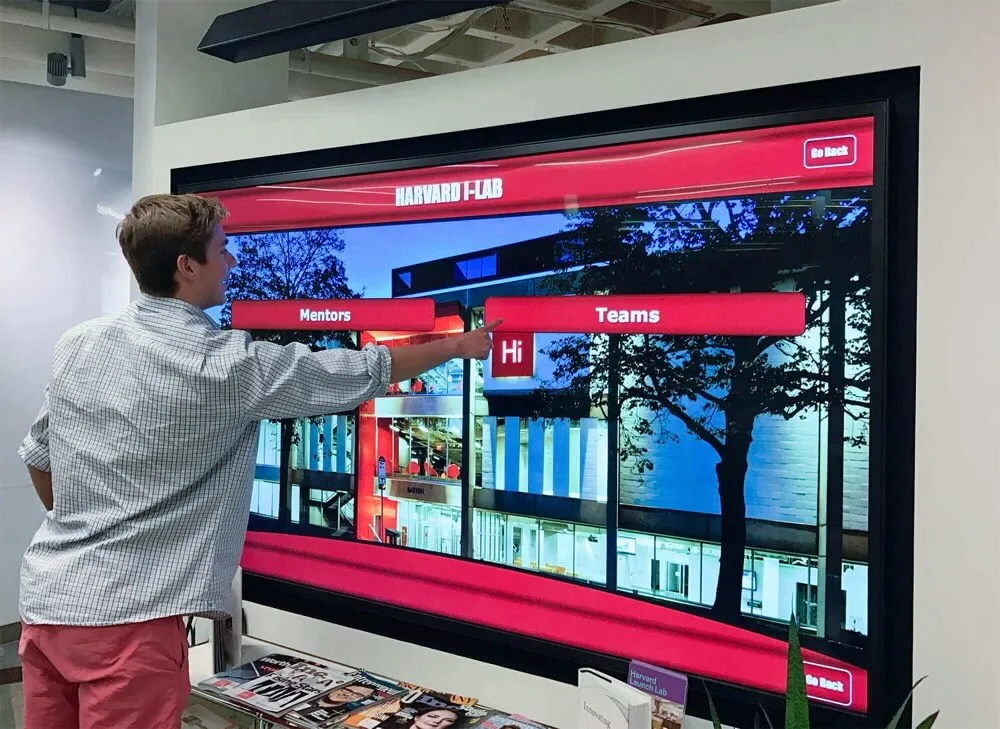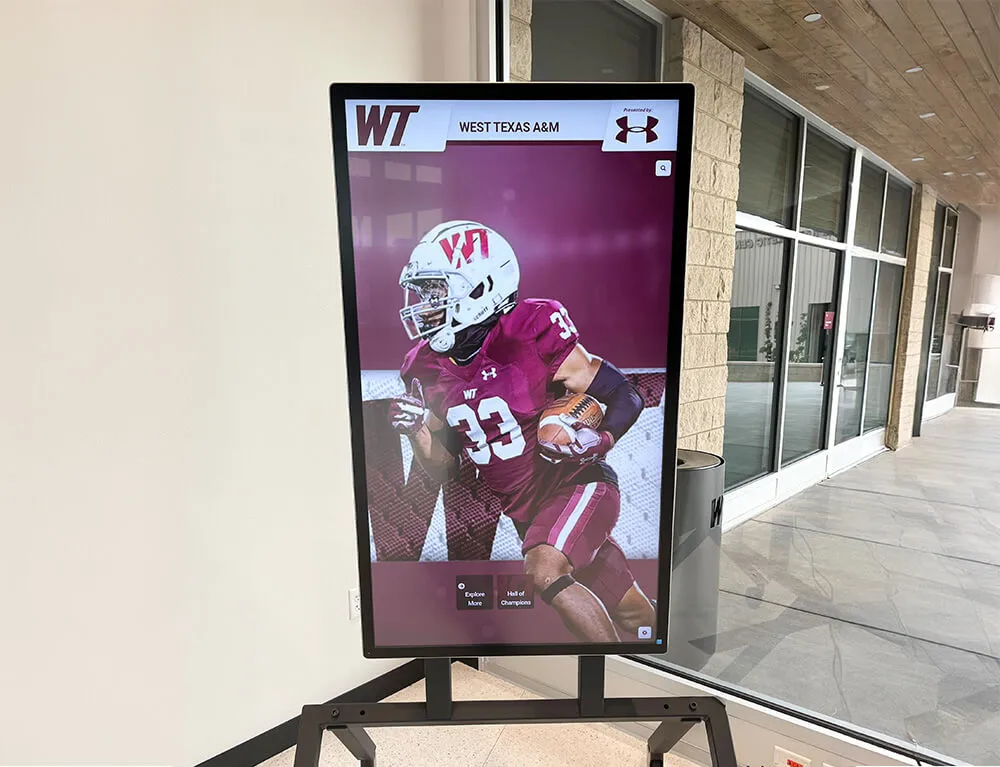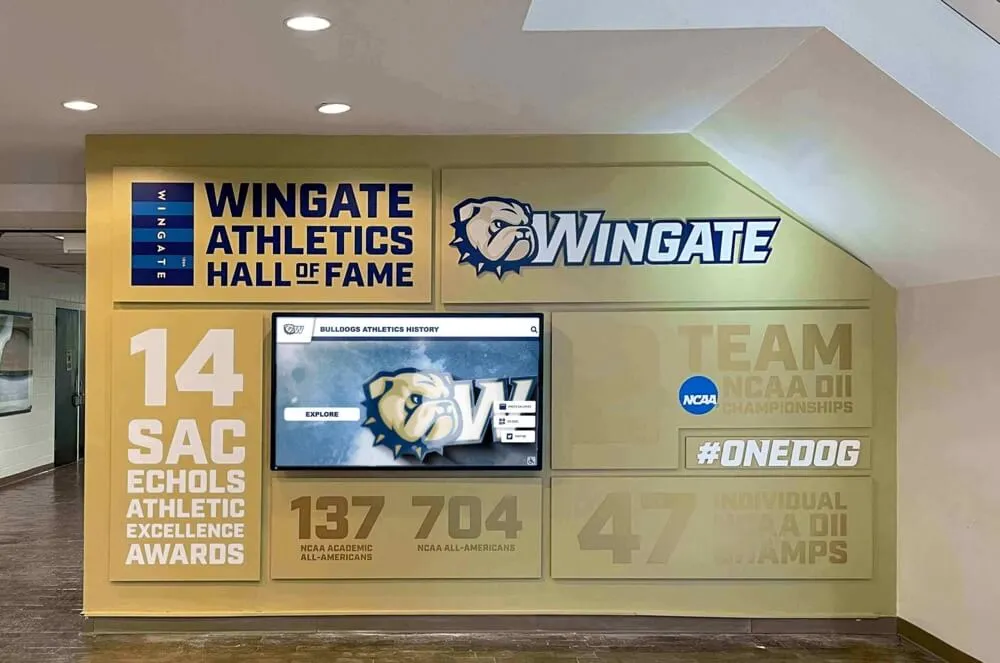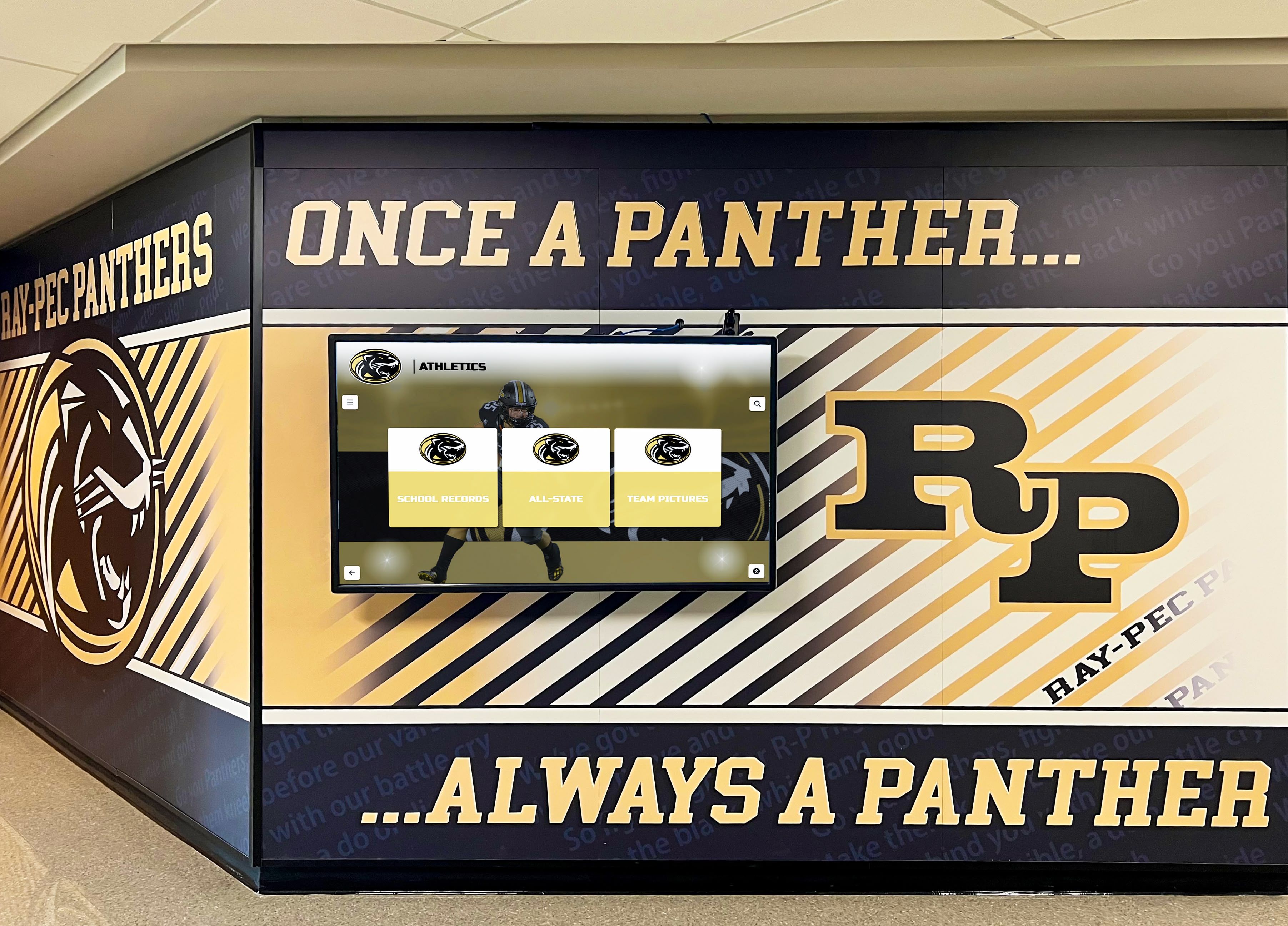




School administrators shopping for digital signage quickly discover a market built for corporate budgets. Per-screen licensing fees, separate MDM (Mobile Device Management) contracts, content design subscriptions, and hardware lock-in add up before a single display goes live. The result: many schools either overbuy a system they cannot maintain, or settle for consumer TVs running USB slideshows that look nothing like the polished displays they envisioned. This guide cuts through those layers. You will find a plain explanation of how school digital signage works, what features matter most in a K–12 environment, and why the price ceiling on a full-featured, MDM-included platform is lower than most administrators assume.
Intent: decide
What “Digital Signage for Schools” Actually Covers
“Digital signage” describes any networked display that delivers content remotely—without someone physically inserting a USB drive or logging into the screen. In a school context, that range is broad:
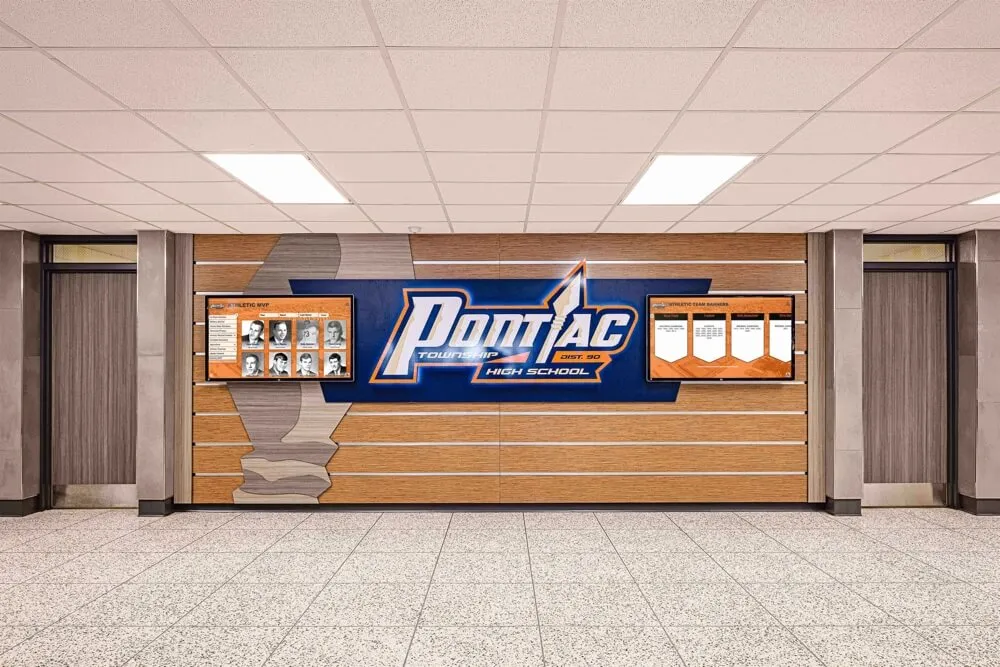
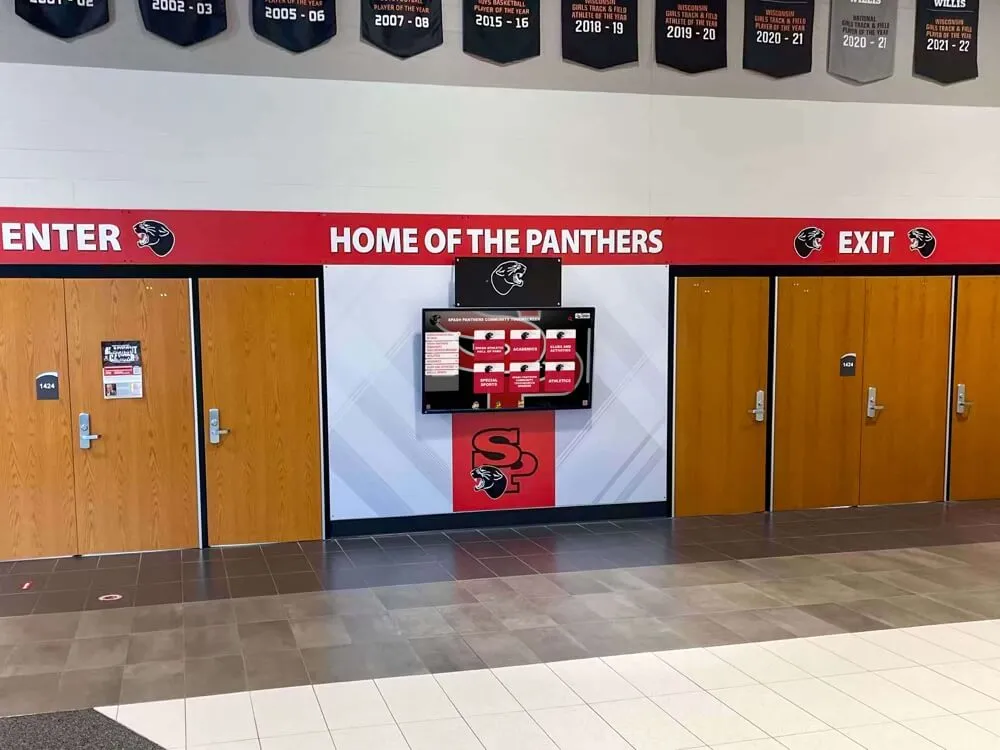
- Lobby and hallway displays showing daily announcements, schedules, athletic results, and recognition
- Athletic facility screens with record boards, weight room leaderboards, and game-day content
- Gymnasium and auditorium displays for event information, sponsorship recognition, and real-time results
- Administrative and classroom boards with calendars, emergency alerts, and policy reminders
- Wayfinding kiosks directing visitors to offices, classrooms, and event spaces
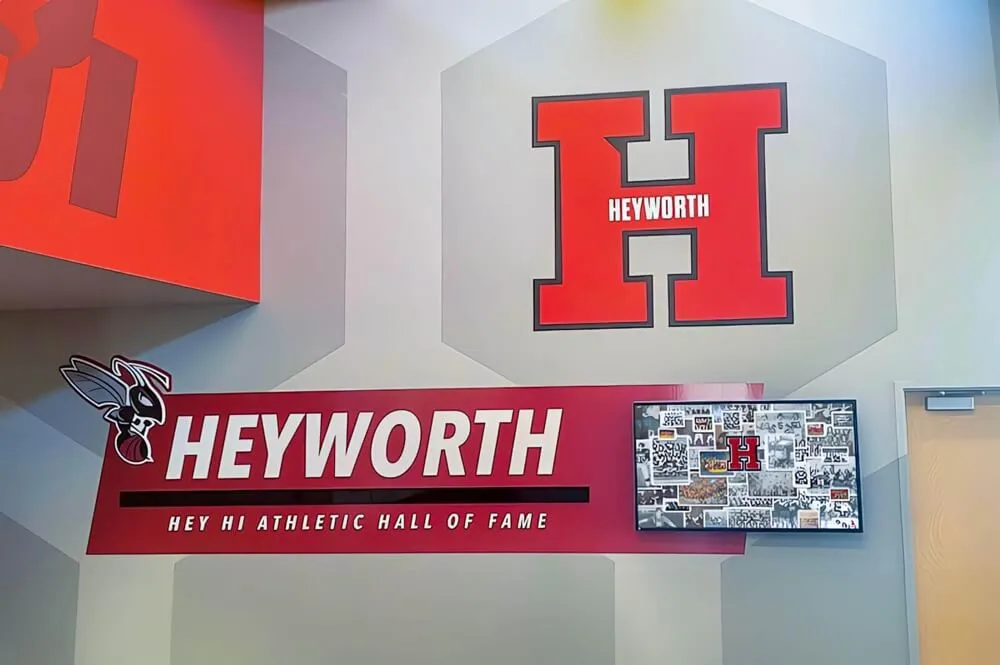
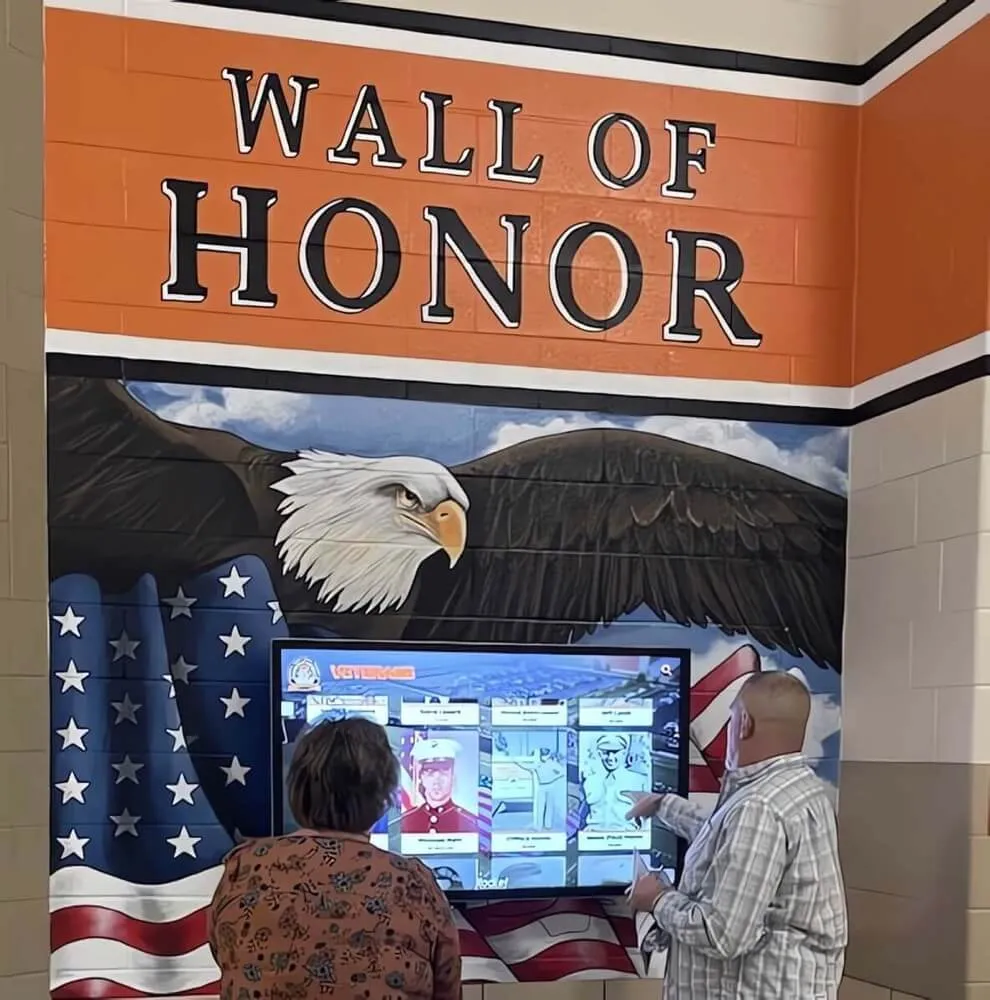
- Donor and alumni recognition walls preserving institutional history and celebrating major contributors
All of these run on the same basic architecture: a display (TV or commercial monitor), a media player or built-in device that receives content, a cloud-based content management system (CMS), and—when managed properly—MDM software that keeps devices under IT control.
The Seven Most Common Use Cases in K–12 Schools
Understanding where displays earn their keep helps prioritize hardware placement and content investment.
1. Athletic Record Boards
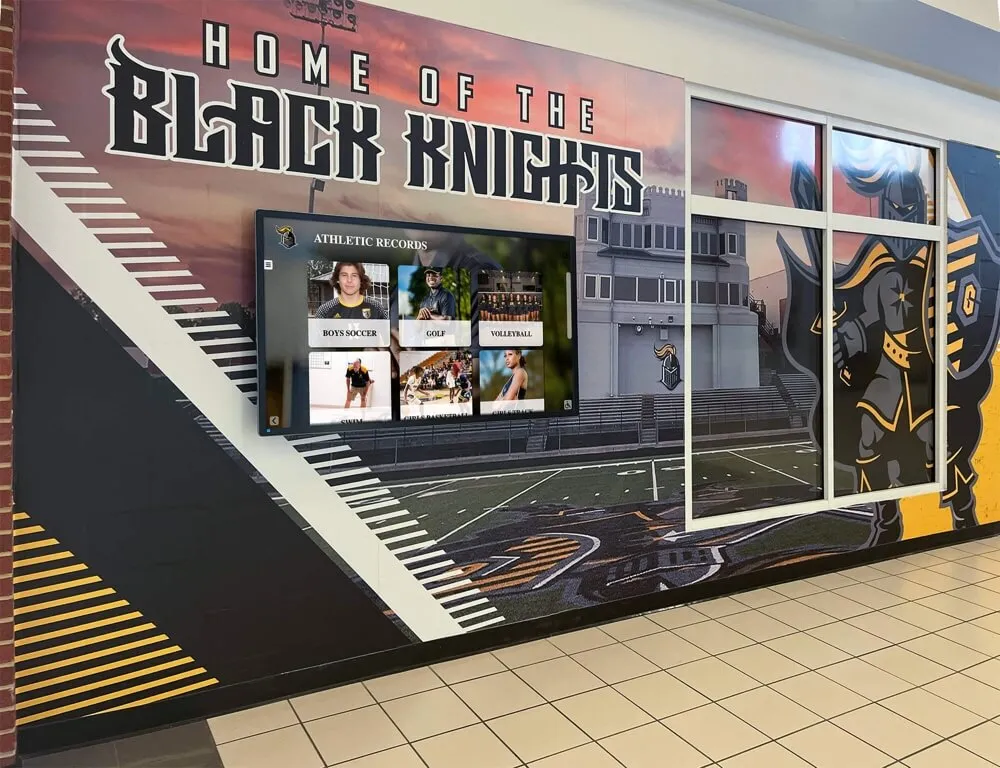
Record boards in weight rooms, gymnasiums, and hallways track all-time performance marks by sport, event, and year. Static vinyl boards require a professional update every time a record falls; digital versions update through a web browser in minutes. Auto-ranking features keep standings accurate without manual sorting. For schools tracking records across 15 or more sports, this single use case commonly justifies the investment. For a detailed breakdown of how schools expand this into full campus engagement, see these digital record board campus engagement ideas.
2. Daily Announcements and Communications
Schools broadcast announcements, lunch menus, event countdowns, and bell schedules on corridor and commons displays. Unlike PA systems, visual displays reach students focused on other things—and they persist throughout passing periods rather than disappearing the moment audio ends.
3. Gymnasium and Athletic Facility Screens
Game-day content, team schedules, and post-season recognition all benefit from displays in athletic spaces. Schools also use these screens for strength-and-conditioning motivation, showing weekly personal record leaders and training benchmarks.
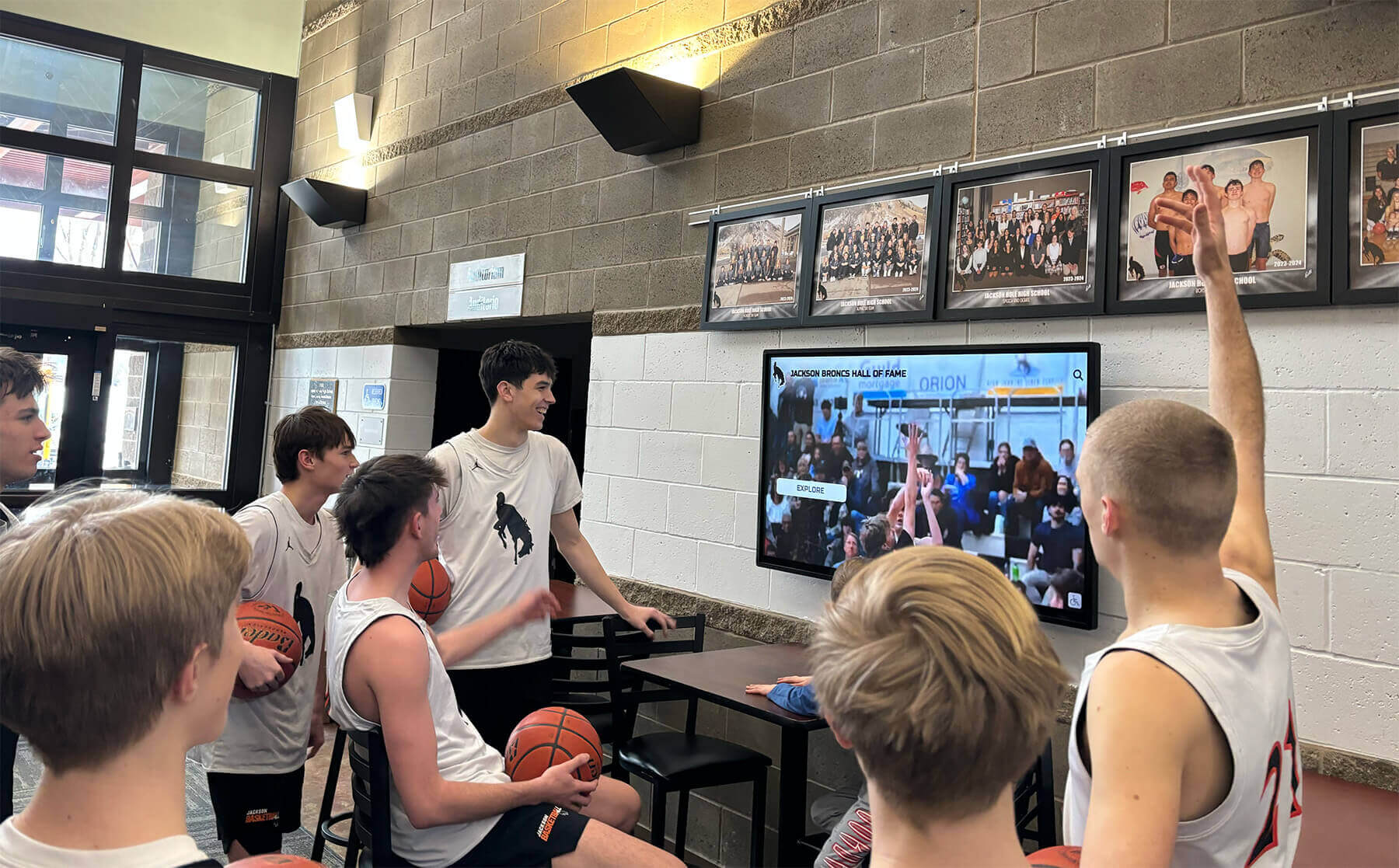
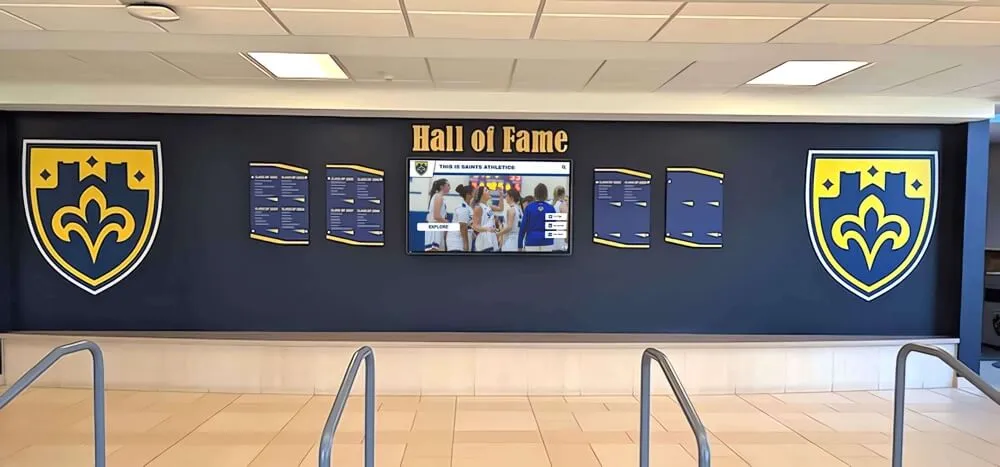
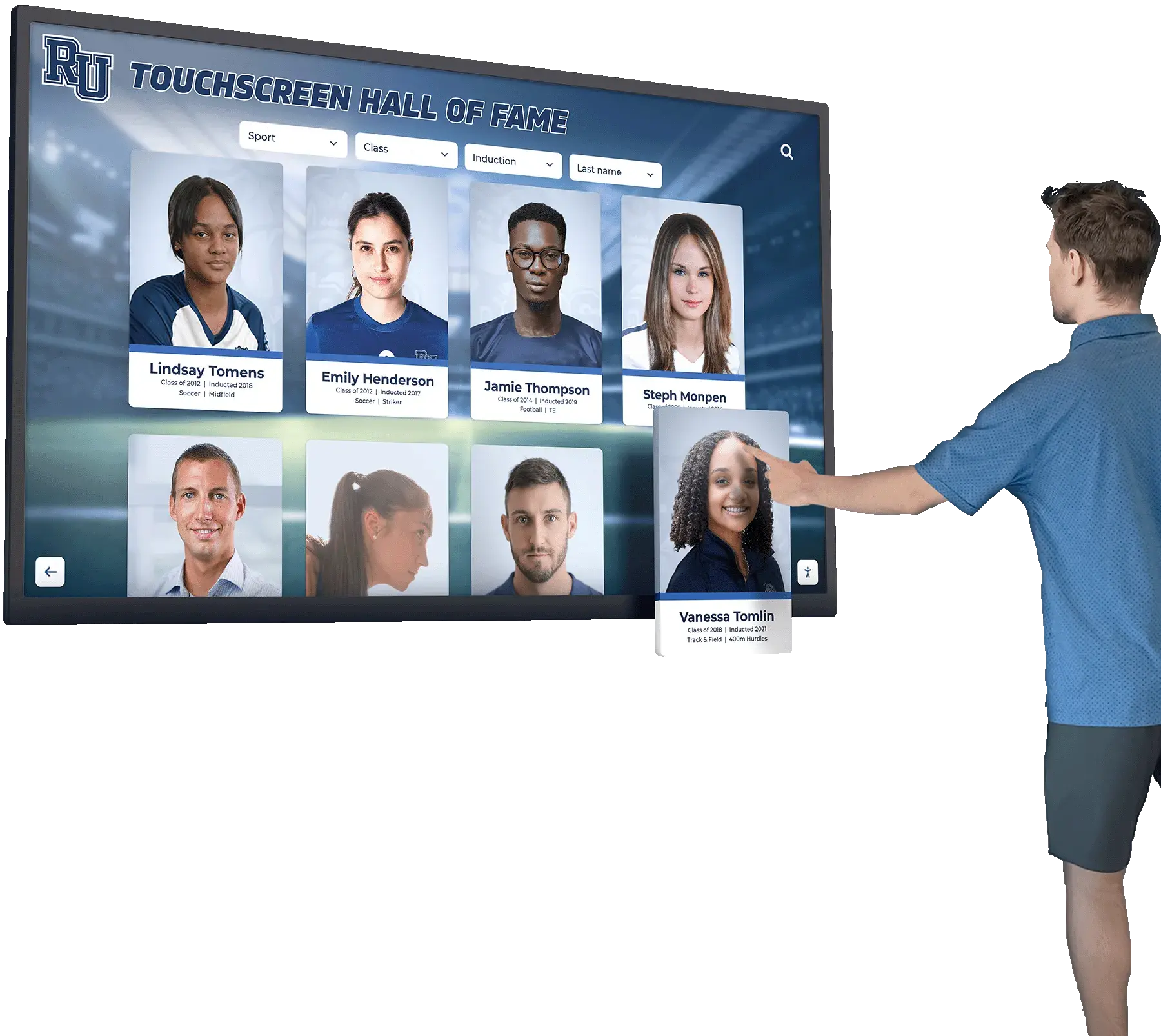
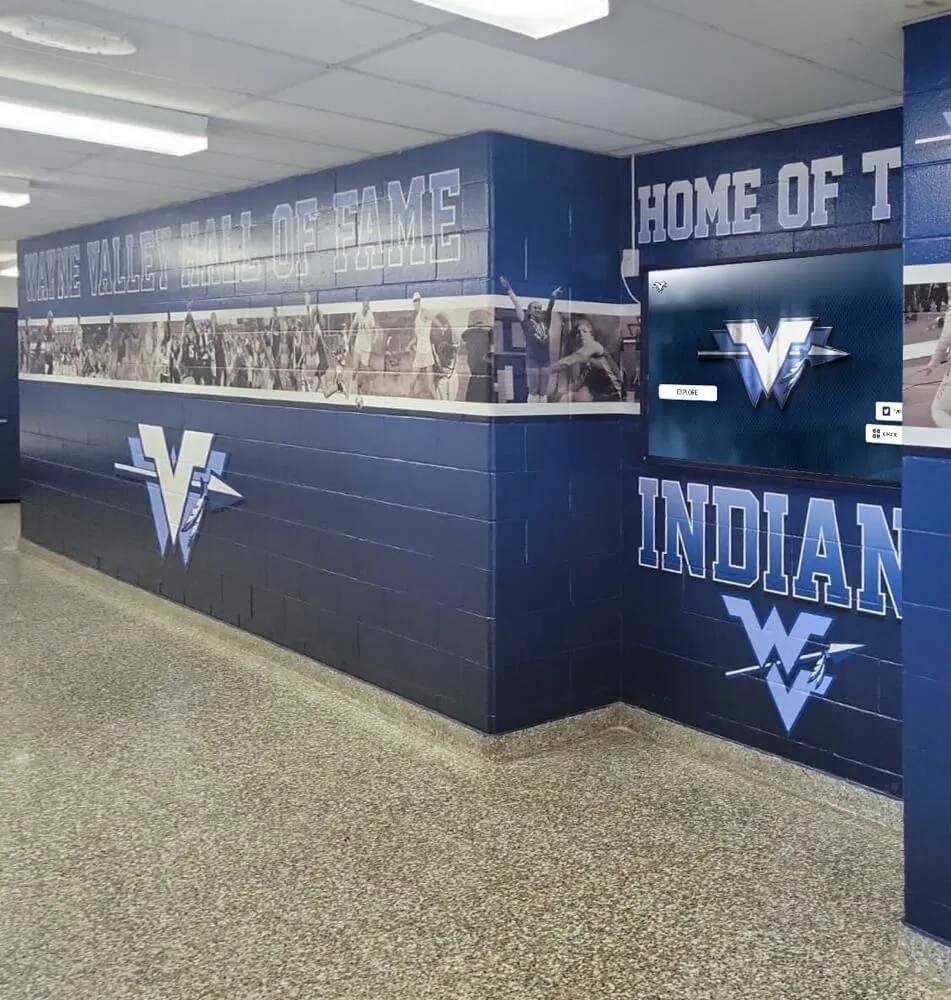
4. Hall of Fame and Recognition Displays
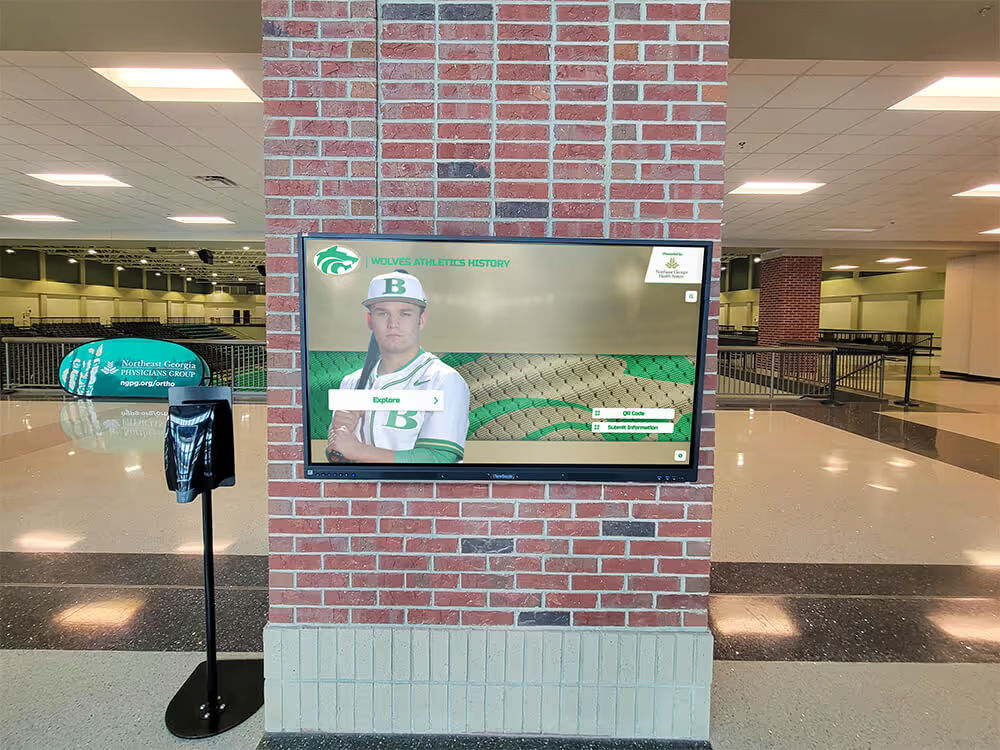
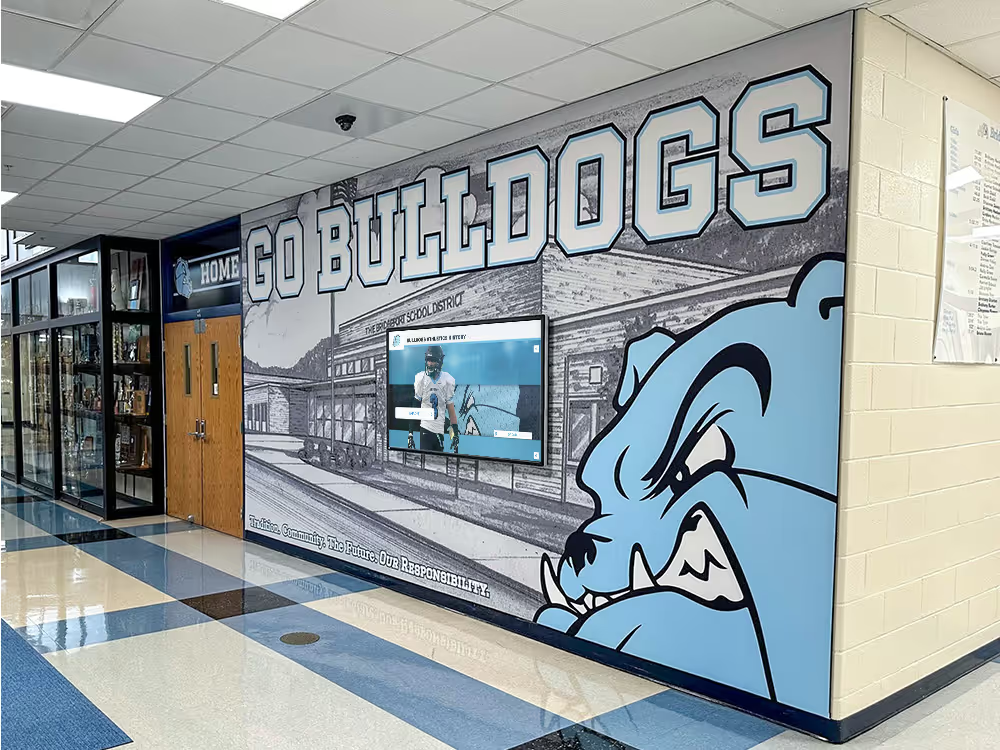
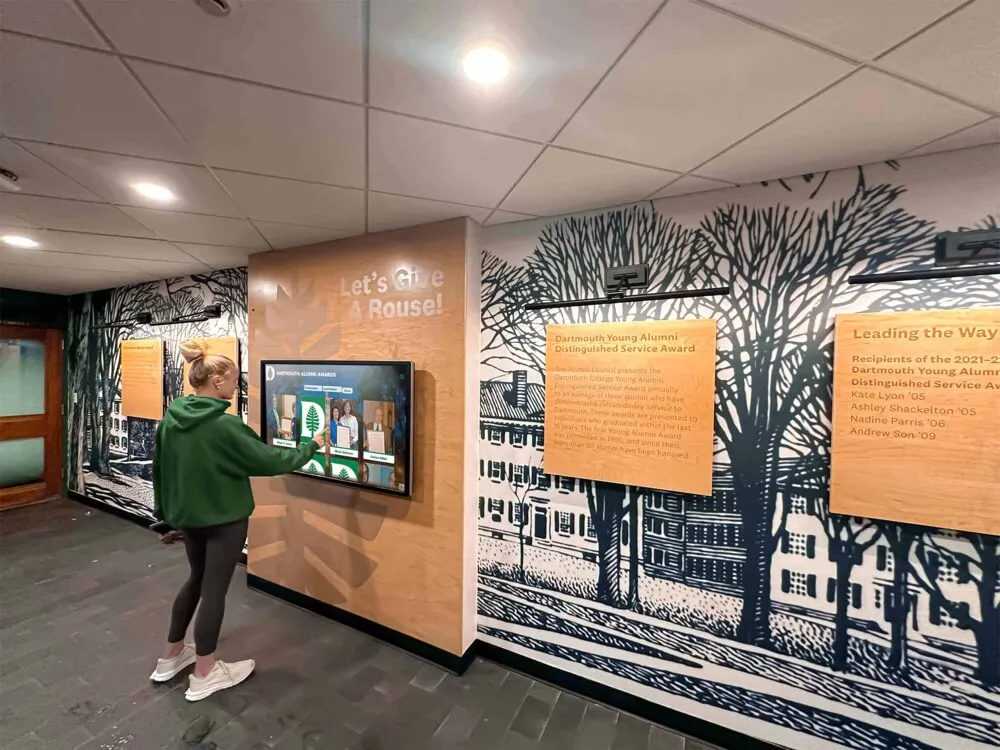
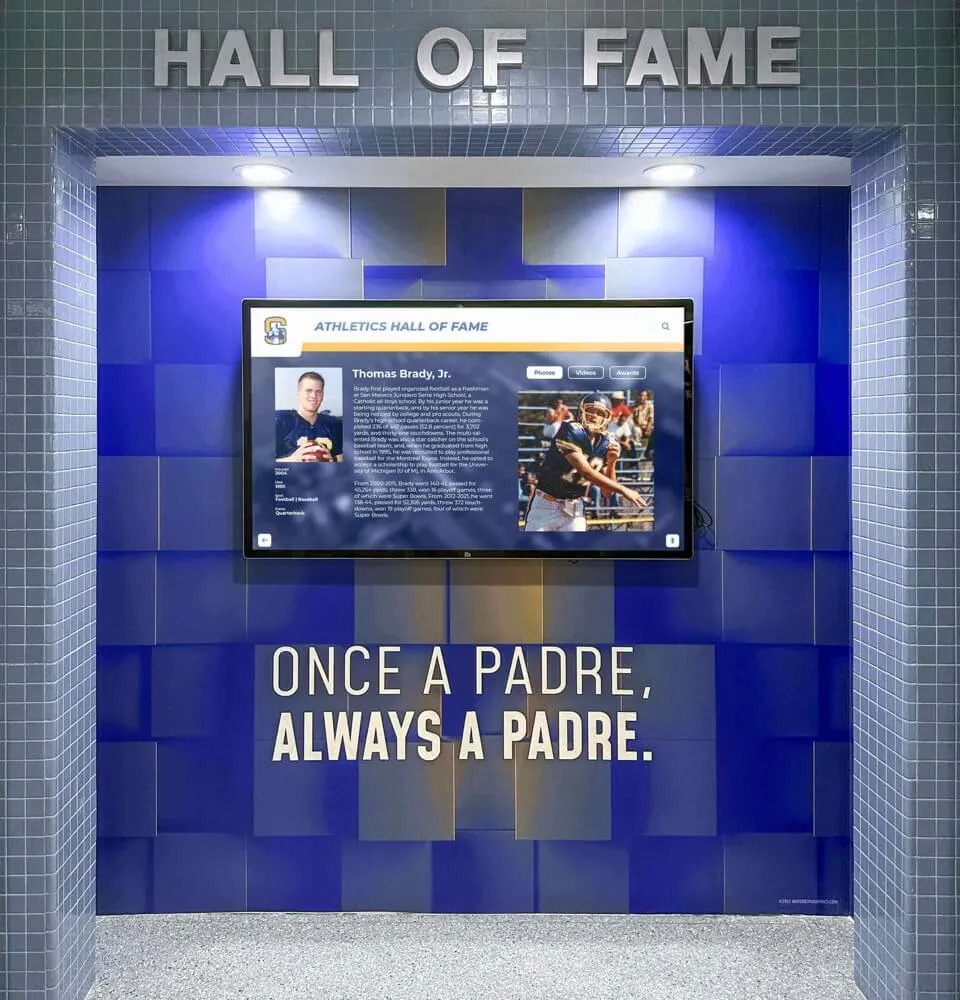
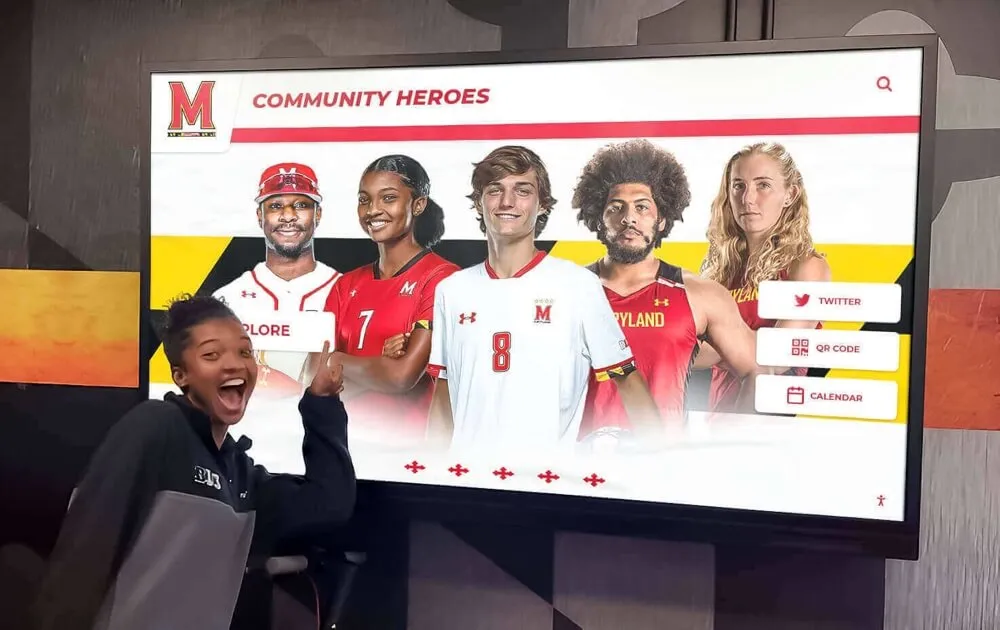
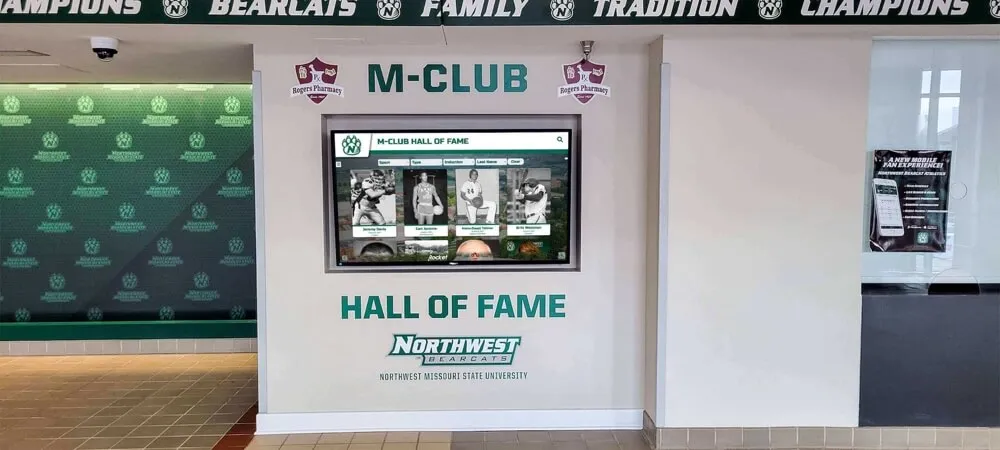
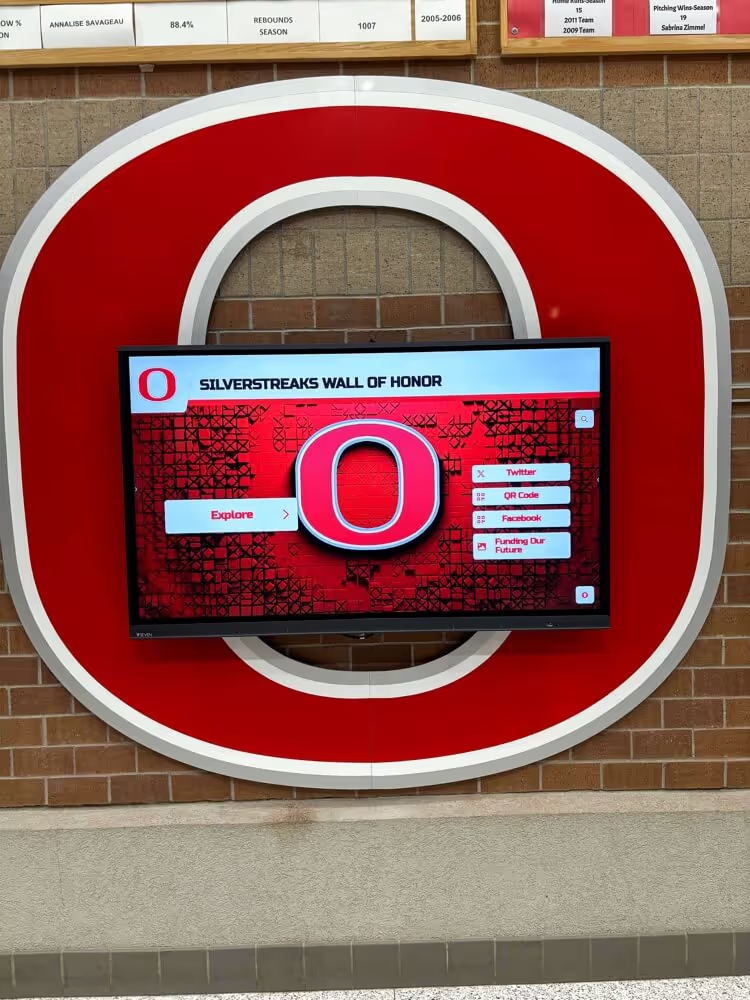
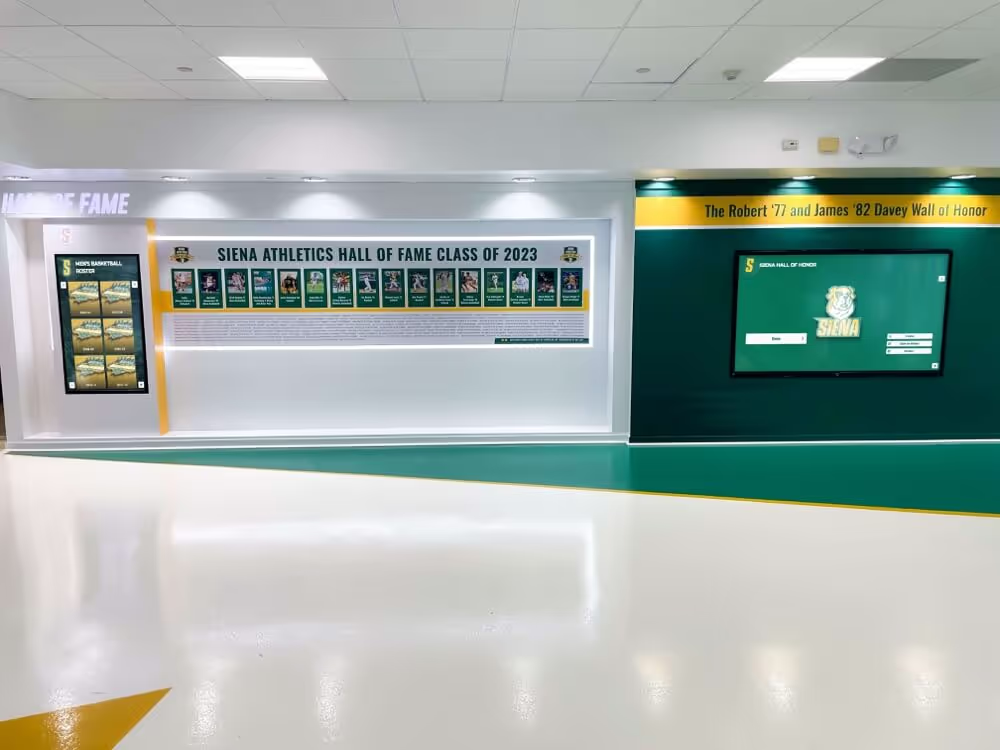
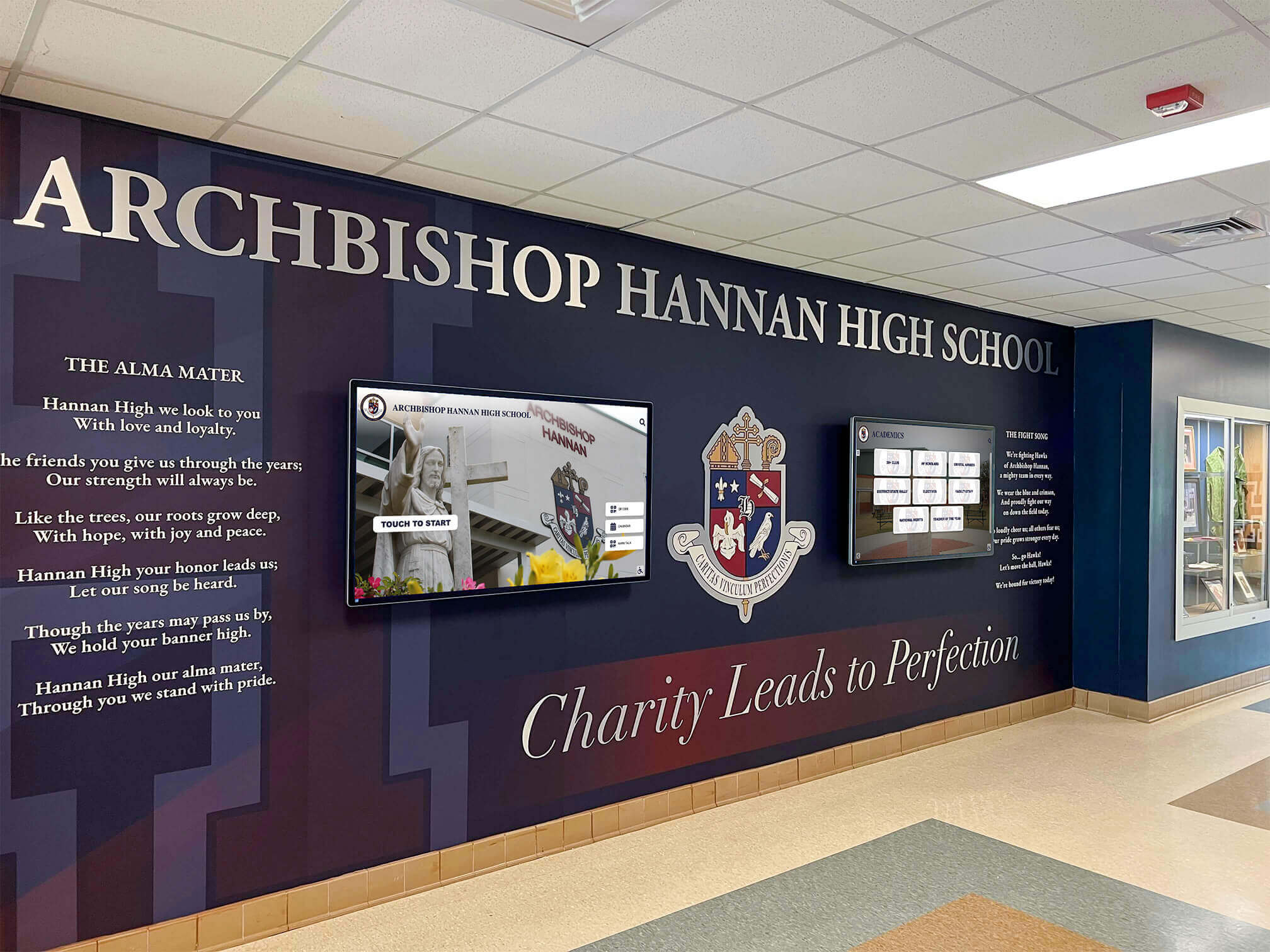
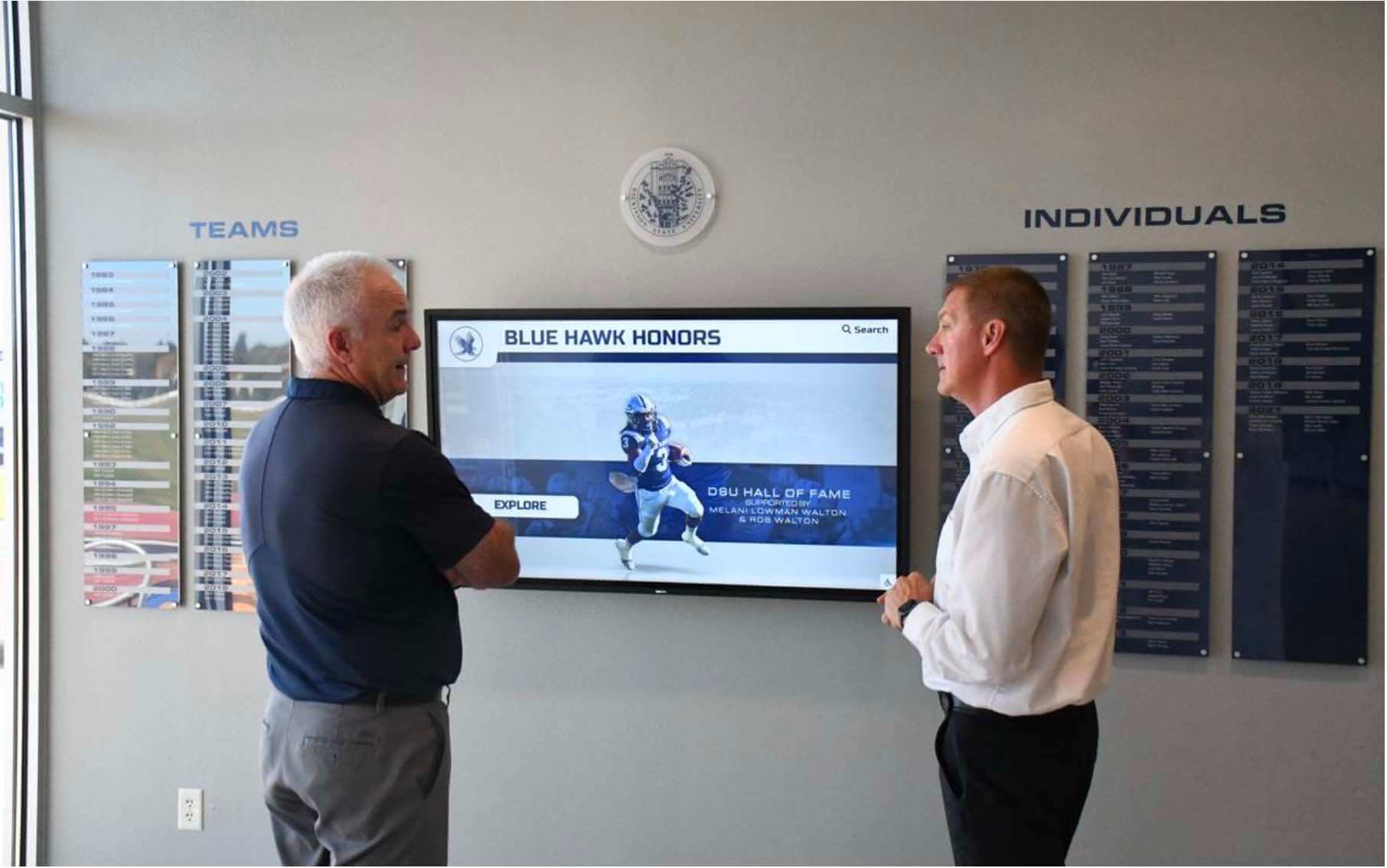
Interactive touchscreen recognition walls replace static plaques and trophy cases with searchable databases of athletes, scholars, donors, and alumni. Visitors can find their era, browse by sport, or pull up a specific honoree in seconds. This application works best when the signage platform doubles as a web-accessible archive—meaning the same database driving the touchscreen is also reachable from any browser.
5. Donor Recognition
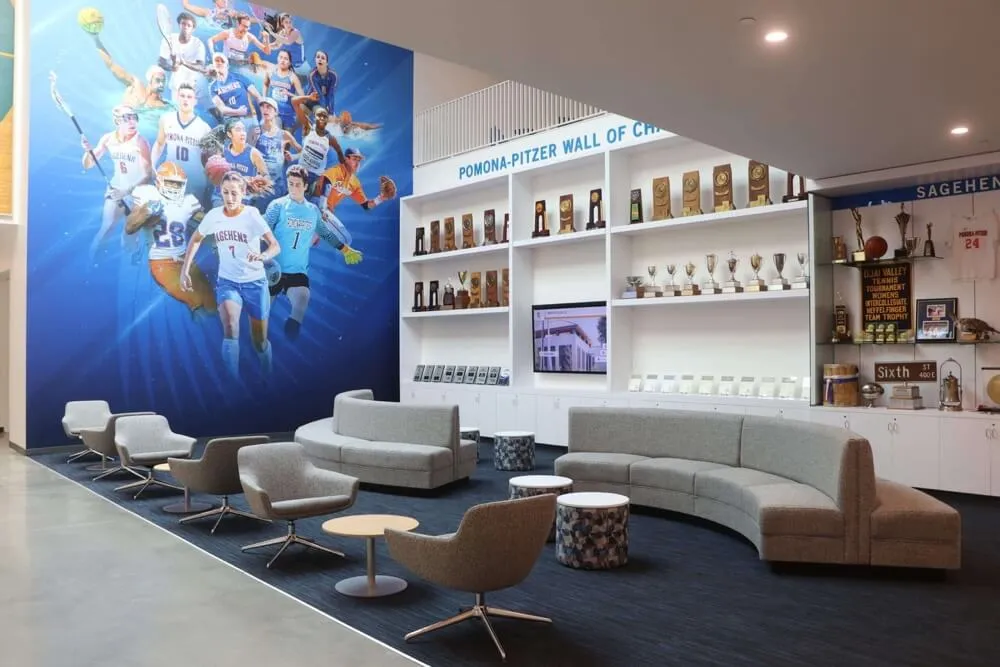
Capital campaign progress, naming rights acknowledgment, and annual fund recognition all benefit from displays that update automatically as gifts arrive. Schools and athletic departments increasingly use digital donor walls because they eliminate the cost and delay of engraved plaques while showing every donor tier prominently. For ideas on designing recognition spaces, see this guide to school lobby design and inspiration.
6. Wayfinding and Visitor Information
Schools with multiple buildings, specialty programs, or high visitor traffic—open houses, athletic events, performing arts nights—use displays and kiosks to guide guests without stationing staff at every turn. Directory screens at entrances reduce office interruptions and improve the overall visitor experience.
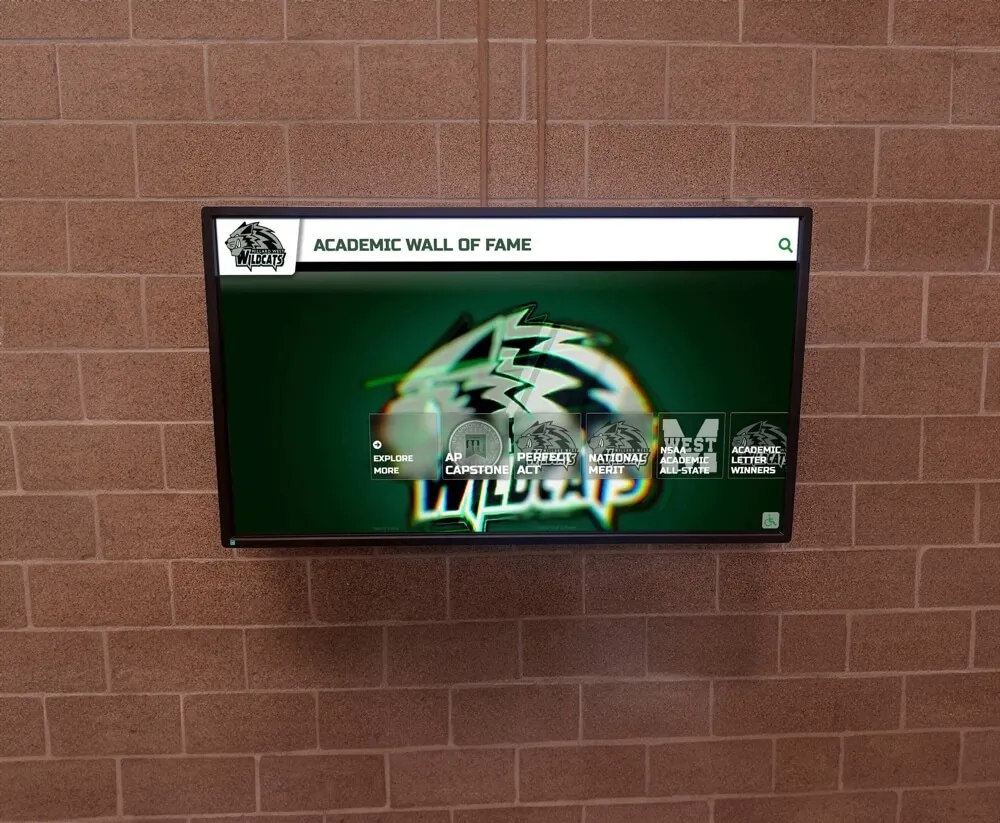
7. Academic and Club Achievement
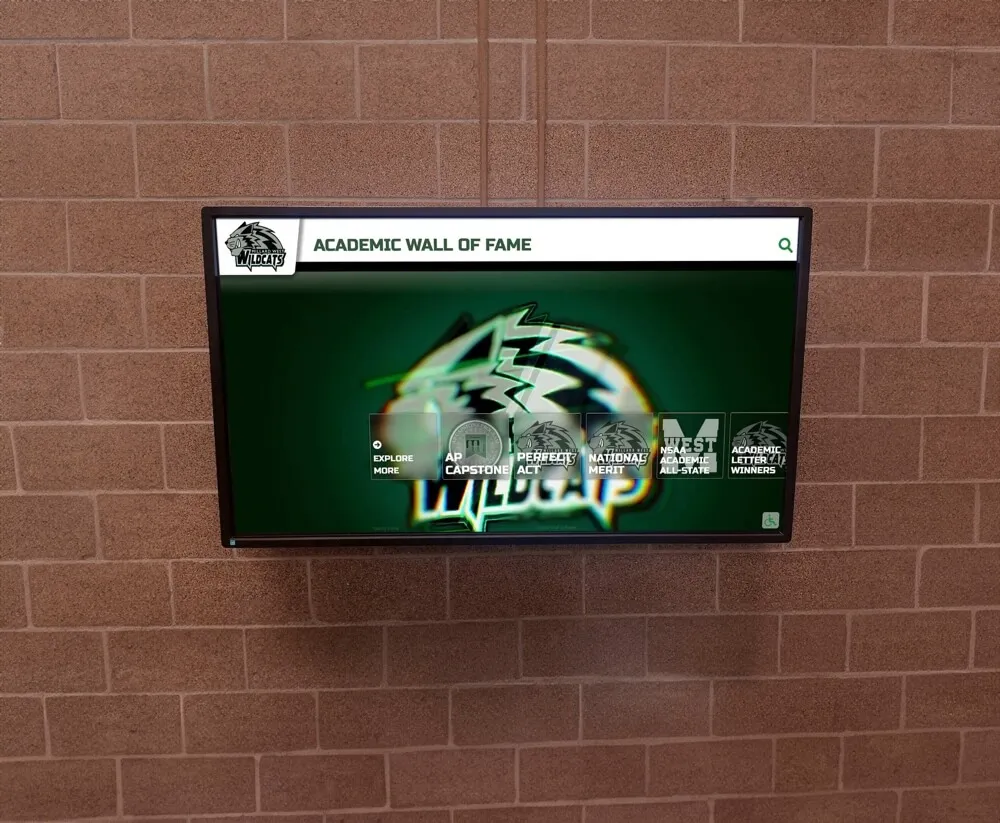
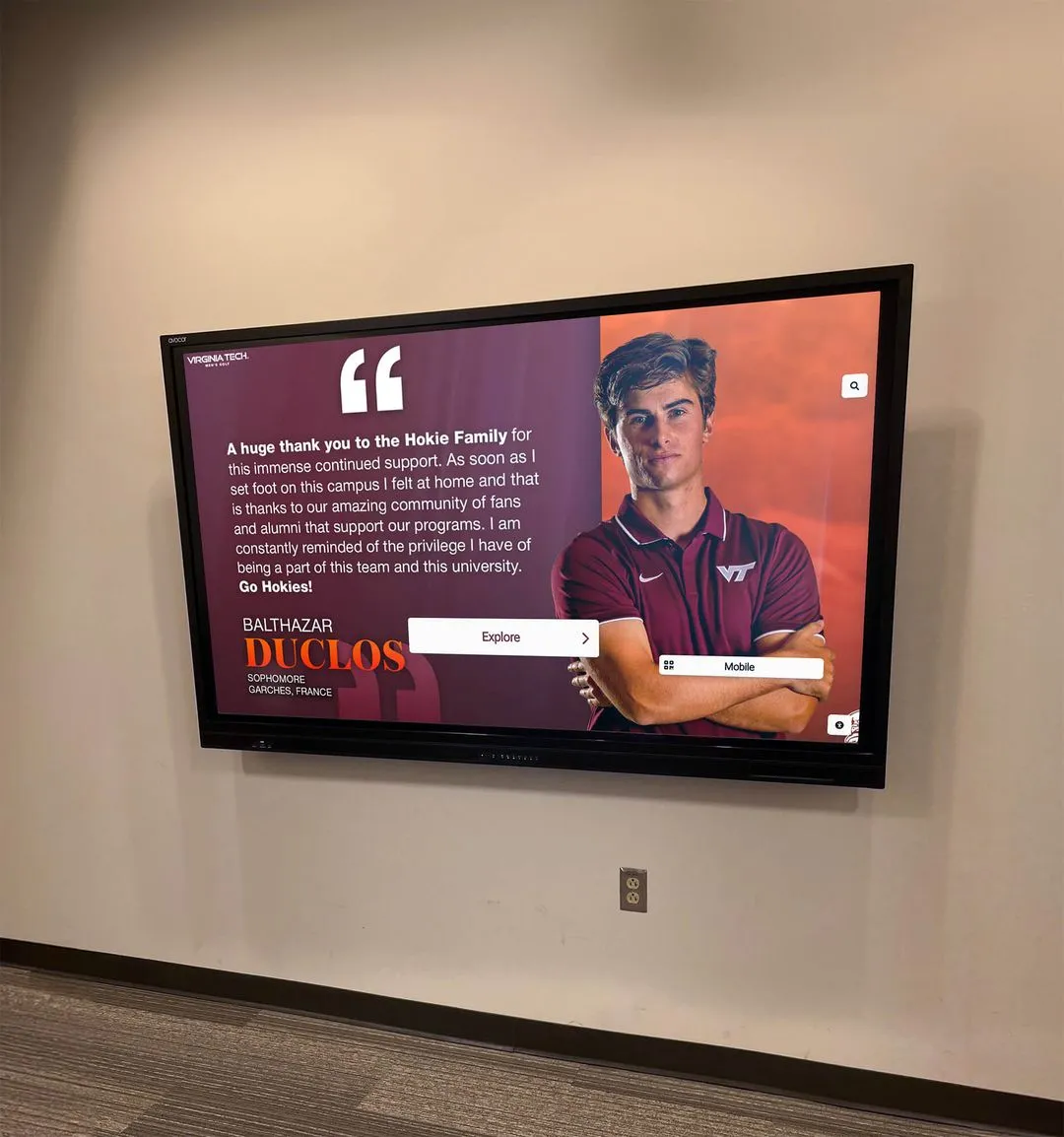
Honor roll listings, scholarship announcements, Academic All-State recognition, debate placements, and FFA awards represent the academic counterpart to athletic trophies. A school that recognizes student-athletes on a hallway display but keeps academic honors to a bulletin board sends an unintended signal about institutional priorities. Digital signage makes both equally visible with no additional hardware.
What to Evaluate When Buying School Digital Signage
Most schools evaluate hardware first and software second. That order often leads to regret. The right sequence is:
- Choose the platform (CMS + MDM capability)
- Verify hardware compatibility
- Select displays based on location requirements
Content Management Interface
Athletic directors, activities coordinators, and office staff—not IT professionals—typically manage school signage content. A platform requiring HTML or command-line knowledge will go stale within weeks as responsible staff run out of time or patience. Look for web-based dashboards with drag-and-drop interfaces and pre-built templates that reflect how school programs actually organize information.
MDM (Mobile Device Management)
MDM is how IT departments maintain control over the media players or smart displays running signage. It allows remote updates, device monitoring, lock-down to approved apps, and bulk management across dozens of screens. Many signage vendors treat MDM as an add-on billed separately per device. Schools evaluating total cost should ask explicitly whether MDM is included or priced separately—because the difference is significant.
Multi-Screen Support
A platform that charges per screen or increases price as screen count grows creates artificial limits on deployment. Schools that want one display in the lobby, one in the gym, and two in athletic hallways should not pay four times the cost of a single screen just to expand. Flat-rate or unlimited-screen pricing models remove that barrier.
Content Type Support
Beyond simple graphics and video, school signage often needs real-time data feeds (scores, records, schedules), searchable databases (athlete profiles, honor roll), and interactive touch layers. Confirm that the platform handles the specific content types your use cases require before committing to hardware.
ADA Compliance
Digital displays visible to students, staff, and visitors fall under the same accessibility obligations as physical signage in public facilities. Platforms should support proper contrast ratios, text sizing, and where applicable, screen reader access for kiosk applications.
Hardware Flexibility
Proprietary hardware that only runs the vendor’s software limits future choices. A platform that runs on commercial-grade Android media players, Windows mini-PCs, or built-in smart TV operating systems gives more procurement flexibility and protects the hardware investment if software relationships change.
For a breakdown of how touchscreen-specific platforms differ from general broadcast signage tools, this comparison of touchscreen software vs. digital signage software provides useful context.
What Types of Screens Work for School Signage
Schools deploy three main display categories. Each serves different environments and budgets.
Commercial Displays
Commercial-grade displays—panels designed for 16-hour or 24-hour daily operation—cost more than consumer televisions but last significantly longer in demanding environments. For high-traffic lobbies, athletic facilities with temperature variation, or outdoor-adjacent locations, commercial panels are the appropriate choice.
Consumer Televisions
Large-format consumer TVs work acceptably in controlled, climate-stable environments like offices and hallways. They are cheaper upfront but carry shorter operational lifespans and limited mounting options. Schools using consumer TVs for signage should treat them as a 3–4 year asset, not a 7–10 year one.
Interactive Touchscreens
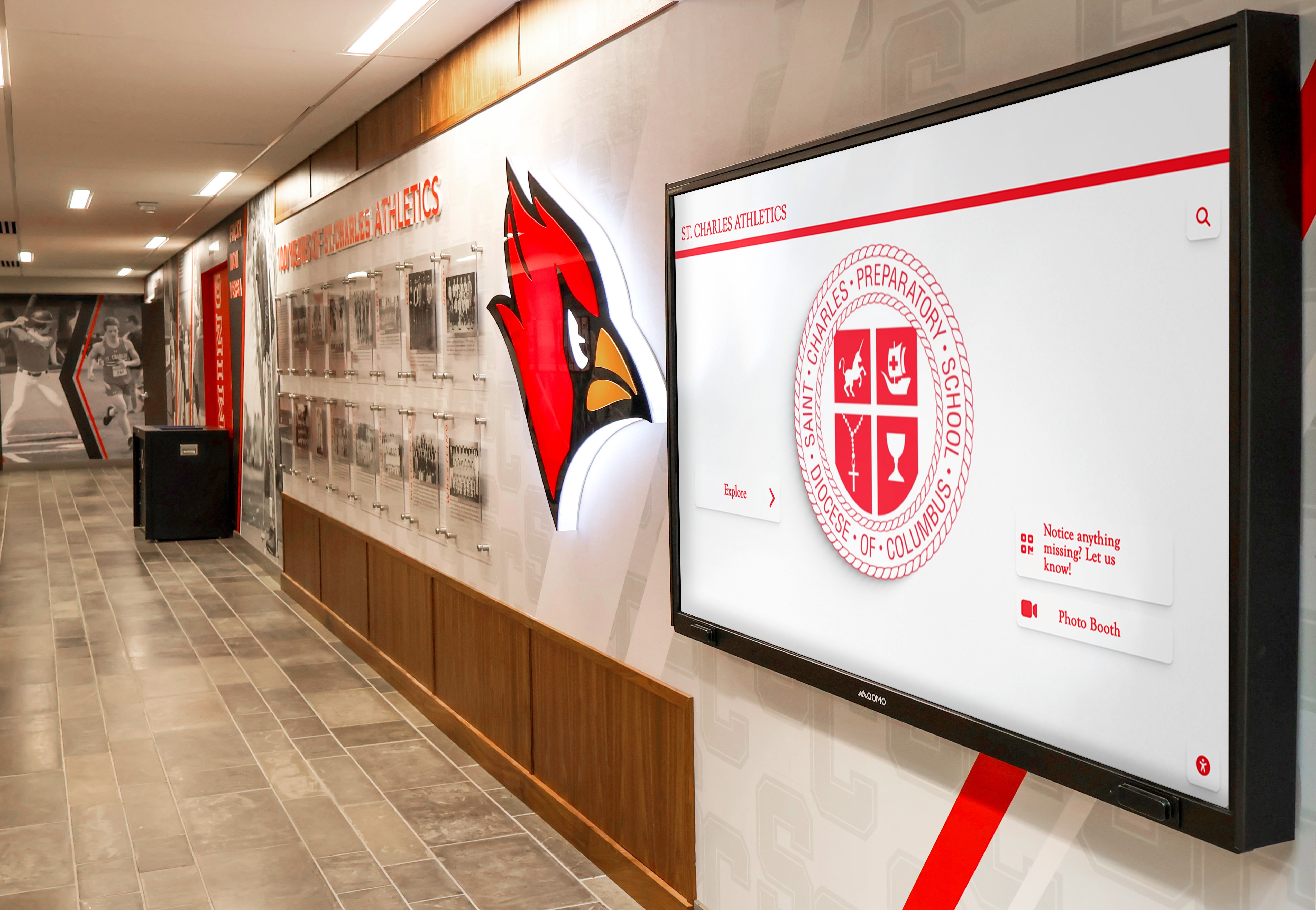
Touchscreen displays—typically 43" to 75" panels with embedded touch layers—enable interactive recognition, wayfinding, and kiosk applications that generate the most visitor engagement. They require software optimized for touch rather than passive broadcast. See this guide to types of screens used for digital signage for a detailed technical breakdown of display technologies.
The Real Cost of School Digital Signage
Pricing in the digital signage market varies enough that two schools can pay dramatically different amounts for functionally the same outcome. The line items to examine:
| Cost Component | What Schools Often Miss |
|---|---|
| Software licensing | Per-screen fees that multiply as deployment grows |
| MDM | Separate contracts, often $5–15/device/month from standalone providers |
| Content design | Platforms that require a designer to update templates |
| Hardware support | Annual extended warranties or forced refresh cycles |
| Training | Initial and ongoing staff training fees |
When these components are unbundled, a 10-screen deployment that appears affordable at a monthly per-screen rate becomes substantially more expensive once MDM, content work, and support are added. Schools that do the total cost math often find all-inclusive platforms—where software, MDM, templates, and unlimited screens are covered under one annual price—are cheaper than comparable unbundled configurations.
Schools evaluating rent vs. purchase should also review this analysis of interactive touch screen rental versus purchase for schools, which breaks down when each approach makes financial sense.
Rocket Alumni Solutions Digital Signage: $50/Year, Unlimited Screens, MDM Included
Rocket Alumni Solutions offers a digital signage platform built specifically for schools, priced at $50 per year—with no per-screen fees and MDM device management included. That price puts unlimited screen deployments within reach for K–12 budgets that would otherwise limit signage to one or two locations.
What’s Included at $50/Year
Unlimited digital signage screens. A single annual subscription covers every display on campus. Deploying five more screens next year does not change the licensing cost. Schools can expand without renegotiating.
MDM device management. Included MDM means the IT team can monitor device health, push software updates, enforce policies, and lock devices to authorized content across every screen—without a separate MDM contract. For most schools, MDM from a standalone provider would cost more per device per month than Rocket’s entire annual subscription.
Feature parity with major digital signage platforms. Rocket’s signage capabilities match the functional depth of leading platforms in the market: scheduled content rotation, multi-zone layouts, remote updates, template libraries, multimedia support, and real-time data feeds. Schools do not trade features for affordability.
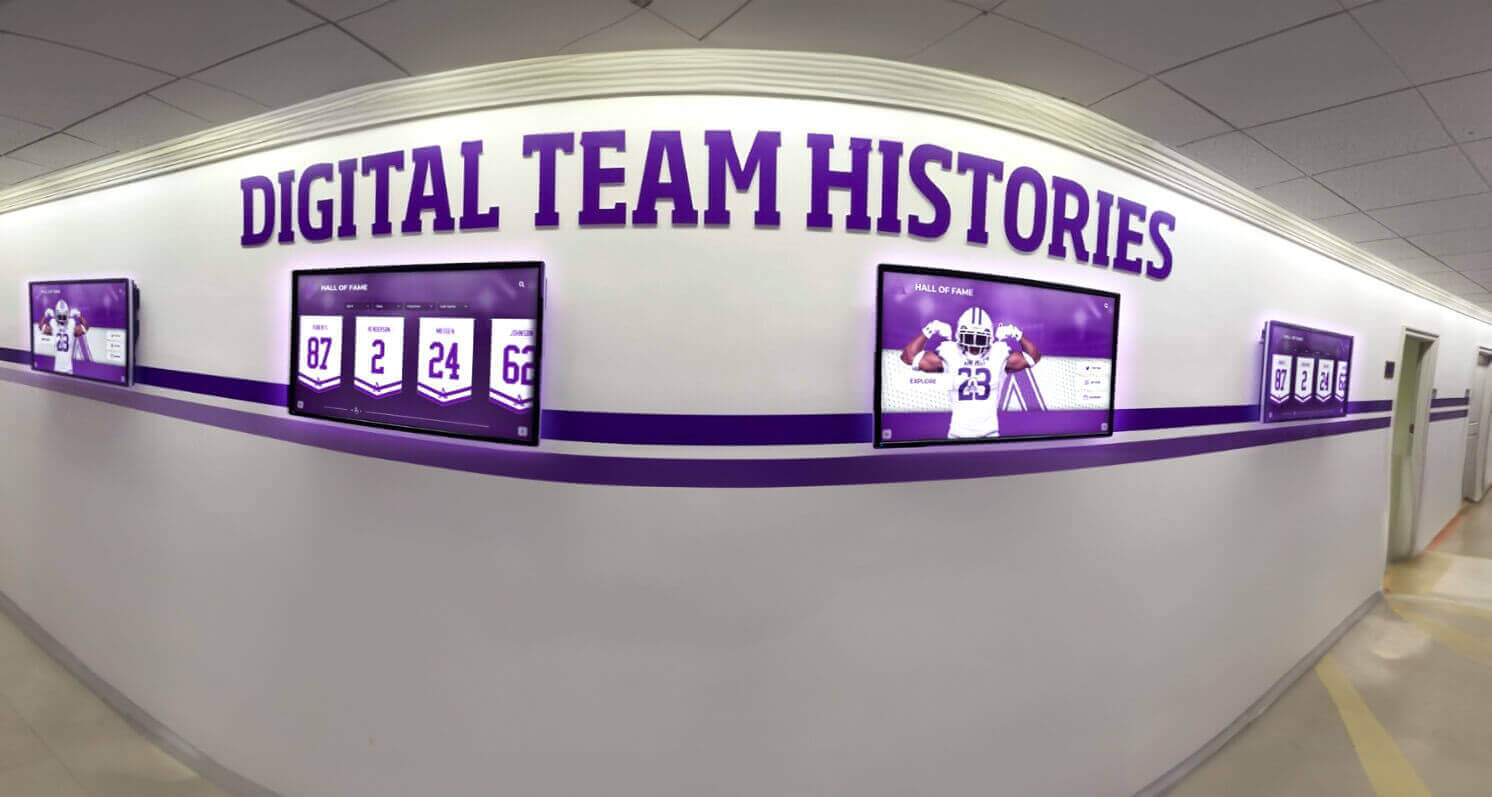
Recognition-specific capabilities. Because Rocket was built for educational recognition, the platform includes purpose-built templates for athletic record boards, hall of fame displays, donor recognition, academic honor roll, and alumni recognition sections—templates generic signage platforms do not offer.
Web-accessible content. The same content driving physical displays is accessible online. Alumni can view the hall of fame from across the country. Parents can check the record board before a meet. The display investment extends beyond campus walls.
What MDM Device Management Means for Schools
MDM is standard practice in schools managing Chromebooks and iPads. Applying the same controls to signage devices solves operational problems that commonly surface only after deployment:
Remote diagnostics. When a screen in the gym goes dark during a game, MDM lets IT verify whether the device is offline, reboot it remotely, or push a configuration change without walking to the display.
Automatic updates. Media player firmware, app updates, and security patches deploy automatically across all enrolled devices. Staff do not need to visit each screen or manually push updates.
Content lock-down. MDM restricts devices to approved apps only. A media player enrolled in MDM cannot be repurposed by a student or used to access unauthorized content—which matters especially for lobby kiosks accessible to the public.
Fleet visibility. Administrators see every device’s status—online, offline, last check-in, installed apps—in a single dashboard. This visibility makes it possible to manage 20 or 200 screens without proportionally more IT staff hours.
Compliance documentation. Schools that must document their network and device inventory for district audits or insurance purposes can pull MDM reports showing what is deployed, where, and with what configuration.
For ideas on how schools are transforming their lobbies using digital systems, see this guide to interactive digital signage kiosks for school lobbies.
Feature Comparison: Rocket vs. Standard Digital Signage Platforms
Schools comparing Rocket Alumni Solutions to standard digital signage vendors typically find parity or advantage across the categories that matter most for K–12 environments:
| Feature | Standard Signage Platforms | Rocket Alumni Solutions |
|---|---|---|
| Cloud content management | Yes | Yes |
| Scheduled content rotation | Yes | Yes |
| Multi-zone screen layouts | Yes | Yes |
| Template library | Generic commercial templates | Recognition-specific school templates |
| Athletic record boards | Not available | Built-in |
| Hall of fame database | Not available | Built-in |
| Web-accessible content | Limited | Full web access |
| MDM device management | Separate contract required | Included |
| Per-screen licensing | Common | Not applicable (flat rate) |
| Annual cost for unlimited screens | $600–$3,600+ plus MDM | $50 |
This comparison reflects publicly available feature information and general market pricing as of August 2026. Specific vendor pricing varies by contract and configuration.
School-Specific Signage Content That Makes a Difference
Generic digital signage platforms are built for retail, corporate, and hospitality environments. Content templates designed for those markets require significant adaptation for a school environment. Rocket Alumni Solutions approaches this differently: because the platform was built for schools from the start, content templates reflect how athletic departments, activities offices, and advancement teams actually organize and communicate information.
Gym and Athletic Facility Content
- All-time record boards by sport and event, auto-ranked as new marks are set
- Weight room personal record leaderboards updated by coaches through a web interface
- Season schedules and game-day countdowns
- Post-season recognition with championship results and team rosters
For ideas on using signage to reinforce gym environment standards alongside recognition content, see this resource on gym rules signage for schools.
Lobby and Hallway Content
- Student of the month and athlete spotlights with photos
- College signing day announcements and senior college decision boards
- Scholarship and academic award recognition
- School history timelines and institutional milestone moments
Event Content
- Homecoming court and event schedule promotion
- Athletic banquet countdowns and program previews
- Hall of fame induction ceremony announcements
- Theater, band, and performing arts performance promotions
For school event planning ideas that connect to digital display content strategy, this school event planning guide for administrators provides a useful framework.
Getting Started: Implementation Steps for Schools
Moving from evaluation to a live deployment follows a consistent sequence regardless of school size or budget tier.
Step 1 — Define Display Locations and Purposes
Walk the building with the athletic director, activities coordinator, and office manager. Identify where displays would reduce staff questions, communicate more effectively, or recognize achievement more visibly. Prioritize based on visitor traffic and the volume of content relevant to each location.
Step 2 — Select Hardware Based on Environment
Match display type to the installation environment. Lobbies visible to visitors warrant commercial-grade panels. Weight rooms with temperature variation need displays rated for those conditions. Hallway installations near exterior doors may experience humidity issues with consumer panels. Where touch interaction is planned, source panels with embedded touch rather than adding a separate overlay layer.
Step 3 — Set Up the Platform and Load Initial Content
Rocket Alumni Solutions provides setup support for new accounts. Initial content typically includes:
- School branding (colors, logos, mascot)
- Historical records and recognition data imported in bulk
- Scheduled announcements and recurring content templates
- Staff training on the content management interface
Step 4 — Enroll Devices in MDM
Before mounting any screen, enroll the media player or smart device in MDM. This ensures IT has visibility and control from day one. Configuring MDM after deployment is possible but more time-consuming than handling it during setup.
Step 5 — Establish a Content Calendar and Ownership Model
Assign clear ownership for each content category. The athletic director manages sports records; the activities office manages academic recognition; the development office manages donor recognition. Define a content calendar aligned to the academic year so displays stay current through fall sports transitions, academic award seasons, and spring events without reactive scrambling.
Why Schools Choose Rocket for Digital Signage
The combination of recognition-specific features, included MDM, unlimited screens, and $50/year pricing addresses the three most common objections schools raise when evaluating digital signage:
“We can’t afford a full platform.” At $50/year, the software cost is lower than most schools spend on a single engraved plaque.
“Our IT department doesn’t have bandwidth to manage it.” Included MDM and cloud-based content management reduce IT workload rather than adding to it.
“We don’t have design staff to keep content fresh.” Pre-built templates for every recognition category make content updates a matter of entering information, not designing graphics.
Rocket Alumni Solutions serves schools across all 50 states, covering K–12, college, and non-traditional educational environments. The same platform that powers a lobby hall of fame touchscreen also manages broadcast signage screens across the building—eliminating the need to run separate systems for separate display purposes.
Frequently Asked Questions
Does Rocket Alumni Solutions digital signage work on any screen?
The platform runs on commercial Android media players, Windows mini-PCs, and certain smart TV operating systems. Hardware recommendations are available during the setup process to ensure compatibility before purchase.
What is included in the $50/year subscription?
The subscription covers unlimited digital signage screens, MDM device management, the cloud-based content management system, recognition-specific templates, and web-accessible content for remote viewing.
Is Rocket’s digital signage suitable for schools that already have a hall of fame touchscreen?
Yes. Schools can use Rocket for both the interactive recognition touchscreen and general broadcast signage across other displays, managing all content from the same platform. This eliminates duplicate entry and ensures recognition appears on every display that serves the relevant audience.
How does MDM work if the school already has its own MDM provider?
Rocket’s included MDM covers signage devices specifically. Schools with existing MDM solutions for Chromebooks or iPads can either use Rocket’s MDM for signage devices or, in some configurations, enroll signage devices in the district’s existing MDM. The setup team can advise on the best configuration for your environment.
Can non-technical staff update content?
Yes. The content management interface requires no programming or design skills. Updates are made through web forms, drag-and-drop uploads, and pre-built templates. Most staff are comfortable managing content independently after a brief training session.
Digital signage for schools is not as complicated or expensive as the market has historically made it appear. The combination of platform, MDM, and content tools needed to run a professional display program across an entire campus fits within an annual cost that most athletic department budgets can absorb without a line-item conversation.
Talk to our team to see what a full campus deployment looks like for your school.
This comparison is based on publicly available information as of August 2026. All product names and trademarks belong to their respective owners. Comparative statements reflect Rocket Alumni Solutions’ interpretation of available data and may change over time. This content was produced by or on behalf of Rocket Alumni Solutions.