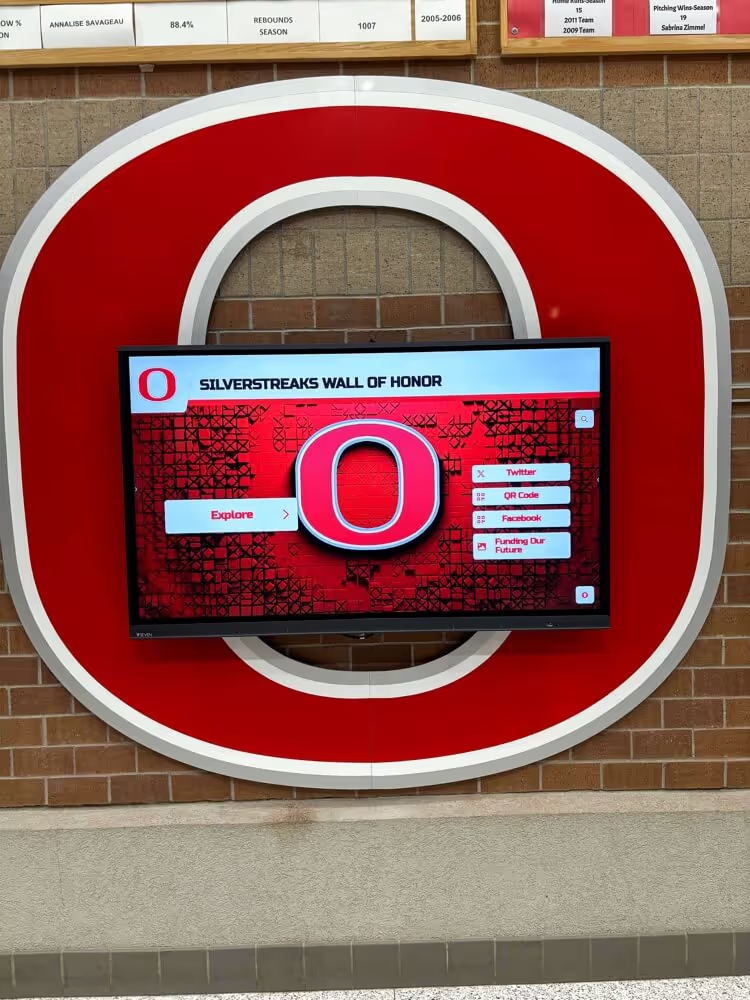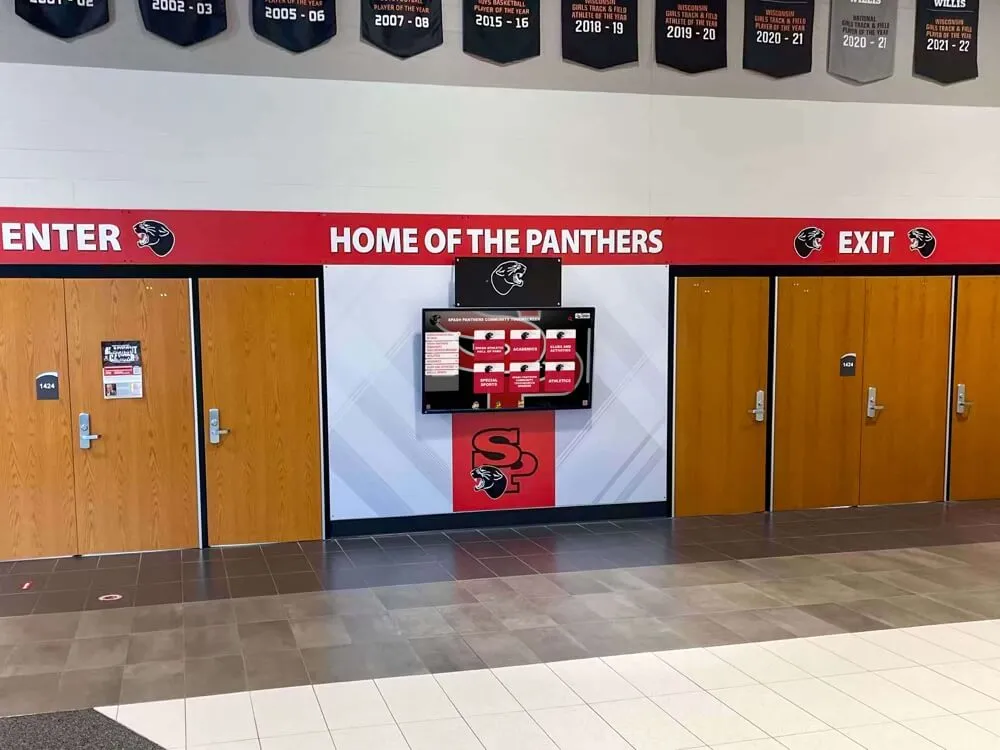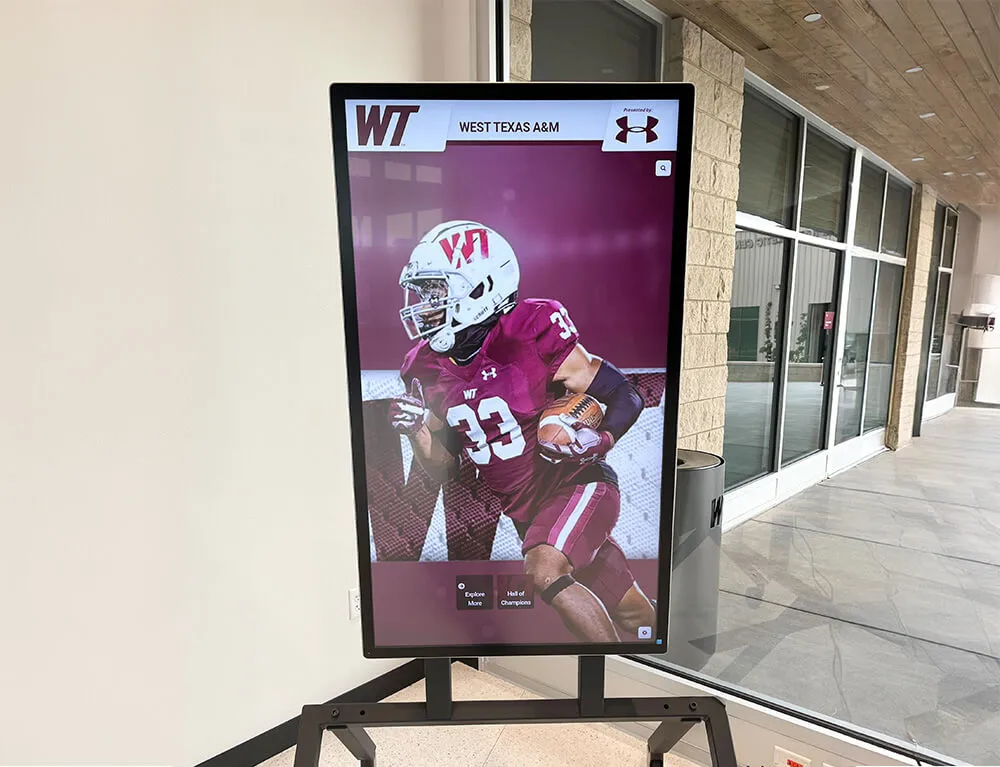




When two coaches enter the same swimmer’s record into the school database, one writes “100 Free” and the other writes “100 Freestyle.” One logs the time as “47.82” and the other as “47.8.” One records the performance date as “10/3/24” and the other as “October 3, 2024.” All three entries refer to the same record, and none of them will match when the digital record board runs its auto-ranking query. The result: a display that either duplicates the mark, drops one entry, or sorts incorrectly — because the underlying data has no shared standard.
That problem has a name: the absence of an athletic records data dictionary.

What an Athletic Records Data Dictionary Is
An athletic records data dictionary is a reference document that defines every field used to capture, store, and display a school athletic record. It specifies the exact format for athlete names, the approved vocabulary for event names, the units and notation for performance marks, the date format for performances and seasons, and the labels for verification status. When every person who touches the record system — athletic directors, coaches, archives staff, booster volunteers, hall-of-fame committees — uses the same dictionary, the data stays consistent. Consistent data is what makes a digital record board accurate, searchable, and maintainable across seasons, staff transitions, and decades of history.
This post provides a practical data dictionary organized by field category, ready to adapt to your school’s record management system or digital record board platform.
Schools that maintain structured alumni engagement programs alongside athletic records find that a shared data standard serves both purposes: the same name and event fields that power an accurate record board also populate alumni-facing profiles and recognition displays without additional reformatting.
Why Field Standardization Fails Without a Written Dictionary
Most schools have informal conventions rather than written standards. The conventions live in one staff member’s head, in a spreadsheet last touched three seasons ago, or in a physical record book that predates the current athletic director. When that person leaves, the institutional knowledge leaves with them. The next person to enter a record makes different choices — reasonable choices, based on their own experience — and the database diverges.
Three specific failure modes result from missing standardization.
Duplicate records. A swim record entered as “100 Free” and the same event elsewhere entered as “100-Meter Freestyle” appear as two separate event lines rather than a single sorted list. The all-time rankings for the same event become split across two display rows.
Sort errors. Time formats are particularly vulnerable. A record logged as “1:47.82” and another as “1:47.8” will not sort identically in all systems, even though they represent the same mark. Depending on how the platform handles string versus numeric comparisons, the record that should rank second may appear first.
Verification gaps. When the verification status field accepts free-text input — “verified,” “Verified,” “Yes,” “confirmed,” “V” — no automated filter can reliably separate verified records from unverified ones. Staff who need to audit the record board before a season opener cannot run a clean query. They sort manually, find gaps, and still cannot be confident the list is complete.
A written data dictionary eliminates all three failure modes by removing ambiguity before data entry begins.
The Field Dictionary: Section by Section
The tables below define each field category. Each entry includes the field name, the accepted format, and a usage note. Treat this as a starting template — adapt the allowed values to match your sport roster and the naming conventions of your state athletic association.
Section 1: Athlete Name Fields
Name fields are the most inconsistently handled category in athletic record databases. Legal names, preferred names, maiden names, and hyphenated names all require explicit decisions at the field level.
| Field Name | Format | Accepted Values / Rules | Usage Note |
|---|---|---|---|
| Last Name | Text | Single string, title case | Hyphenated names entered as written (e.g., “Smith-Johnson”) |
| First Name | Text | Single string, title case | Legal first name only |
| Preferred Name | Text | Optional; title case | Use only if athlete’s displayed name differs from legal name |
| Suffix | Text or Null | Jr., Sr., II, III — or leave blank | Do not include punctuation other than the period after abbreviation |
| Graduation Year | 4-digit integer | 1900–present+4 | Year the athlete graduated or is projected to graduate; not the year of the record |
| Alumni Status | Boolean | Yes / No | Mark Yes if the athlete has graduated; No if currently enrolled |
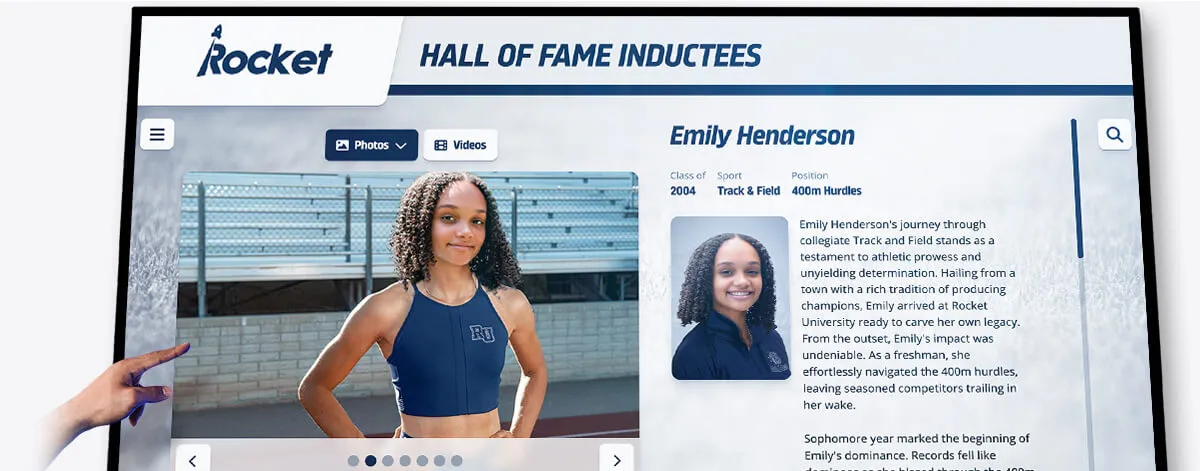
Why this matters for record boards. When a school displays records spanning 40 years of track history, inconsistent name entry creates display clutter. “D. Martinez,” “Diana Martinez,” and “Diana R. Martinez” all appear as different athletes. A clear name-field standard collapses these into a single consistent entry.
Section 2: Event Name Fields
Event naming is where most data dictionaries need the most work. Every sport carries its own vocabulary, and that vocabulary varies by state association, conference, and era. A standardized event name field requires a controlled vocabulary — a fixed list of approved event names that staff select from rather than type freehand.
Track and Field — Approved Event Names
| Category | Approved Name | Common Variants to Reject |
|---|---|---|
| Sprint | 100-Meter Dash | 100m, 100 Dash, 100 |
| Sprint | 200-Meter Dash | 200m, 200 Dash |
| Sprint | 400-Meter Dash | 400m, 400 |
| Middle Distance | 800-Meter Run | 800m, Half Mile |
| Middle Distance | 1600-Meter Run | 1600m, Mile, 1-Mile Run |
| Long Distance | 3200-Meter Run | 3200m, 2-Mile Run |
| Hurdles | 100-Meter Hurdles | 100 Hurdles, 100H |
| Hurdles | 110-Meter Hurdles | 110 Hurdles, 110H |
| Hurdles | 300-Meter Hurdles | 300 Hurdles, 300H |
| Relay | 4x100-Meter Relay | 4x100, 400 Relay |
| Relay | 4x400-Meter Relay | 4x400, 1600 Relay |
| Field | Shot Put | Shot, SP |
| Field | Discus Throw | Discus, DT |
| Field | High Jump | HJ |
| Field | Pole Vault | PV |
| Field | Long Jump | LJ |
| Field | Triple Jump | TJ |
| Multi | Pentathlon | — |
| Multi | Heptathlon | — |
| Multi | Decathlon | — |
Swimming — Approved Event Names
| Category | Approved Name | Common Variants to Reject |
|---|---|---|
| Freestyle | 50-Yard Freestyle | 50 Free, 50Y Free |
| Freestyle | 100-Yard Freestyle | 100 Free, 100Y Free |
| Freestyle | 200-Yard Freestyle | 200 Free |
| Freestyle | 500-Yard Freestyle | 500 Free |
| Backstroke | 100-Yard Backstroke | 100 Back |
| Breaststroke | 100-Yard Breaststroke | 100 Breast |
| Butterfly | 100-Yard Butterfly | 100 Fly |
| Individual Medley | 200-Yard Individual Medley | 200 IM |
| Individual Medley | 400-Yard Individual Medley | 400 IM |
| Relay | 200-Yard Medley Relay | 200 Medley Relay |
| Relay | 200-Yard Freestyle Relay | 200 Free Relay |
| Relay | 400-Yard Freestyle Relay | 400 Free Relay |
For sports with less standardized event naming — basketball, baseball, softball, volleyball, wrestling — event names typically describe record categories rather than competitive events. Use a field called Record Category with values drawn from a controlled list defined per sport. Examples for basketball: Career Points, Single-Season Points, Single-Game Points, Career Rebounds, Career Assists, Career Steals, Career Blocks.
Schools building out hall of fame athlete spotlight programs rely on well-defined event and record category fields to populate profile pages automatically — a swimmer’s 100-yard butterfly record appears on her hall of fame card because the field value maps cleanly to the display template.
Section 3: Sport and Classification Fields
| Field Name | Format | Accepted Values | Usage Note |
|---|---|---|---|
| Sport | Text | From approved sport list (see below) | Always use full sport name, not abbreviation |
| Gender Classification | Text | Boys, Girls, Coed | Use “Coed” for combined-roster events only |
| Program Level | Text | Varsity, Junior Varsity, Freshman, Middle School | One level per record entry |
| Season Type | Text | Fall, Winter, Spring, Year-Round | Drives season-year display logic |
| State Association Classification | Text | E.g., Class 5A, Division II, Conference AA | Enter exactly as the state association formats it |
Approved Sport Name List (sample — expand to match your program):
Baseball, Basketball, Boys Cross Country, Girls Cross Country, Boys Golf, Girls Golf, Boys Lacrosse, Girls Lacrosse, Boys Soccer, Girls Soccer, Softball, Boys Swimming, Girls Swimming, Boys Tennis, Girls Tennis, Boys Track and Field, Girls Track and Field, Volleyball, Wrestling, Boys Water Polo, Girls Water Polo, Cheerleading, Dance, Gymnastics, Football, Ice Hockey, Boys Bowling, Girls Bowling.
Do not abbreviate sport names in the database. Abbreviations create the same variant problems as event names — “BB,” “Bball,” and “Basketball” all exist in databases where no dictionary was enforced.
Section 4: Performance Mark and Unit Fields
The performance mark is the number that appears on the record board. How that number is formatted — and what unit it carries — determines whether the record board sorts correctly and whether automated unit-conversion tools work properly.

| Field Name | Format | Rules | Examples |
|---|---|---|---|
| Raw Mark | Decimal or integer | Store at full precision from the timing or scoring source | 47.82 (seconds), 18.37 (meters), 312 (career points) |
| Mark Unit | Text from controlled list | Select from unit list; never enter freehand | Seconds, Minutes:Seconds, Feet-Inches, Meters, Points, Wins, Pounds |
| Display Format | Text | System-generated from Raw Mark + Unit; do not hand-enter | 47.82, 1:47.82, 18-4.5, 18.37m, 312 |
| Mark Type | Text | Time, Distance, Height, Weight, Count, Score | Drives sort direction (Time: ascending; Distance/Height: descending; Count: descending) |
| Wind Reading | Decimal or Null | Required for legal wind-aided field events; enter in m/s | +1.8, −0.4, or leave blank for non-applicable events |
| FAT Indicator | Boolean | Yes / No | Yes = Fully Automatic Timing; No = hand-timed; required for track events |
Unit Controlled List
| Unit Name | Display Abbreviation | Applies To |
|---|---|---|
| Seconds | sec | Sprint events, short-course swimming |
| Minutes:Seconds | min:sec | Middle-distance running, swimming |
| Minutes:Seconds.Hundredths | min:sec.hh | Distance running (state-level precision) |
| Feet-Inches | ft-in | High jump, pole vault, long jump, triple jump |
| Feet-Inches.Fraction | ft-in.f | Shot put, discus (imperial display) |
| Meters | m | Field events (metric display) |
| Pounds | lbs | Powerlifting, shot put weight class |
| Points | pts | Scoring records |
| Count | — | Wins, pins, saves, strikeouts, assists |
| Percentage | % | Shooting percentage, batting average |
Sort direction by Mark Type is a field that record board platforms need to know explicitly. A faster time is a better time — ascending sort. A longer distance is a better distance — descending sort. Systems that cannot distinguish between these two sort logics will rank records incorrectly when athletes or coaches expect otherwise. The Mark Type field carries this information.
Section 5: Date and Season Fields
Date fields are the second-most inconsistent category after event names. The core problem: “the season” is not a calendar year. A fall 2024 season starts in August 2024 and ends in November 2024 — records set in that window belong to the 2024 season. A winter season that started in November 2024 and ended in March 2025 belongs to the 2024–25 season. Without a standardized season-year field, records from cross-calendar seasons end up assigned to the wrong year in the display.
| Field Name | Format | Rules | Examples |
|---|---|---|---|
| Performance Date | ISO 8601 (YYYY-MM-DD) | Exact date the performance occurred | 2024-10-03 |
| Season Year | Integer or Text | For fall/spring: single year (2024). For winter: two-year span (2024-25) | 2024, 2024-25 |
| School Year | Text | Academic year the performance falls in | 2024-25 |
| Meet/Event Name | Text | Full official name of the meet or competition | IHSA Class 3A State Championship |
| Meet Location | Text | City, State | Bloomington, IL |
| Meet Type | Text | Regular Season, Conference, Sectional, Regional, State, National | One value per entry |
| Record Set Date | ISO 8601 (YYYY-MM-DD) | Date the record was entered into the system; auto-populated by platform | 2024-10-05 |
| Record Updated Date | ISO 8601 (YYYY-MM-DD) | Date of the most recent edit to this record entry | 2024-10-05 |
Why ISO 8601 matters. Date formats like “10/3/24,” “Oct. 3, 2024,” and “3-Oct-2024” are all human-readable but machine-ambiguous. ISO 8601 (YYYY-MM-DD) is unambiguous in any locale, sorts correctly as text, and is the input format that virtually all database and display platforms accept natively. Use it for storage even if the display layer formats dates differently for public-facing output.
Section 6: Verification and Provenance Fields
A record board without a verification layer is a display of claims, not confirmed records. The verification fields document the evidence chain: what was verified, by whom, against what source, and when. These fields are the link between the data dictionary and the athletic record correction workflow.
| Field Name | Format | Accepted Values | Usage Note |
|---|---|---|---|
| Verification Status | Text | Verified, Pending, Disputed, Provisional | Single value per record; no free-text |
| Source Document Type | Text | Meet Results, Timing Printout, Scorebook, Newspaper, State Association Archive, Yearbook, Coach Attestation | Most authoritative source used for verification |
| Source Document Reference | Text | URL, file name, or physical archive location | Enable others to locate the same document |
| Verified By | Text | Name and title of the staff member who completed verification | “J. Williams, Athletic Director” |
| Verification Date | ISO 8601 (YYYY-MM-DD) | Date verification was completed | 2024-10-05 |
| Verification Notes | Text | Free-text field for edge-case context | “Hand-timed; FAT not available at this meet” |
| Entry Source | Text | Coach Submission, Staff Entry, Migration (legacy), Correction Form | Tracks how the record entered the system |
Verification Status definitions:
- Verified — evidence reviewed, meets the school’s standard (see correction policy), and record is approved for display.
- Pending — record submitted; review not yet completed. Do not display on public record board.
- Disputed — a challenge has been filed; record remains displayed but flagged internally for review.
- Provisional — entered from a single source pending a second confirming source; display at discretion of athletic director.
The distinction between Pending and Provisional is operationally important. Pending records should not appear on the public-facing board at all — the information has not been evaluated. Provisional records may appear on the board when the athletic director judges that a single credible source is sufficient for the category (common for historical records where dual-source verification is not possible), but they should be flagged internally until a second source is located.
Digital record board platforms that integrate with modern digital signage infrastructure can filter display output by verification status automatically — only Verified records appear on the public board, while Pending and Provisional entries remain in the back-end queue for staff review.
Supplemental Fields Worth Adding to Your Dictionary
The fields above cover the core data every athletic record entry requires. Depending on your program’s scope and the features of your record board platform, consider adding these supplemental fields:
Eligibility Class — Freshman, Sophomore, Junior, Senior at the time of the performance. Useful for programs that display age-group records alongside all-time records.
Previous Record Holder — Name and mark of the record that was broken. When a new record is set, capturing the previous holder creates a historical chain without requiring a separate lookup.
Previous Record Date — The date the prior record was set. Paired with Previous Record Holder, this field shows how long each record stood — context that resonates with alumni and current athletes alike.
Improvement Margin — The difference between the new record and the previous mark. Auto-calculated if the platform supports it; otherwise enter manually. A 400-meter record broken by 1.3 seconds is a story. The improvement margin field makes that story displayable.
Tie Indicator — Boolean (Yes/No). When two athletes share a school record, both entries display. The Tie Indicator prevents the auto-ranking system from suppressing the second entry as a duplicate.
Athlete Profile Link — URL to the athlete’s extended profile page or hall of fame entry. Creates a direct navigation path from the record entry to a richer recognition page.
Schools building out digital hall of fame and recognition wall programs find that the Athlete Profile Link field is the bridge between a statistical record entry and the human story behind the number — a one-click path from a record board row to a photo gallery, career highlight reel, and alumni profile.

Implementing the Dictionary Across Sports and Staff
A data dictionary is only as effective as its adoption. Staff who are unaware of the standard, or who find it inconvenient to follow, will enter data that diverges. Adoption requires two things: access and enforcement.
Access. The data dictionary should live in a location every staff member who touches athletic records can reach within 30 seconds. A shared folder, a pinned document in the athletic department’s messaging platform, or a printed laminated reference card at each entry workstation — the format matters less than the accessibility. If someone has to ask a colleague where the dictionary is, it is not accessible enough.
Enforcement. The most reliable enforcement mechanism is a data entry interface that makes non-standard input impossible. A well-configured digital record board platform replaces freehand text fields for sport name, event name, and unit with dropdown selectors that only allow approved values. The dictionary is built into the interface; staff cannot accidentally enter a variant because the variant does not appear in the menu.
Where dropdown enforcement is not available, enforcement falls to the staff member who conducts the initial review of new record submissions. That person compares each submitted entry against the dictionary before the record is approved for display. The review step takes 30 seconds per field when the dictionary is close at hand. It is a meaningful quality gate even without platform-level enforcement.
Season-start audit. At the beginning of each sport season, the athletic director or records manager runs a consistency check across all entries for that sport: Are event names consistent? Do all dates follow ISO 8601? Are unit values uniform across the all-time list? A season-start audit catches drift before it accumulates across a full year of entries.
Alumni-facing display programs benefit directly from season-start audits: when the data is clean at the start of the season, alumni who return for homecoming events see a record board that is accurate and navigable — a credible representation of the program’s history rather than a surface full of inconsistencies.
How Digital Record Boards Enforce Data Dictionary Standards
Manual enforcement of a data dictionary requires consistent staff attention. Digital record board platforms reduce that burden by building the dictionary into the entry workflow.
When a coach submits a new record through a platform-integrated form, the form fields map directly to the data dictionary. Sport name is a dropdown; event name updates based on sport selection; unit is pre-filled based on event; date fields accept only valid date input. The result is that every submitted record arrives in the correct format without requiring the reviewing staff member to reformat anything.
Auto-ranking then uses these consistent fields to maintain the all-time list in real time. When a new 100-yard freestyle entry arrives at 47.82 seconds and the existing record is 48.04 seconds, the platform compares numerical values in the same unit — and ranks correctly because the Mark Type field told the system that faster is better.
Historical entries migrated from paper record books or legacy spreadsheets require a one-time data cleaning effort to conform to the dictionary. That effort is significant for large programs with decades of records — but it is a finite project. Once the historical data is clean and the dictionary is enforced going forward, the maintenance burden drops dramatically.
Programs evaluating infrastructure for this work should look at whether the platform supports custom field definitions, controlled vocabulary lists, and role-based permissions that restrict editing to authorized staff. These features are the platform-level implementation of what the data dictionary documents at the policy level.
For programs considering how their athletic records data integrates with broader school recognition — donor walls, hall of fame inductee profiles, yearly award archives — the same data dictionary principles apply across recognition categories. A shared field standard for name, date, and verification status means that an athlete’s record board entry and her hall of fame profile use identical source data, eliminating the inconsistency that arises when two systems maintain separate records for the same person.
Connecting the Data Dictionary to Your Record Correction Workflow
A data dictionary and a record correction workflow are complementary documents. The dictionary defines what correct data looks like. The correction workflow defines how incorrect data gets identified, verified, and fixed. Together, they create a governance system for the school’s athletic record archive.
The connection point is the verification fields. When a correction is submitted and approved, the staff member updating the record also updates the Verification Status, Source Document Type, Verified By, and Verification Date fields. The correction becomes part of the record’s provenance — the full history of the entry, from initial submission through any subsequent corrections, is visible in the data.
This provenance trail matters when the same record is questioned again in the future. Instead of reconstructing the verification history from memory or email threads, the reviewing staff member opens the record entry and sees the complete evidence chain. The dictionary made the fields consistent; the correction workflow populated them correctly.
Schools building out comprehensive alumni recognition infrastructure — including hall of fame walls, donor recognition panels, and athletic archives — find that a well-maintained provenance trail is the foundation of institutional credibility. Community members who interact with these displays trust the information because the institution has a documented process for ensuring its accuracy.
A Quick-Reference Snippet: Core Athletic Record Fields
For programs that need a starting-point field list to share with staff before the full dictionary is complete, here is the minimum viable field set for a single athletic record entry:
| Field | Format | Required? |
|---|---|---|
| Last Name | Title case text | Yes |
| First Name | Title case text | Yes |
| Graduation Year | 4-digit integer | Yes |
| Sport | Approved list value | Yes |
| Gender Classification | Boys / Girls / Coed | Yes |
| Program Level | Varsity / JV / Freshman | Yes |
| Event / Record Category | Approved list value | Yes |
| Raw Mark | Decimal or integer | Yes |
| Mark Unit | Approved list value | Yes |
| Mark Type | Time / Distance / Count / Score | Yes |
| Performance Date | YYYY-MM-DD | Yes |
| Season Year | Integer or text | Yes |
| Meet / Event Name | Text | Yes |
| Verification Status | Verified / Pending / Disputed / Provisional | Yes |
| Source Document Type | Approved list value | Yes |
| Verified By | Name and title | Yes |
| Verification Date | YYYY-MM-DD | Yes |
This seventeen-field minimum gives any record board — physical or digital — enough structure to display accurately, sort correctly, and survive an audit. The supplemental fields described earlier add depth, but these seventeen are where every program should start.

The Payoff: A Record Board the Community Can Trust
A data dictionary is not a glamorous document. It does not generate alumni excitement or drive booster engagement on its own. But the record board it enables — accurate, consistent, searchable, and verifiable — is exactly what generates that excitement and engagement.
When a current swimmer checks her event and sees a clear all-time list sorted correctly by time, she knows what she is chasing. When a former track athlete returns for homecoming and finds his 1998 state-qualifying mark displayed exactly as he remembers it, the record board affirms that the institution cared enough to get the details right. When an athletic director answers an alumni question about a disputed historical record by pulling up the complete provenance trail, the conversation ends in confidence rather than dispute.
A well-structured athletic records data dictionary is the invisible infrastructure behind every credible record board. Schools that build it once maintain it easily. Schools that skip it spend years correcting the downstream consequences.
Ready to put your standardized data dictionary to work on a record board platform that enforces field consistency, auto-ranks every sport, and preserves complete provenance — from first entry through every subsequent correction? Book a live demo with Rocket Alumni Solutions and see how digital record boards make your data dictionary the engine behind an always-accurate display.