



An athletic record version control policy is a written set of rules that designates one format as the authoritative master — the spreadsheet, the printed record book, the school website, or the digital display board — and specifies who is authorized to change it, when changes must propagate to every other format, and what to do when something goes wrong. Without a policy, every format can show a different figure for the same performance, and no one is certain which one is correct.
The five components below — ownership, naming and versioning, approval gates, rollback procedures, and publication windows — cover the full lifecycle of a record from submission through display. Programs already using a digital record board platform can map these rules directly onto that system’s workflow. Programs still managing records manually can use the same framework before making a platform decision.

Why Version Control Matters for Athletic Records
Intent: decide
The immediate problem is conflict. A swim record gets updated in the digital board system but the head coach’s spreadsheet still shows the old mark. A track record gets corrected in the record book but the school website still carries the pre-correction time. A printed board in the gymnasium shows a mark that was quietly beaten two seasons ago because no one updated it after updating the digital display.
Programs managing athletic history across multi-sport college and high school recognition frameworks encounter this problem at scale: programs with large record databases and multiple formats inevitably develop conflicting copies unless a policy forces reconciliation.
The slower problem is loss. When there is no authoritative master, corrections happen in whichever format is easiest to reach, and the “official” version becomes whatever the last person to touch it says it is. History quietly rewrites itself without a paper trail — and the revision is invisible to everyone except whoever holds the copy that was not updated.
A version control policy addresses both failure modes by declaring one format the source of truth and requiring every other format to sync from it on a defined schedule.
The Five Components of an Athletic Record Version Control Policy
1. Ownership
Ownership defines who controls the master record file and who is authorized to make changes. A policy with no assigned owner is a suggestion, not a standard.
Ownership matrix:
| Role | Authority | Scope |
|---|---|---|
| Athletic Director | Final approval authority and master-file custodian | All sports, all record categories |
| Head Coach (per sport) | Submission authority for new records in their sport | That sport’s record categories only |
| Records Administrator or SID | Edit authority on the digital platform with AD co-approval | All sports |
| Booster Club Representative | Read-only access; no edit authority | Viewing and display advocacy only |
A single custodian role — not a person, a role — should hold the master file. When the custodian changes through staff transition, retirement, or reassignment, the policy should specify a formal handoff that includes credential transfer, archive location confirmation, and a written verification that the master file and the digital platform are in agreement at the time of transition.
2. Naming and Versioning
Naming conventions prevent “final_trackrecords_ACTUAL_v2_USE_THIS.xlsx” from becoming the school’s de facto archive.
Standard versioning format:
[school-abbreviation]-[sport]-records-[YYYY-MM-DD]-v[version]
Example: RHS-track-records-2026-03-15-v3.xlsx
Every time the master file is updated, the version number increments and the date updates. Old versions are not deleted — they move to an archive folder structured as /records/[sport]/archive/. This preserves a complete change history without overwriting any prior state.
Programs using a digital record board platform typically have versioning built into the software: the platform logs every record change with a timestamp, a user ID, and the prior value. For programs managing records in spreadsheets, the file naming convention is the functional equivalent. Both accomplish the same goal — making it possible to answer “what did this record show on a specific date and who changed it?”
3. Approval Gates
Approval gates define which decisions require one authorized person and which require two or more before a change goes live on any public-facing format.
| Change Type | Approval Required | Maximum Timeline |
|---|---|---|
| New school record (in-season) | Head Coach submits → AD approves | 48–72 hours |
| Correction to existing record | Records Administrator flags → AD approves → platform update | 5 business days |
| Historical record migration (pre-policy era) | AD plus second approver (SID or senior coach) | 10 business days |
| Record deletion or retirement | AD plus written justification on file | 10 business days |
| Emergency correction (visible error on display) | AD unilateral authority; second approval within 24 hours | Immediate |
The table above sets a minimum standard. Programs with state association requirements that mandate specific verification — FAT timing for track events, for example — should add that requirement as a condition of the Head Coach → AD approval gate rather than treating it as a separate process.
4. Rollback Procedures
A rollback returns the record system to a known-good state after an incorrect update goes live. Without a written rollback procedure, corrections become improvised — and improvised corrections are precisely where records get changed without documentation, creating a new version of the same problem.
Rollback steps:
- Flag the error in writing. The person who identifies the incorrect record submits a written correction request to the Records Administrator — not a verbal request, not a text message.
- Freeze the affected entry. The Records Administrator marks the entry as “Under Review” in the digital platform. The entry remains visible but labeled, so it is not removed from public display during the review period.
- Confirm the correct value against the primary source. Verification runs against the official meet result or official scorebook — not against another copy of the same spreadsheet.
- Apply and document the correction. The corrected value updates in the master file with an incremented version number and a change note: “[prior value] corrected to [new value] — source: [source document name and date].”
- Sync all secondary formats. Every downstream format — website, printed record list, physical display, social media reference — is updated within the timeframe specified in the publication window (see Component 5 below).
- Notify the coach of record. The head coach for the affected sport receives written confirmation of the correction and the documented reason.
Programs with digital yearbooks and interactive school memory archives face a specific rollback challenge: content already published in a digital yearbook cannot be retracted after distribution. The version control policy should specify that yearbook entries for records are finalized only after the record has cleared the normal approval gate — not at the time of performance — so that a record later disqualified or corrected never appears in a permanent publication.
5. Publication Window
The publication window defines how long each downstream format is allowed to lag behind the master record after an approved change.
| Format | Maximum Lag After Master Update |
|---|---|
| Digital record board platform | 24 hours (real-time if the platform supports it) |
| School athletic website | 72 hours |
| Printed record list or PDF | Next scheduled print cycle (quarterly or annual) |
| Physical display board | Next scheduled maintenance cycle (monthly or seasonal) |
| Social media announcement (new records only) | Same day as platform update |
The publication window assigns accountability by format. Whoever owns each format is responsible for syncing within the window; the policy should name that role explicitly. The physical display board carries the longest allowable lag because physical updates require materials and labor — acknowledging that explicitly prevents the policy from being dismissed as impractical by the people who own the physical format.
Snapshot: What Each Component Prevents
| Policy Component | Failure Mode It Prevents |
|---|---|
| Ownership rules | Records edited by unauthorized staff with no audit trail |
| Naming and versioning | Accidental overwrites; no way to recover a prior state |
| Approval gates | Unverified records going live; single-person errors without a check |
| Rollback procedure | Corrections made without documentation; formats showing different values after a fix |
| Publication window | Downstream formats lagging indefinitely after the master is updated |
Applying the Policy to a Digital Record Board Platform
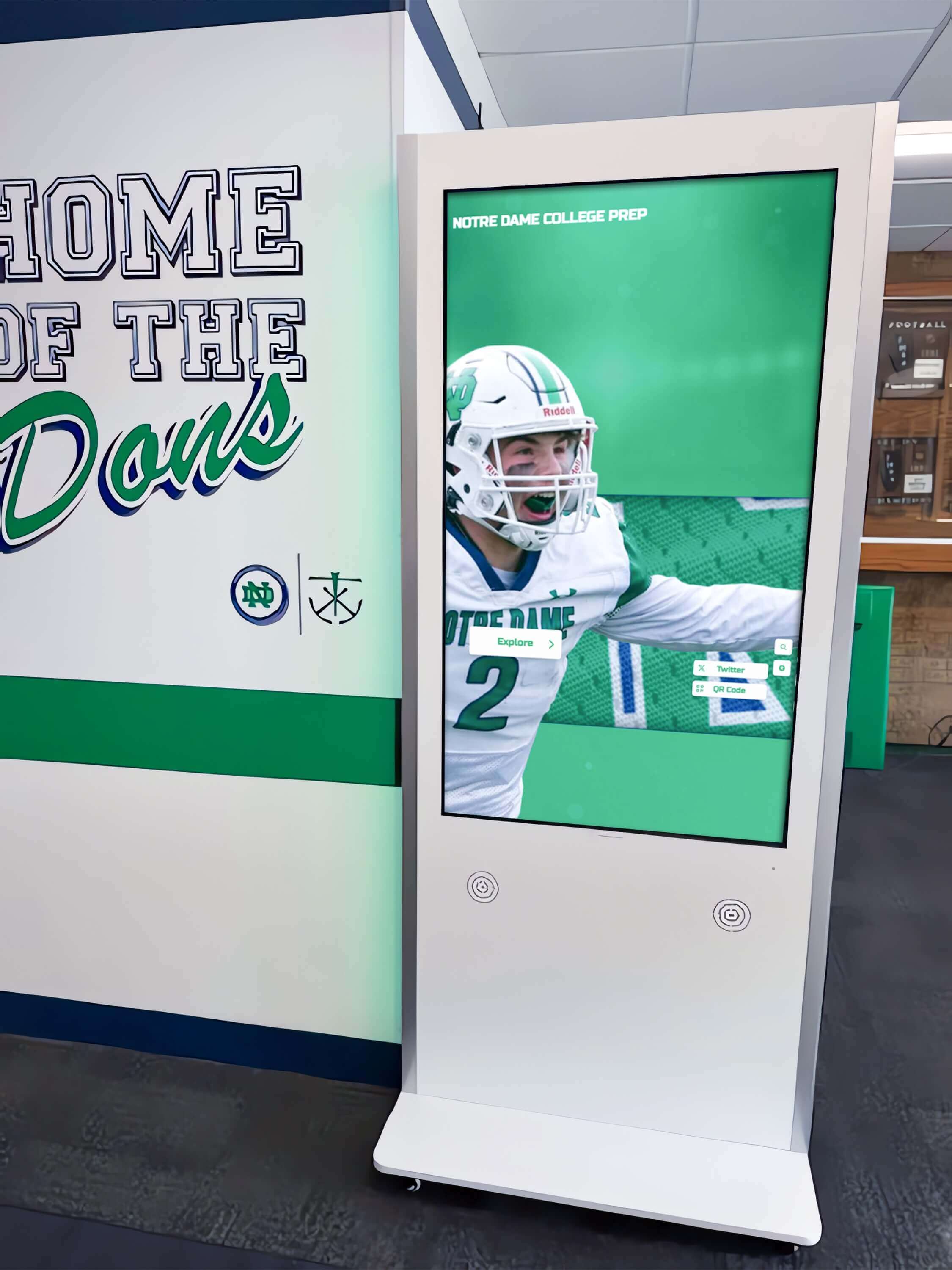
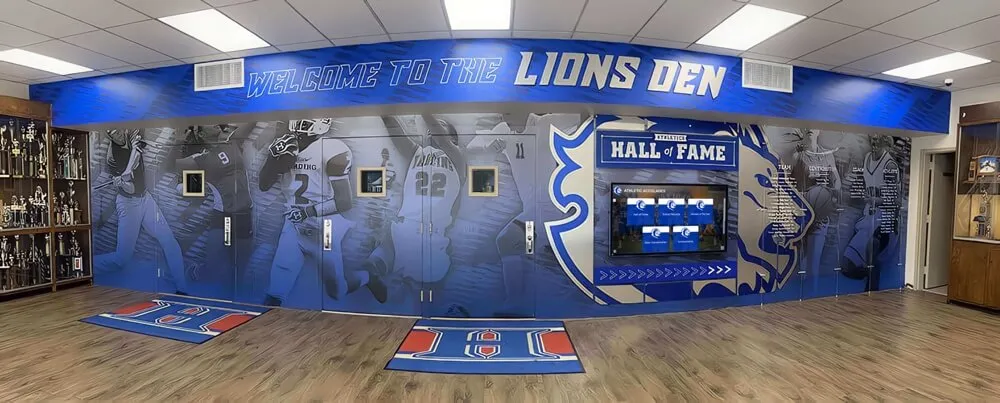
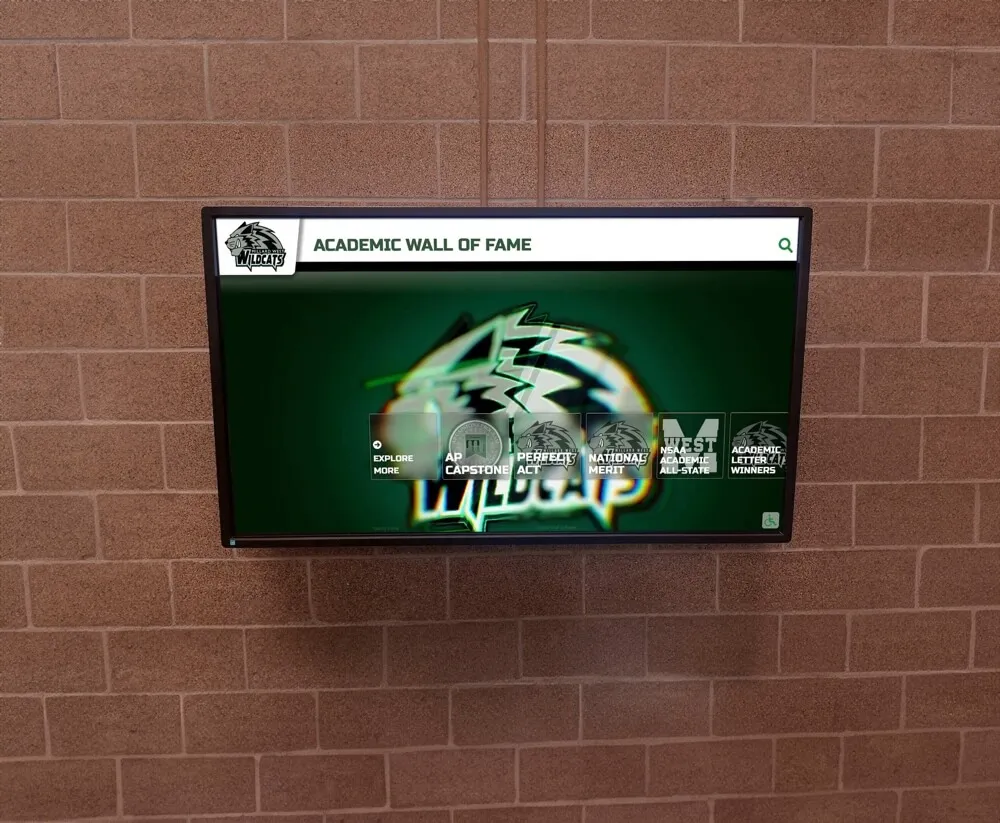
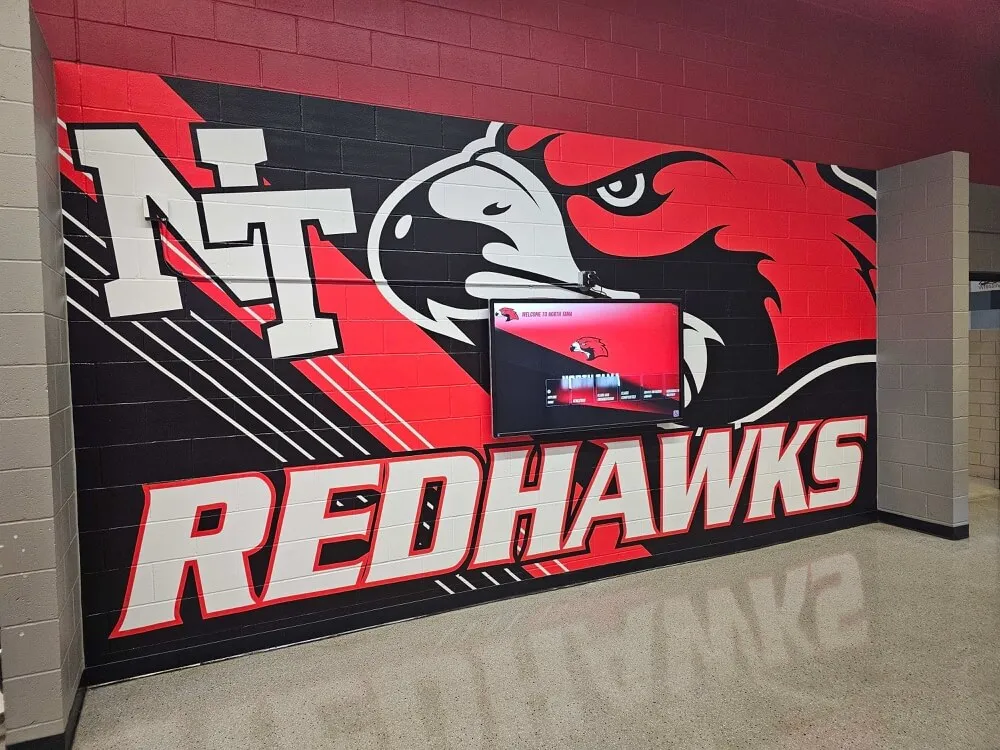
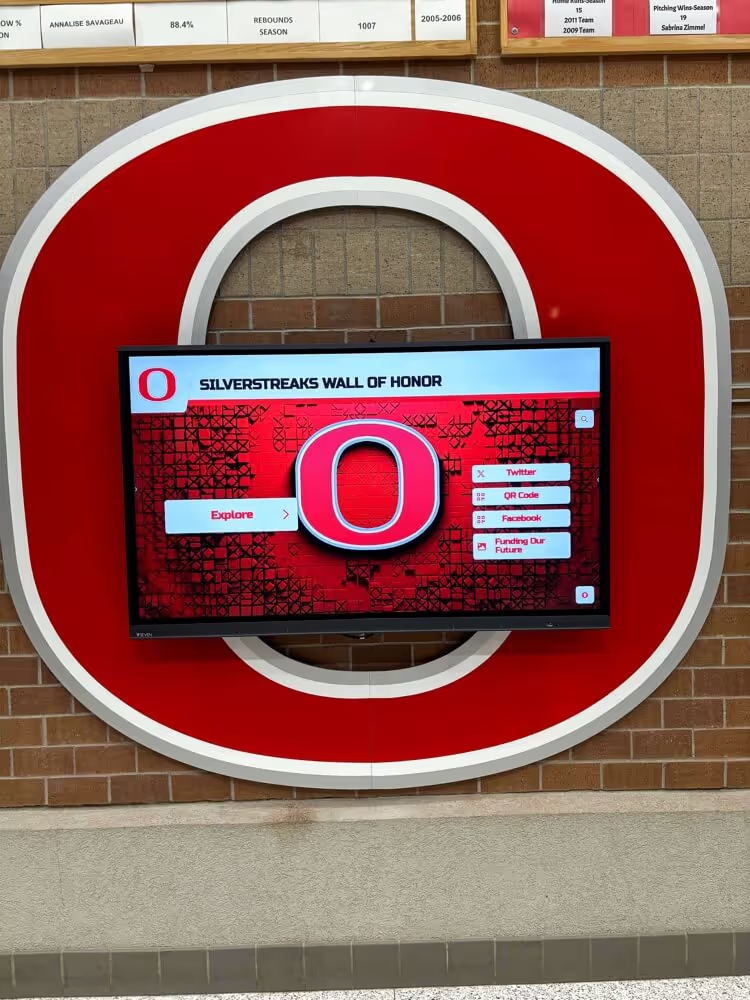
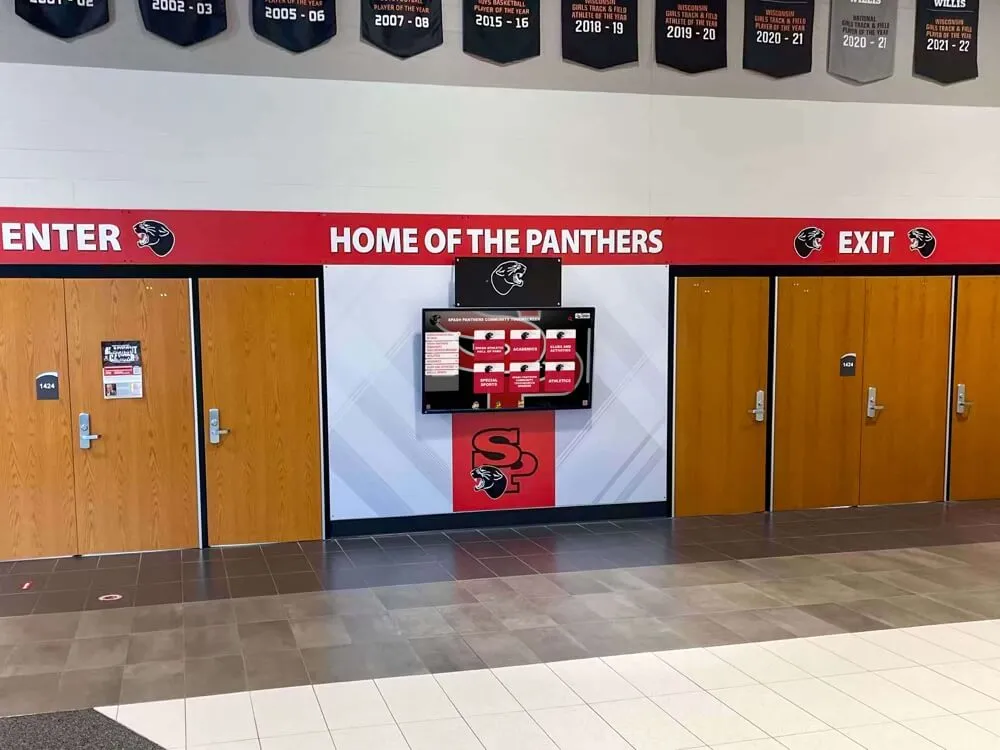
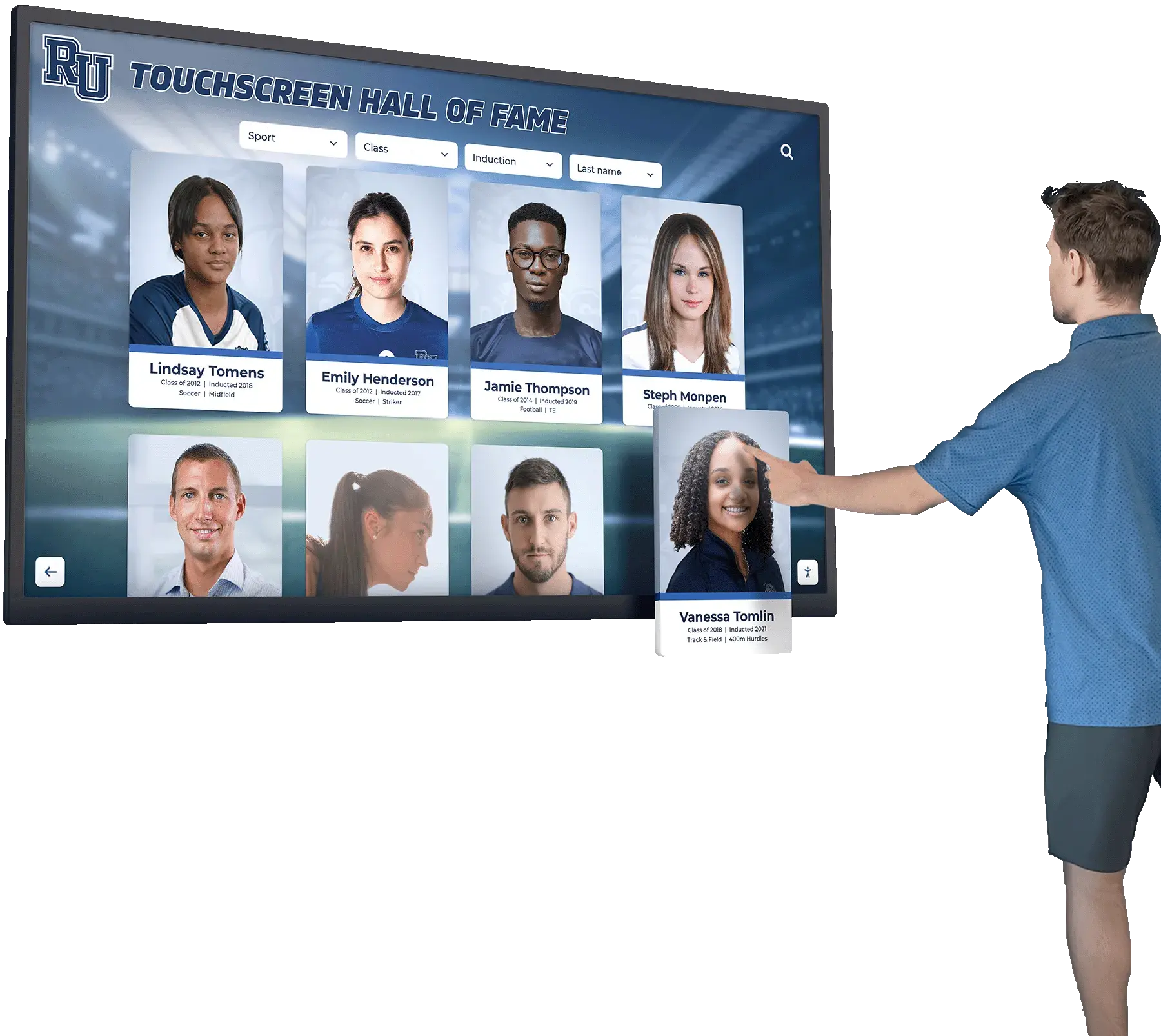
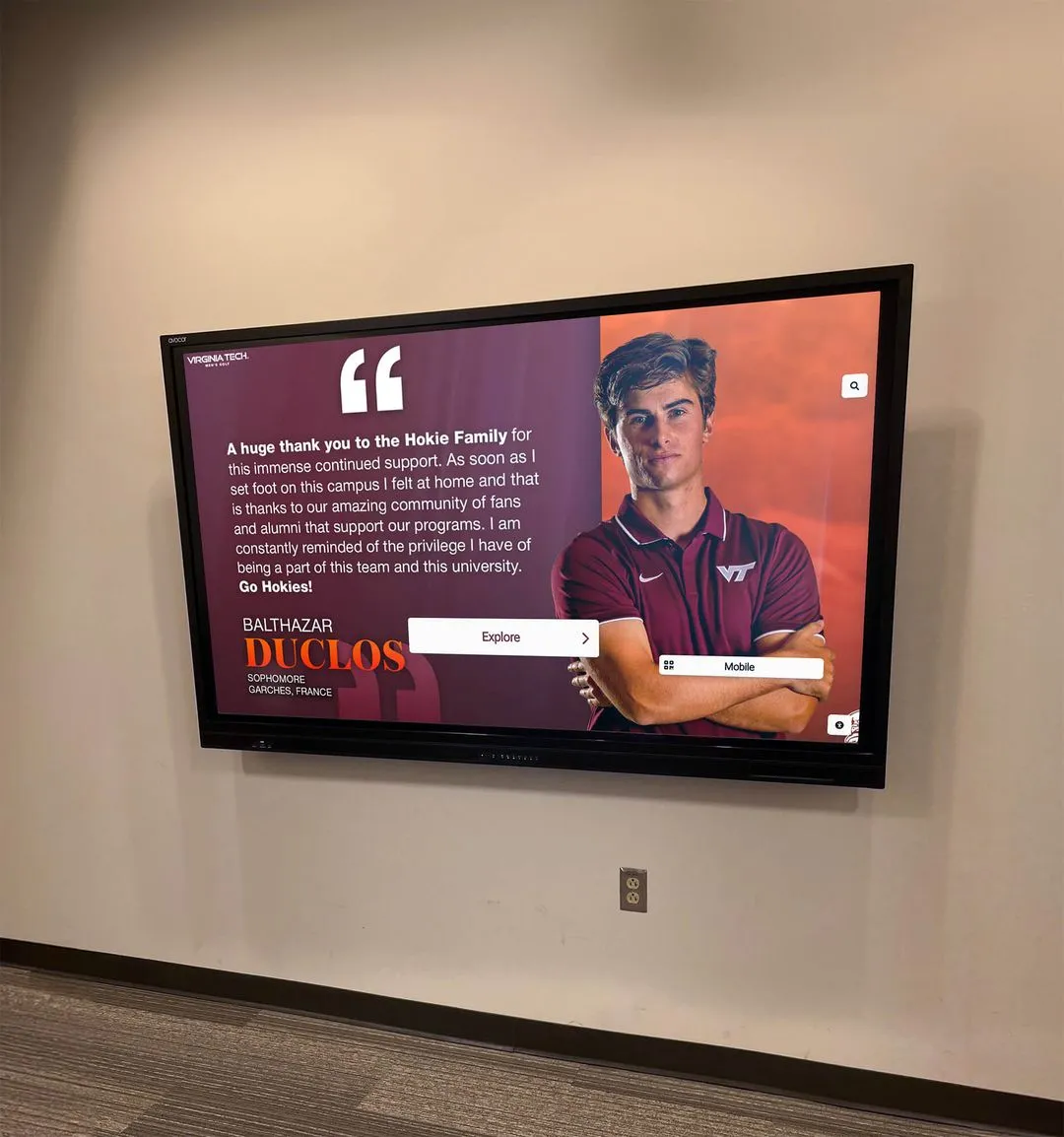
A purpose-built digital record board platform is the fastest path to implementing a version control policy because the platform enforces the rules structurally. Approval gates become required workflow steps in the software, not voluntary steps that a busy coach can skip. Version history is logged automatically. The publication window for the digital display effectively becomes zero: when a record is approved, the display updates immediately.
What the platform does not automate is governance of the downstream formats — coaching staff spreadsheets, printed lists distributed at banquets, or the physical board in the weight room. Those formats still require the manual publication-window discipline described above. The platform closes the gap for the format it controls; the policy closes the gap for everything else.
Programs managing a staff recognition or appreciation display alongside athletic records — as many schools do when athletic history and faculty achievement share wall space — face the same version control challenge across both content types. Year-round staff recognition and appreciation wall programs have their own data stewardship requirements, and a shared policy framework that covers both recognition categories is more sustainable than maintaining separate ad hoc processes for each.
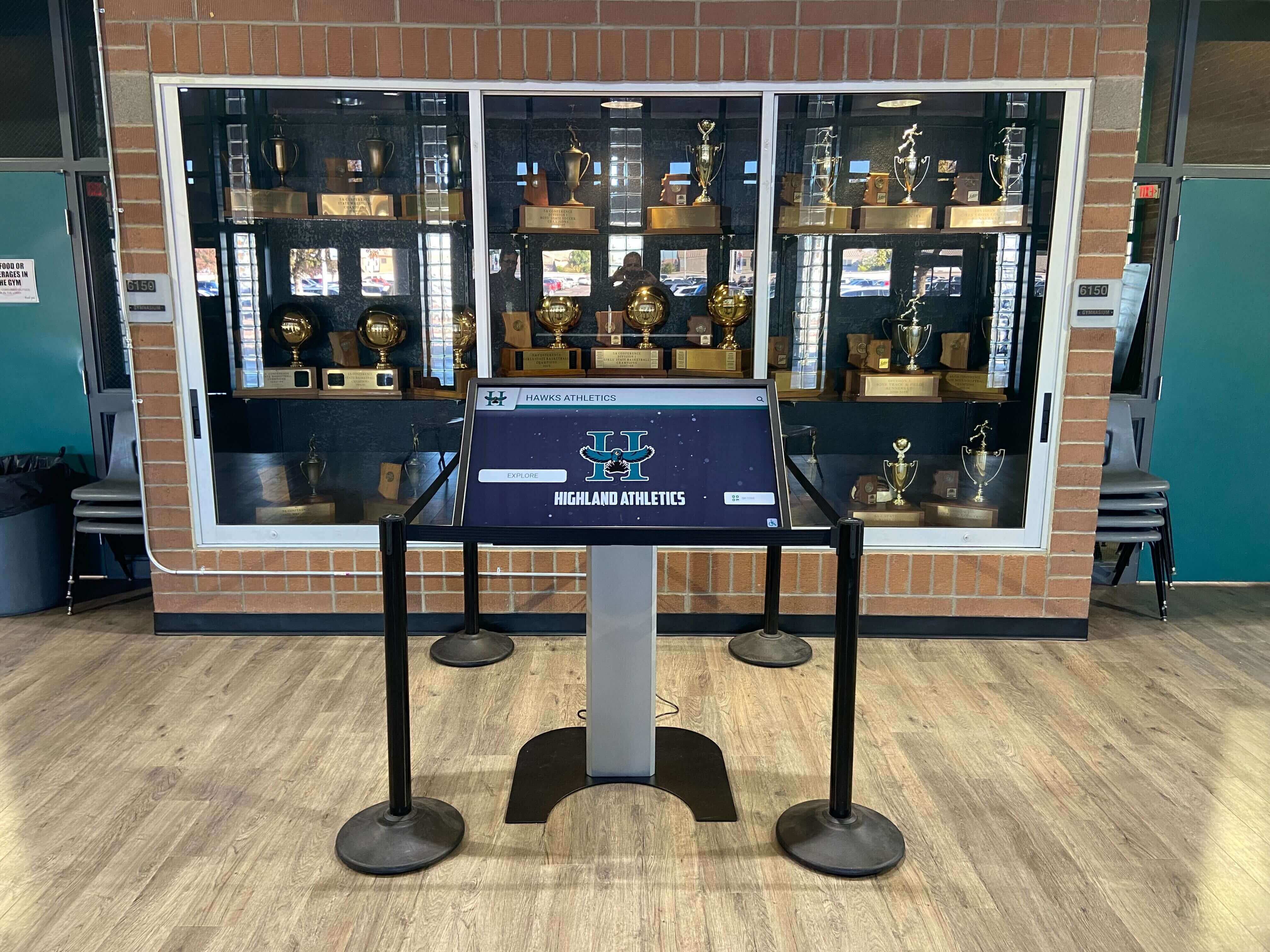
When evaluating a digital record board for the first time, it is worth asking how the platform handles version control natively: what the audit log looks like, who can access it, and how records are marked during a rollback. Programs combining a physical trophy display case with a digital overlay — display case installations that bridge physical and digital recognition formats — benefit from a formal synchronization policy so the two formats do not diverge after installation.
Policy Documentation Checklist
Every athletic record version control policy should exist as a written document — not an understood convention that lives in the athletic director’s memory. The written policy should address:
- Designated master file custodian role (specified by title, not personal name)
- Naming and versioning convention for all record files and folders
- Archive folder structure and automated backup protocol
- Approval gate requirements by change type and sport category
- Rollback procedure with step-by-step documentation
- Publication window for each downstream format with role assignments
- Custodian handoff procedure for staff transitions
- Annual policy review date
The policy document should be stored in the same named archive location as source documentation for records — not in a personal folder and not exclusively inside an email thread.
Frequently Asked Questions
What is an athletic record version control policy?
An athletic record version control policy is a written document that designates one format as the authoritative master for school athletic records, assigns ownership and edit authority by role, sets approval requirements for new records and corrections, defines a rollback procedure for errors, and specifies how quickly each downstream format must sync after a master update.
Why do schools need version control for athletic records?
Without version control, different formats — the school website, the digital board, a coaching staff spreadsheet, the printed record book — routinely show conflicting values for the same record. The conflict is almost never caught in real time; it surfaces months or years later when an athlete challenges a mark or a community member notices the discrepancy. A version control policy prevents the conflict from developing by requiring all formats to sync from one master.
What is the most common cause of record discrepancies across formats?
The most common cause is parallel editing: two formats being updated independently, in different orders, with no reconciliation step. A coach updates a spreadsheet. The records administrator updates the digital board. If the coach’s update included a correction that the records administrator’s update did not carry, the two formats now differ. Designating one format as the master and requiring all others to sync from it eliminates parallel editing as a source of conflict.
How often should the master record file be audited?
At minimum annually, before the start of the academic year. Programs that process a high volume of new records — swimming and track programs during an active season — benefit from a mid-season check confirming that the master file and the digital platform are synchronized. The annual audit should also verify that all downstream formats are within their allowed publication windows.
Can a booster club or alumni organization maintain their own record database?
Booster clubs and alumni organizations can maintain reference copies of athletic records, but those copies should not diverge from the school’s master file. The policy should specify that any record data shared with or maintained by outside groups is clearly labeled as a derived copy that is not authoritative. If an outside group surfaces a discrepancy, the dispute resolution process runs through the school’s normal correction workflow — not through the outside group’s copy.
What happens to records during a staff transition?
The policy should specify a formal handoff that includes transferring master-file credentials, confirming the archive location, completing a version-state check to confirm the master file and the digital platform agree, and documenting the handoff date and the confirming parties. Programs that maintain sport-specific documentation alongside their record books — hockey officiating records and sport governance documentation, for example — know that institutional knowledge about source evidence is equally fragile during transitions. The written handoff procedure is what prevents that knowledge from leaving with the departing staff member.
How does version control connect to the physical display board?
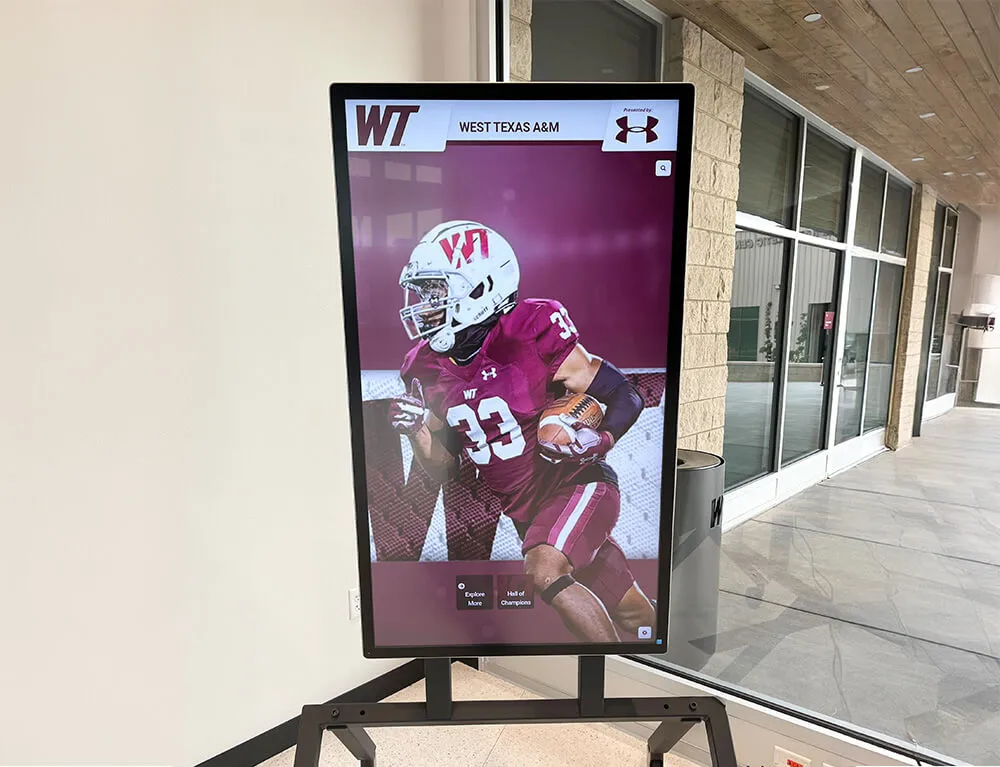
The physical display board is a downstream format with the longest allowable publication lag. The version control policy should specify the update cycle explicitly — whether monthly, seasonal, or annual — and assign a role responsible for executing the update. When the digital record board platform is the master, the physical board’s update is triggered by reviewing the platform’s current records and applying any changes that occurred since the last physical update. This keeps the physical board synchronized without requiring it to match the digital board in real time.
Does the policy apply to all sports, including softball and other specialized programs?
Yes. The version control policy should apply equally to all sports. Sport-specific requirements — which timing sources qualify for track versus swimming, or how pitching statistics are defined — are addressed at the approval gate level through sport-specific conditions, not by maintaining separate policies per sport. Coaches building out softball pitching mechanics and statistical tracking programs often want to track granular performance metrics beyond what traditional record boards display; the version control policy should specify which categories constitute the official record and which are coaching analytics maintained separately.

An athletic record version control policy closes the gap between the record as it lives in the master system and the record as it appears across every format a program uses. The five components — ownership, naming, approval gates, rollback, and publication windows — are not complex, but they need to be written down, assigned to roles, and reviewed annually to remain effective.
Book a live demo with Rocket Alumni Solutions to see how a purpose-built digital record board platform handles version control natively — from approval workflows and audit logging to real-time display updates — so your program’s records are always in sync.