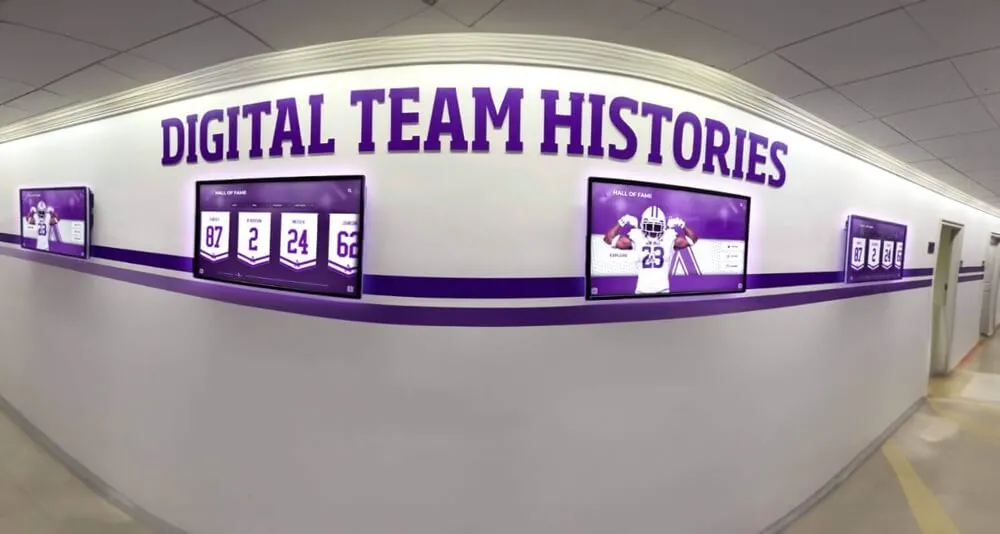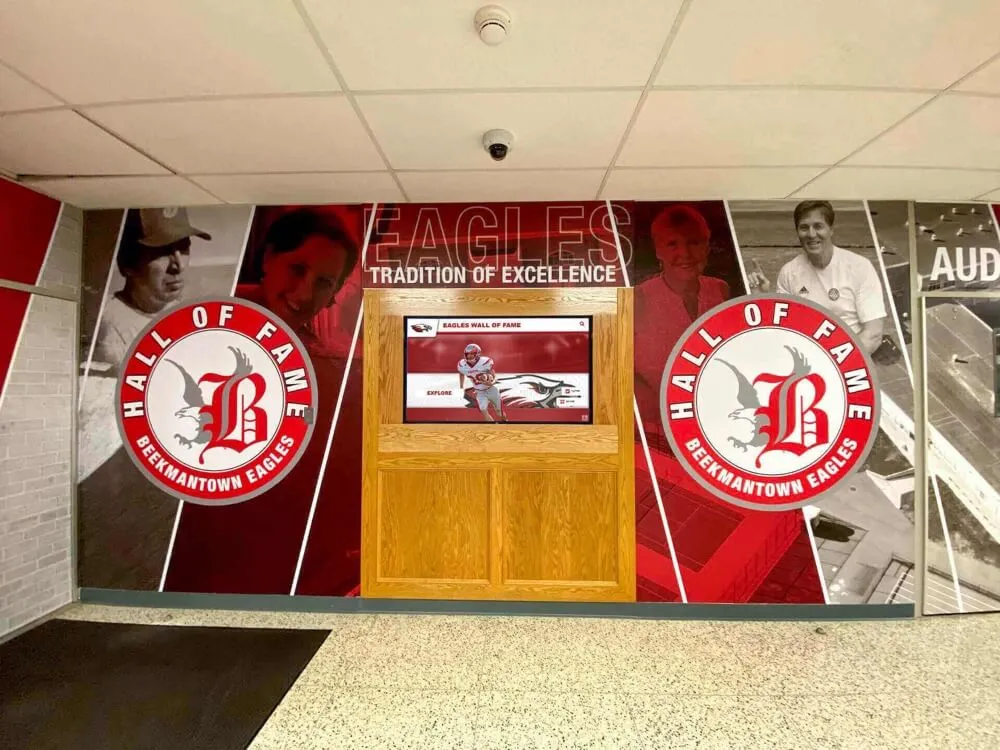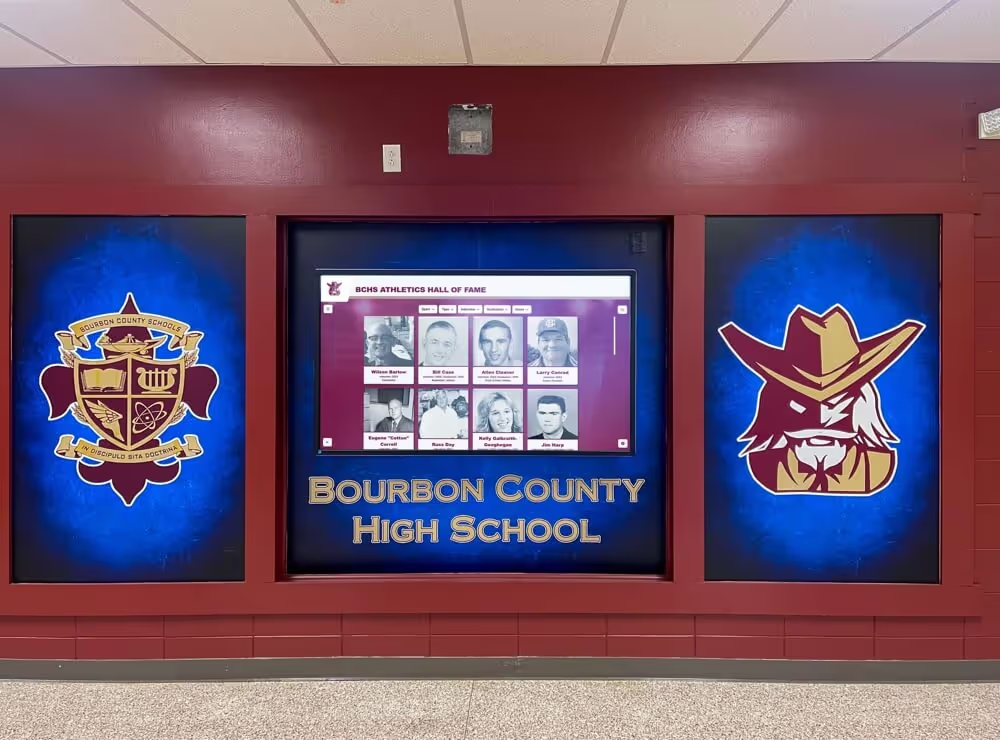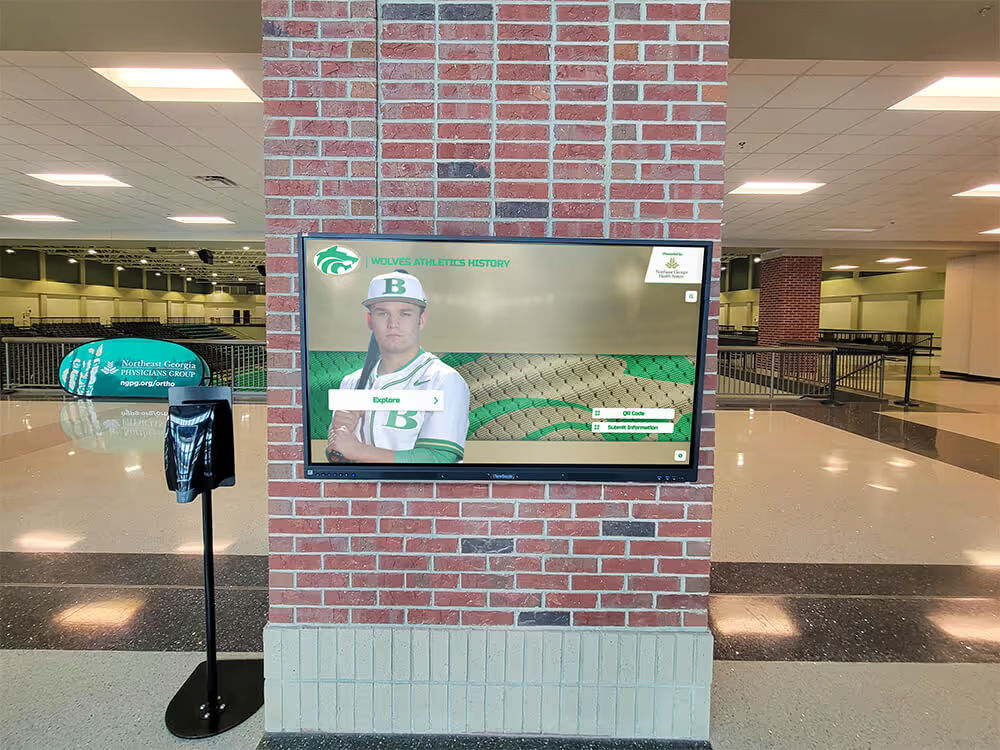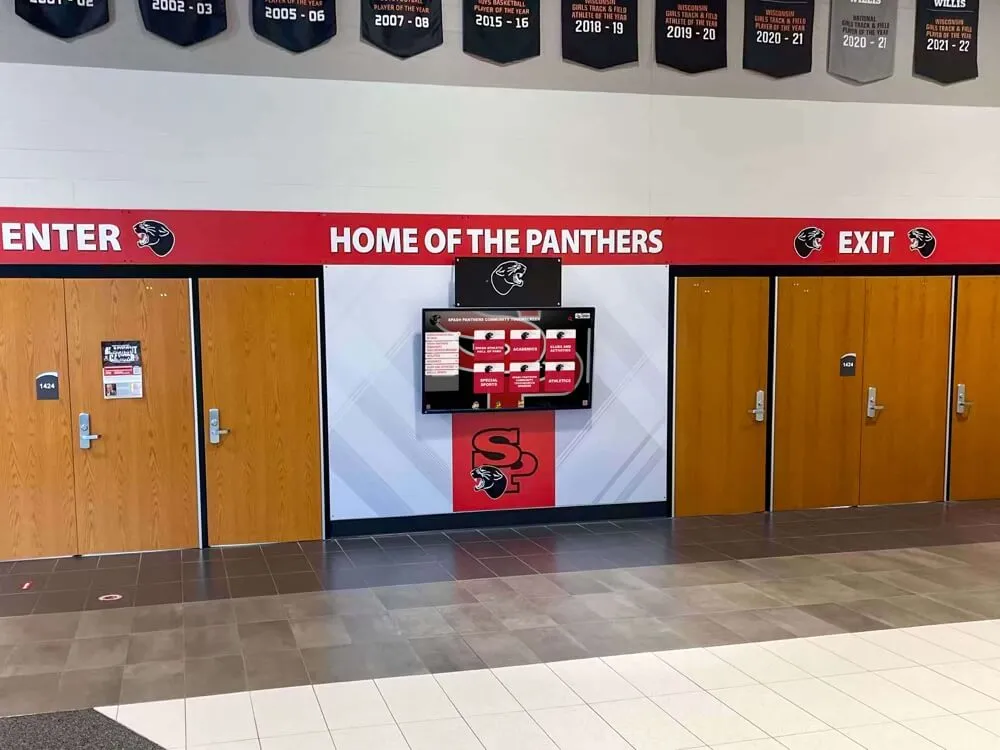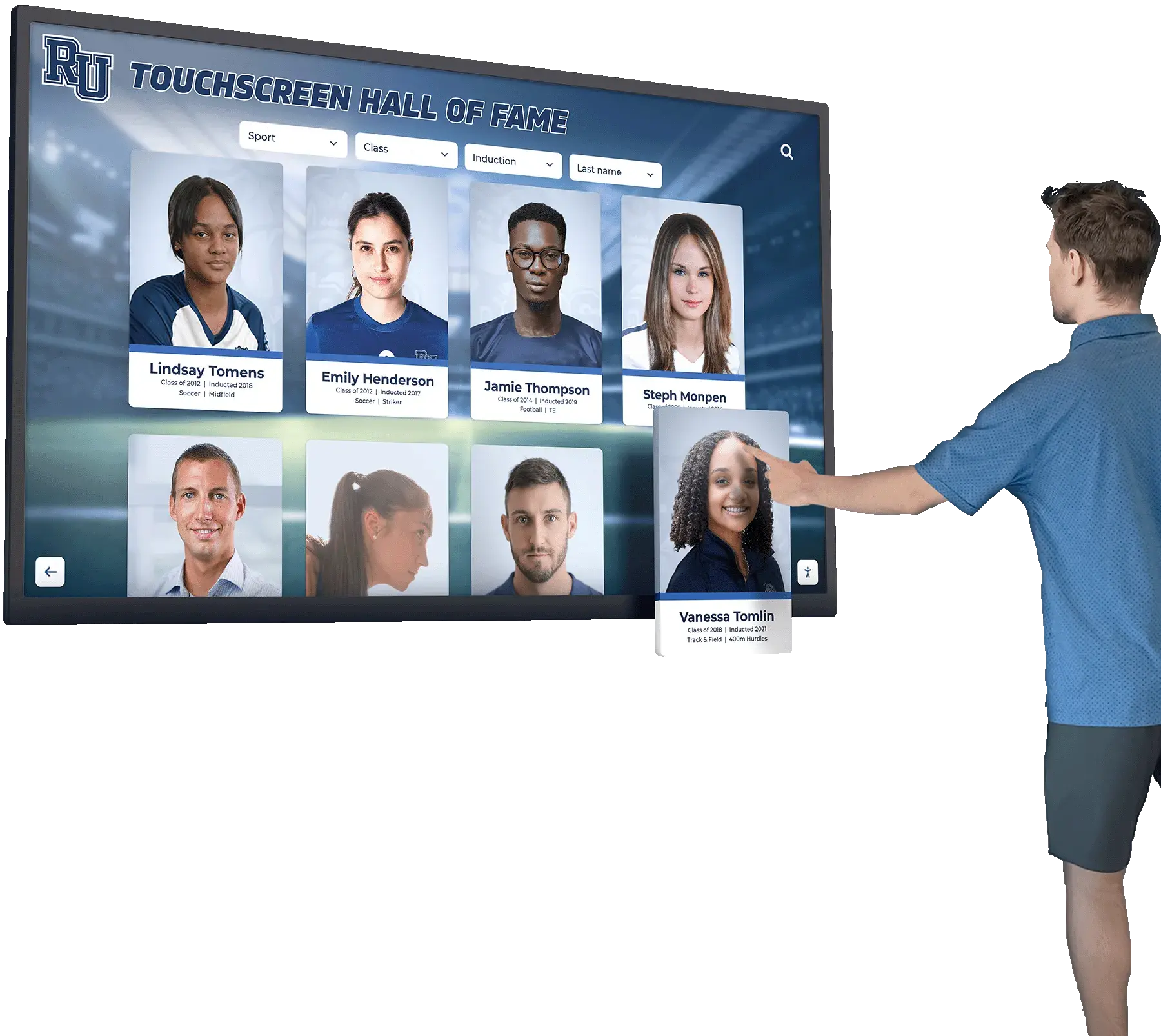




Every athletic department eventually faces the same scenario: a coach emails to say the 400-meter record is wrong, an alumnus notices a misspelled name on the display, or a years-old mark quietly gets broken and no one updates the board. Each event is manageable on its own — the problem is that most programs have no consistent place to record what changed, who authorized it, what evidence was reviewed, and whether the physical board, the digital display, and the website were all updated at the same time.
An athletic record change log template solves that by turning every correction into a documented row: date, record affected, type of change, evidence on file, approval, and display status. The log becomes the single source of truth for every modification the program has ever made to its record database.

What an Athletic Record Change Log Is — and Why One Matters
Intent: demonstrate
A change log is a running document, usually a spreadsheet or a structured table in a records management platform, that captures every modification made to an athletic record database after initial entry. It is distinct from the submission form (which captures a new record claim before it is verified) and distinct from the record database itself (which shows only the current state of each record). The change log captures the history of changes — what was corrected, why, and when.
Programs that maintain a change log gain three concrete benefits:
- Auditability. When a community member questions why a record changed, the department can show exactly who authorized the correction and what evidence was reviewed.
- Display synchronization. A change log that includes a display-update field forces staff to confirm that every location showing the record — physical board, digital kiosk, website, printed program — was updated after each correction.
- Institutional memory. When an athletic director retires or a head coach moves on, the incoming staff member can reconstruct every significant change the department made and understand the evidence behind it.
Schools that already manage a formal digital archive for athletic and institutional records will recognize this structure: the change log is the audit layer that sits on top of the record database, tracking every modification so the archive remains trustworthy over decades.
The Complete Athletic Record Change Log Template
The table below defines the required fields for each change log entry. Every row represents one change to one record. If a single correction touches three records (for example, a data migration that fixes a swimmer’s name across all their entries), each record gets its own row so the log remains granular and searchable.
| Field | Format | Purpose |
|---|---|---|
| Log ID | Sequential integer (e.g., CL-2026-001) | Unique identifier for each change; used in cross-references |
| Date of Change | YYYY-MM-DD | When the change was applied to the database |
| Sport | Text (e.g., Swimming, Track & Field, Basketball) | Enables filtering by sport |
| Event / Category | Text (e.g., 200 Freestyle, Career Points) | Specific record category affected |
| Gender Classification | M / F / Mixed | Required for programs with separate record tables |
| Athlete Name (Before) | Last, First | Name as it appeared before the correction |
| Athlete Name (After) | Last, First | Name as corrected (same as before if name unchanged) |
| Mark (Before) | Text (e.g., 1:58.4 or 342 pts) | Performance value prior to correction |
| Mark (After) | Text | Performance value after correction |
| Season / Year (Before) | YYYY or YYYY–YY | Displayed season before correction |
| Season / Year (After) | YYYY or YYYY–YY | Displayed season after correction |
| Change Type | See type codes below | Categorizes the nature of the correction |
| Change Description | Free text (max 100 words) | Plain-language explanation of what changed and why |
| Evidence File Reference | Filename or archive path | Points to the document that supports the correction |
| Evidence Tier | Tier 1 / Tier 2 / Tier 3 | Source tier per the program’s citation standards |
| Requested By | Name and role | Person who submitted the correction request |
| Reviewed By | Name and role | Staff member who verified the evidence |
| Approved By | Name and role | Athletic director or designee who authorized the change |
| Approval Date | YYYY-MM-DD | Date the change received final authorization |
| Physical Board Updated | Yes / No / N/A | Confirms the physical display was changed |
| Digital Display Updated | Yes / No / N/A | Confirms the digital record board or kiosk was updated |
| Website Updated | Yes / No / N/A | Confirms the school athletics website reflects the change |
| Printed Materials Flagged | Yes / No / N/A | Notes whether printed programs or media guides are affected |
| Notes | Free text | Any follow-up actions, pending items, or cross-references to related log entries |
Change Type Codes
Using a controlled vocabulary for Change Type makes the log filterable and prevents staff from describing the same category of change in a dozen different ways.
| Code | Type | Description |
|---|---|---|
| DE | Data Entry Error | Mark or name was entered incorrectly at original submission |
| MR | Missing Record | Performance qualified as a school record but was never added |
| OR | Outdated Record | A broken record was not updated when the new mark was set |
| HI | Historical Inquiry | A previously unknown historical record is being added |
| SP | Split / Reclassification | A record is being moved to a different event, gender, or classification tier |
| ME | Merge | Two duplicate entries are being consolidated into one |
| DP | Display Only | Only the formatting, photo, or display presentation changed — underlying data unchanged |
| AR | Archive / Retire | Record is being moved from active display to archive status |
How to Use the Template: Seven Steps
Step 1: Assign a Log ID Before Any Change Is Made
Every entry needs a unique identifier before the correction touches the database. The format CL-[YEAR]-[NNN] (for example, CL-2026-047) gives each entry a sequential number within an academic year, which makes it easy to sort, filter, and reference in related correspondence. Assign the Log ID at the moment a correction is opened — not after it is completed — so there is always a record of corrections that were initiated, including ones that were later denied.
Step 2: Complete the “Before” Fields Before Touching the Record
The most common change log failure is filling in only the “after” state and losing the ability to trace what the database showed prior to the correction. Before making any change, copy the current values from the record database into the Before fields. This is especially important for marks that are close in value — a track record of 10.84 corrected to 10.48 looks straightforward in isolation, but two years later the Before field is the only way to confirm which direction the change went.
Step 3: Attach Evidence to the Log Entry
Every correction requires a supporting document, and that document should be referenced directly in the Evidence File Reference field. Acceptable evidence follows the same tier hierarchy used in the program’s source citation standards: Tier 1 sources (official meet results, timing printouts, signed scorebooks) are preferred; Tier 2 sources (newspaper reports, unofficial statistics, video) require the reviewer’s explicit notation; Tier 3 sources (alumnus recollection, yearbook reference) require athletic director approval before the change can be applied.
Schools that track recognition history across multiple sports — from team sports like baseball and softball through individual performance events — benefit from having a single evidence tier standard that applies consistently across the entire record database, regardless of sport.
Step 4: Route Through the Approval Chain
The Reviewed By and Approved By fields enforce the two-step approval chain. The reviewer’s role is to verify that the evidence is what the submitter claims it is. The approver’s role (typically the athletic director) is to confirm that the evidence meets the program’s standard for the type of change being made. A data entry correction with a Tier 1 source can move through the chain quickly. A historical inquiry with only Tier 3 sources requires the AD’s judgment about whether the evidence is sufficient to justify publishing the record.
For most programs, the reviewer and approver will be different people. Programs with small staff may have the AD serve as both — but the two fields should still be completed separately, with different timestamps, to show that the evidence was considered rather than rubber-stamped.
Step 5: Apply the Change to the Database
Only after the Approval Date field is filled in should the change be made in the database. This sequencing is the point of the workflow: evidence first, approval second, change third. Any system that applies changes before generating an approval record is not a change log — it is a change history, reconstructed after the fact, which is significantly less reliable.
Programs using a purpose-built digital record board platform gain a structural advantage here: the platform can enforce the approval step at the system level, preventing a change from going live on the display without passing through the defined workflow.
Step 6: Update All Display Locations and Mark the Log Entry
After the database change is applied, every location that shows the affected record must be updated before the change is considered complete. The three display fields — Physical Board Updated, Digital Display Updated, Website Updated — should be marked Yes only after the specific update has been confirmed, not when it has been scheduled or requested.
This is the step that most informal correction workflows skip entirely. A correction that exists in the database but has not propagated to the physical board creates a mismatch that community members will notice — and that mismatch is more damaging to program credibility than the original error. The display fields in the change log make it operationally impossible to close a log entry without confirming that every display location reflects the corrected information.
For programs that recognize athletes across multiple channels — from athletic record boards through dedicated recognition displays for individual award programs — the same discipline applies: a name correction or updated achievement should propagate to every display surface before the change is marked complete.
Step 7: Review the Log on a Quarterly Schedule
The change log should be reviewed by the athletic director or records administrator on a quarterly basis — not just when corrections are submitted. The quarterly review has two purposes: to close out any entries that are still open (Reviewed By or Approved By blank, display fields not marked), and to identify patterns that signal a systemic problem. If the log shows ten data entry corrections in the first month of a season, the submission process has a quality issue. If display updates consistently lag two weeks behind database corrections, the workflow needs a tighter deadline.

Display Synchronization: The Step Programs Most Often Skip
Display synchronization — confirming that every surface showing a record reflects the current database — is the operational step that distinguishes a functioning change management process from a paper exercise. The physical board, the digital display, and the school website each have different update mechanisms, different owners, and different update timelines. Treating them as one step in the change log forces the department to track each surface separately.
Physical boards typically require a vendor order or in-house fabrication process with a lead time of days to weeks. The change log should capture the date the physical update was requested (in the Notes field) and the date it was confirmed as complete (in the Physical Board Updated field).
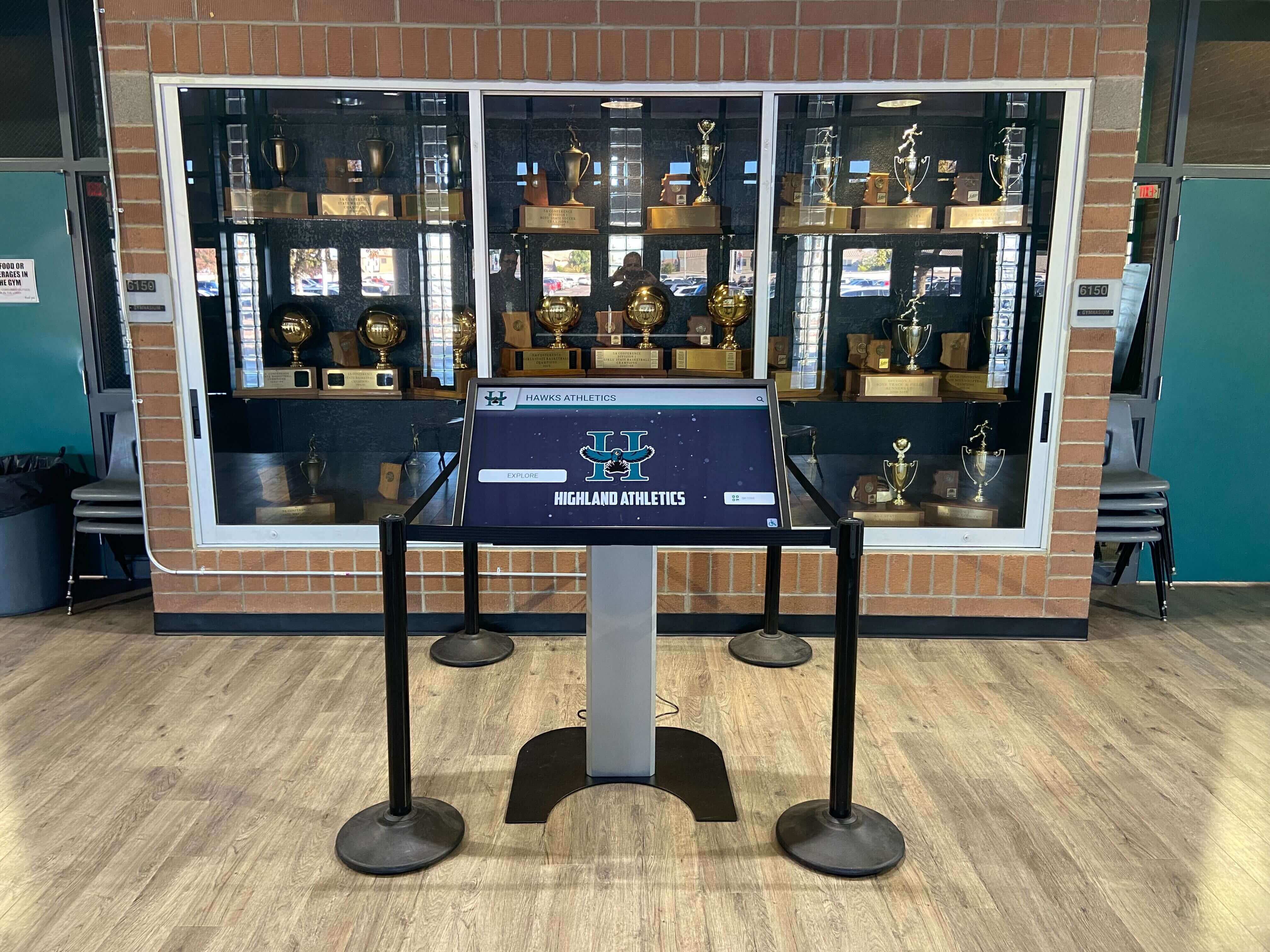
Digital record board platforms allow real-time updates that can be made in minutes. When a program uses a connected digital display, the gap between database update and display update should be measured in hours, not days. The Digital Display Updated field should almost always be Yes within the same business day as the database change.
School websites and printed materials have their own update owners — typically a communications office or booster organization — and should be flagged as part of the correction workflow rather than handled informally after the fact. The Printed Materials Flagged field acknowledges that correcting a printed program is not always possible, but that the department at least noted the discrepancy for the next print cycle.
Programs that display academic and athletic recognition in common areas — like school recognition programs that appear in hallways and lobbies — benefit from the same multi-surface synchronization discipline, since the display is often the first thing visitors and students see.
Adapting the Template for Different Program Sizes
The full template above is designed for programs with active multi-sport record databases and multiple display surfaces. Smaller programs or programs just establishing a change log for the first time can use a simplified version:
Minimum viable change log fields:
| Field | Description |
|---|---|
| Log ID | Unique entry identifier |
| Date | Date of change |
| Sport / Event | What record was changed |
| Change Description | What changed and why (one sentence) |
| Evidence on File | Yes / No |
| Approved By | Name of authorizing staff member |
| Display Updated | Yes / No (treating all surfaces as one check) |
Start with the minimum viable version if the program has no existing change documentation. Add fields — evidence tier, separate display surfaces, before/after data — as the program’s recordkeeping capacity grows. A change log that staff will actually use is more valuable than a comprehensive template that generates friction and gets skipped.
Programs managing recognition for groups like color guard, JROTC, or other co-curricular programs can apply the same template logic to any achievement category tracked on a public display, not only athletic performance records. The fields are sport-neutral; only the Change Type codes need to be adapted for the recognition category in question.
Evidence Requirements by Change Type
Different types of changes carry different evidentiary burdens. The table below provides a quick reference for what evidence standard applies to each Change Type code.
| Change Type | Minimum Evidence Required | Who Can Approve |
|---|---|---|
| DE — Data Entry Error | Tier 1 source showing the correct value (meet results, scorebook) | Records administrator or AD designee |
| MR — Missing Record | Tier 1 source for the performance; documentation that it was a school record at the time | Athletic director |
| OR — Outdated Record | Same evidence as a new record submission for the current mark | Records administrator or AD designee |
| HI — Historical Inquiry | Tier 2 source minimum; Tier 3 with two independent corroborating sources | Athletic director only |
| SP — Split / Reclassification | Policy documentation showing the reclassification rationale | Athletic director |
| ME — Merge | Original source documents for both entries | Athletic director |
| DP — Display Only | Screenshot or description of the display change | Records administrator |
| AR — Archive / Retire | Written rationale and confirmation that no active record reference depends on the entry | Athletic director |
Connecting the Change Log to Alumni and Donor Programs
The change log serves a function beyond operational accuracy: it becomes an asset for alumni engagement and donor stewardship programs. When an alumnus contacts the athletic department asking about a record they hold or once held, the change log lets staff provide a precise account of every modification — including any corrections that were made, what evidence supported them, and when the display was updated.
This level of transparency is especially valuable when a correction involves reducing or removing a displayed record — a scenario that requires careful communication with the athlete involved. Having a complete change log entry with evidence documentation makes that conversation substantially easier and more credible.

For programs that manage donor recognition alongside athletic records, a change log for donor display updates — name corrections, updated giving levels, display synchronization — follows the same structure as the athletic record change log. The fields translate directly, and programs that already maintain a disciplined athletic change log often find that extending it to cover other recognition categories requires minimal additional infrastructure.
Frequently Asked Questions
What is an athletic record change log template?
An athletic record change log template is a structured document — typically a table or spreadsheet — that records every modification made to an athletic department’s record database after initial entry. Each row captures the record affected, what changed, the supporting evidence, who approved the change, and when every display location was updated to reflect the correction.
How is a change log different from the record submission form?
A record submission form captures a new performance claim before it has been verified and entered. The change log captures corrections to records that are already in the database. Both are part of a complete records management system, but they serve different points in the workflow: submission forms govern additions, and the change log governs modifications to existing entries.
Do small programs need a formal change log?
Any program that displays records publicly — on a physical board, digital screen, or website — benefits from some form of change documentation. The minimum viable version (seven fields described above) takes minutes to implement and prevents the most common problem: a correction that no one can trace after the fact. Programs with fewer than 10 sports and 100 total records can manage the log in a single spreadsheet tab.
How long should change log entries be retained?
Indefinitely. School athletic records do not expire, and the documentation behind corrections to those records should be retained for the same duration as the records themselves. Change log retention should be addressed explicitly in the athletic department’s written records policy so that the requirement survives staff transitions.
Should the change log be accessible to coaches and athletes?
The full change log — including evidence file references and internal approval notes — is typically accessible only to authorized administrative staff. However, programs can maintain a public-facing summary that shows the date and type of each change without the internal documentation detail. A public-facing change summary builds community trust by demonstrating that the display is actively maintained and that corrections are handled through a defined process.
How does a digital record board platform interact with the change log?
Purpose-built digital record board platforms can enforce the change log workflow at the system level — requiring evidence attachment before an edit can be submitted, routing edits through an approval queue, and automatically logging the date and user for every database change. The platform’s system log handles the mechanical tracking; the change log template captures the human context (who requested it, what evidence was reviewed, which display surfaces were updated) that system logs do not record. The two tools are complementary, not interchangeable.
What happens when a change is denied?
Denied changes should still appear in the change log with their Log ID, the date the request was closed, the reason for denial, and the name of the staff member who denied it. A denial is a decision that affects the record database — the fact that the record was not changed is part of the audit trail, particularly if the same correction is submitted again by a different person in a subsequent year.

An athletic record change log template gives every correction a permanent home: the evidence that supported it, the person who approved it, and the confirmation that every display reflects the updated information. Programs that implement the template — even in its minimum viable form — eliminate the most costly problem in athletic recordkeeping, which is not the original error but the inability to trace what was changed and why.
Book a live demo with Rocket Alumni Solutions to see how a purpose-built digital record board platform handles change logging, evidence attachment, and display synchronization in one connected system.