
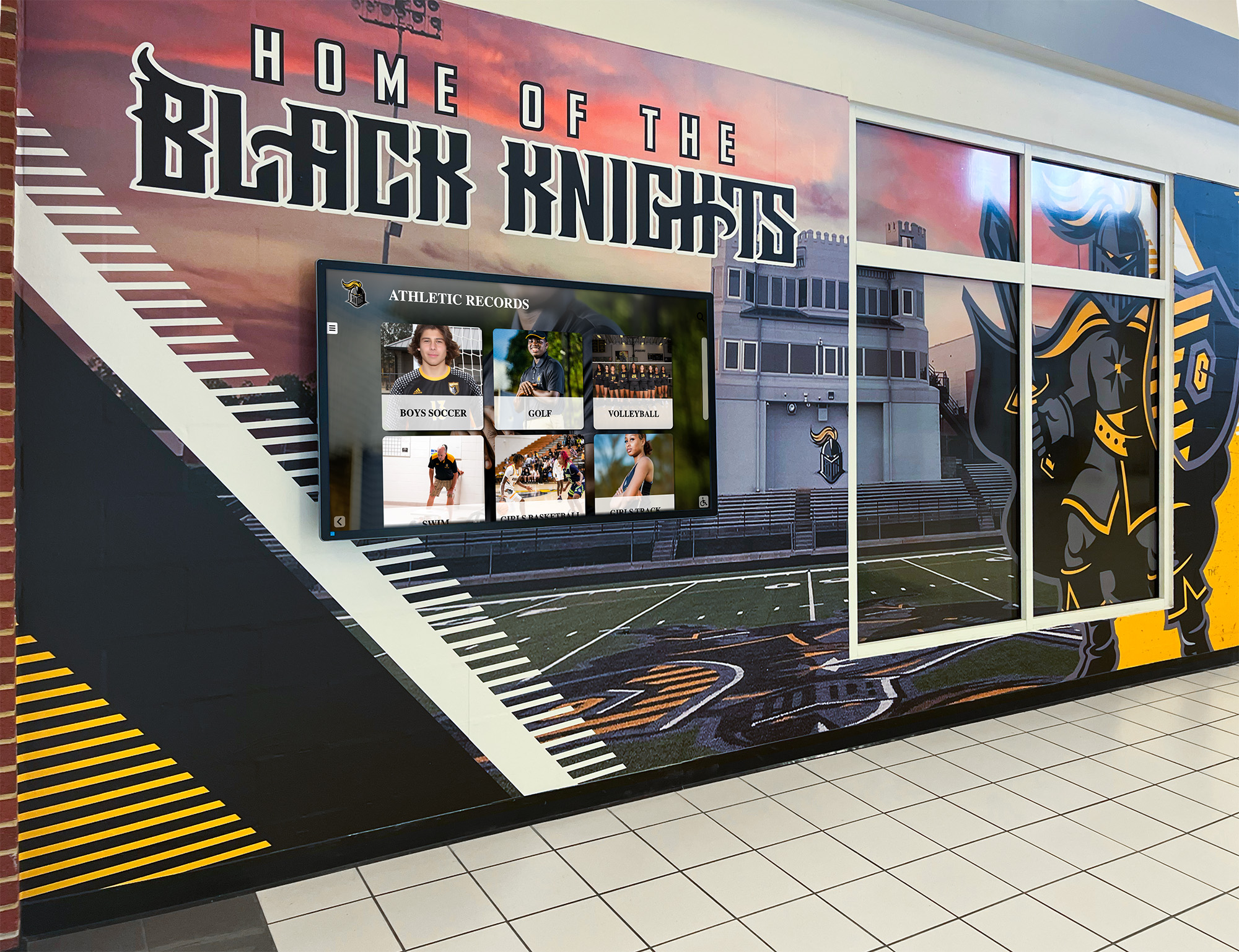




Every athletic director juggles a long list of seasonal responsibilities—scheduling, compliance paperwork, budget reconciliation, coaching evaluations, and facility logistics. What often slips to the bottom of that list is recognition: updating record boards, refreshing display cases, archiving season results, and honoring departing seniors. Left unattended, recognition systems fall months or years behind, erasing the achievements that motivate current student-athletes and connect alumni to the program. A disciplined athletic director checklist for recognition and display operations brings order to what can otherwise become a reactive scramble at end-of-year.
This guide organizes the recognition and records side of athletic administration into a seasonal checklist—pre-season, in-season, end-of-season, and off-season—so nothing falls through the cracks.
Why Recognition Workflows Deserve Their Own Checklist
Recognition operations feel less urgent than game-day logistics, so they rarely get calendar time until a parent asks why their son’s record is still missing from the board two years later. A dedicated checklist changes that calculus. It moves recognition from reactive (fix it when someone complains) to proactive (verify it each cycle). Programs that run tight recognition workflows see stronger alumni engagement, better student-athlete motivation during the season, and far less time spent on emergency corrections. Digital platforms like Rocket Alumni Solutions support this by centralizing records in one system that updates in minutes rather than requiring physical board revisions—but the checklist discipline is equally important regardless of what platform you run.

Pre-Season Athletic Director Checklist
Before competition begins, set up the recognition infrastructure that will capture the season accurately.
Records Audit and Baseline Verification
Pull your current record board data—whether physical or digital—and verify it against your historical files before the season starts. Look for:
- Missing events or disciplines: Did a sport add a new event last season that never made it onto the board?
- Incorrect holders: Cross-check record holders against archived meet results, scorebooks, or electronic timing data. Manual boards accumulate errors over time.
- Formatting consistency: Units, decimal places, and event names should be consistent across all sports. “100m Dash” and “100 Meter Dash” on the same board create confusion.
- Retired athlete verification: Confirm that alumni listed as record holders are properly identified so current rosters don’t generate confusion.
If your program uses a digital record board platform, run a full data export and reconcile it against your paper backups. Discrepancies caught in August are far easier to correct than those discovered mid-season.
Display and Hardware Inspection
Walk every recognition display in your building before the season opens.
- Test all interactive screens for touch response, software updates, and content accuracy
- Check static boards for warped letters, faded backgrounds, missing nameplates, and out-of-date sponsor panels
- Verify that ADA-compliant viewing heights and clearances are maintained around all display locations
- Confirm that lighting over trophy cases and wall displays is functional and properly aimed
For programs evaluating upgrades, review the ADA compliant digital recognition display procurement checklist before purchasing new hardware.
Awards and Recognition Program Setup
Identify all recognition programs running this season—varsity letters, all-conference selections, team MVP awards, senior night, scholar-athlete recognition, and any sport-specific honors. For each program:
- Confirm eligibility criteria and who tracks them
- Assign a staff member responsible for collecting nomination data
- Set calendar reminders for nomination deadlines, selection meetings, and award presentation windows
- Order or fabricate awards early enough to avoid end-of-season shipping crunches
In-Season Checklist
Recognition tasks that run concurrently with competition require a rhythm, not a sprint.
Weekly Record Monitoring
Designate one person per sport—typically the head coach or an assistant—responsible for submitting potential record performances within 48 hours of the event. Establish a simple submission form that captures:
- Athlete name, grade, and graduation year
- Event or discipline
- Performance mark with official units
- Date, location, and meet or event name
- Documentation: official results sheet, electronic timing output, or scorebook page
Your record board manager—whether in-house staff or a platform admin account—reviews submissions against current records and updates the board on a weekly cycle. Letting submissions pile up creates a backlog that’s harder to verify accurately.
Display Content Freshness
In-season is also when recognition displays get the most foot traffic. Parents visiting for games, alumni returning for reunions, and prospective families touring campus all walk past trophy cases and record boards. Stale content undermines the program’s image.
A brief monthly in-season check covers:
- Are current-season team rosters visible anywhere in the building?
- Has any recent award, title, or record been added since the season started?
- Are sponsor logos and recognition partnerships current and accurately represented?
- Does the hallway or lobby recognition display reflect the current year?
For programs running physical boards, even small additions—a printed card for a new school record—signal to student-athletes that the program is paying attention.
Roster and Photo Updates
Team photos and individual headshots should be collected early in the season, not scrambled for at year-end. Build a simple photo intake process:
- Set a photo day within the first three weeks of the season
- Collect consistent headshots in uniform for any athlete who may appear in recognition displays, the hall of fame, or media materials
- Store originals in a shared folder accessible to the communications office, athletic office, and any display platform admins

End-of-Season Athletic Director Checklist
The close of each season is the highest-density moment for recognition operations.
Final Record Board Reconciliation
Within two weeks of the final competition, complete a full record audit:
- Pull the submitted record claims from the season
- Cross-reference each against official meet results or game logs
- Update every affected record on the board with correct holder, mark, and date
- Document all changes in your records archive file
- File the official source documentation (meet sheets, timing printouts) in a physical or digital folder organized by sport and season
This is also the time to review records that were “almost broken.” A mark within one or two percentage points of the record flags events where a motivated athlete could break through next season—useful context for coaching conversations.
Senior Recognition and Exit Processing
Seniors who contributed records or earned significant awards during their careers deserve proper archival treatment before they leave the building.
- Compile each outgoing senior’s career stats across all four years
- Flag any school records, all-time top-ten finishes, or single-season marks they set
- Update hall of fame nomination files if any seniors meet criteria
- Collect final headshots and career summaries for archive files and potential hall of fame nomination packages
For inspiration on how other programs present athlete histories, review athletic season recap display ideas that translate seasonal data into permanent recognition content.
Awards Distribution and Documentation
Confirm that every award earned this season was actually distributed:
- Varsity letter certificates or physical letters delivered to athletes
- All-conference or all-state certificates printed and signed
- Team and individual trophies ordered, received, and presented
- Scholar-athlete designations submitted to the athletic conference
- Booster club recognition communicated to the booster leadership
Photograph all award presentations for archive and communications use. These photos feed future recognition displays, social media, and alumni newsletters.
Sponsor and Partner Recognition Audit
If any sponsor or community partner provided support this season, verify that their recognition commitments were fulfilled. Check:
- Signage credits on record boards, trophy cases, or digital displays
- Event program acknowledgments
- Verbal recognition at award banquets
- Digital display credits if included in the sponsorship agreement
Missing sponsor recognition creates credibility problems when renewing agreements. Address any gaps before the relationship renews.
Off-Season and Annual Checklist
The off-season window—typically summer—is the right time for larger recognition infrastructure projects.
Hall of Fame Review and Nomination Cycle
If your program runs an athletic hall of fame, the off-season is when the nomination, selection, and induction process typically runs. A clean hall of fame workflow covers:
- Nomination period announced to alumni, coaches, and boosters with a clear deadline
- Nomination criteria published and consistently applied across sports
- Selection committee convened with defined voting procedures
- Inductee notifications sent with induction ceremony details
- Inductee biographies, photos, and career summaries collected for display
- Display updated before the next school year or induction event
For programs evaluating digital hall of fame systems, the athletic director guide to choosing a digital hall of fame provider outlines what to look for in a platform. Accessibility standards matter too—review the ADA accessibility digital recognition displays checklist before any hall of fame display upgrade.
Archive Deep Clean
Over time, athletic archives accumulate inconsistencies: duplicate entries, missing years, conflicting records from different sources. An annual archive review addresses this before it compounds further.
- Identify any sport-year combinations where records data is missing or incomplete
- Contact coaches or program alumni who may hold historical documentation
- Digitize any paper-only records still sitting in filing cabinets
- Back up all digital archives to at least two separate storage locations
Display Infrastructure Evaluation
Once per year, evaluate whether your current recognition display infrastructure still serves the program. Ask:
- Are there recognition stories the current displays can’t tell (video highlights, career progression, multi-sport athletes)?
- Have new athletic facilities or renovation projects created space for expanded recognition?
- Are any physical boards so outdated that they reflect poorly on the program rather than celebrating it?
- Is the maintenance burden of physical boards consuming staff time that could be better allocated?
Athletic programs with limited resources benefit from comparing options carefully. The digital recognition tight budget guide for athletic directors outlines cost-effective upgrade paths, and the athletic director buyers guide for tight budgets helps compare platforms before committing.
Building a Sustainable Recognition Operations Model
Athletic directors who run tight recognition workflows consistently share a few operational habits.
Assign explicit ownership. Record board updates, award tracking, and display maintenance each need a named owner—not “the office” in general. When a task is everyone’s job, it’s no one’s priority.
Build it into the calendar. Recognition tasks that appear only on seasonal to-do lists get pushed when game-day logistics intensify. Block calendar time for record audits, display reviews, and archive updates the same way you block time for scheduling meetings.
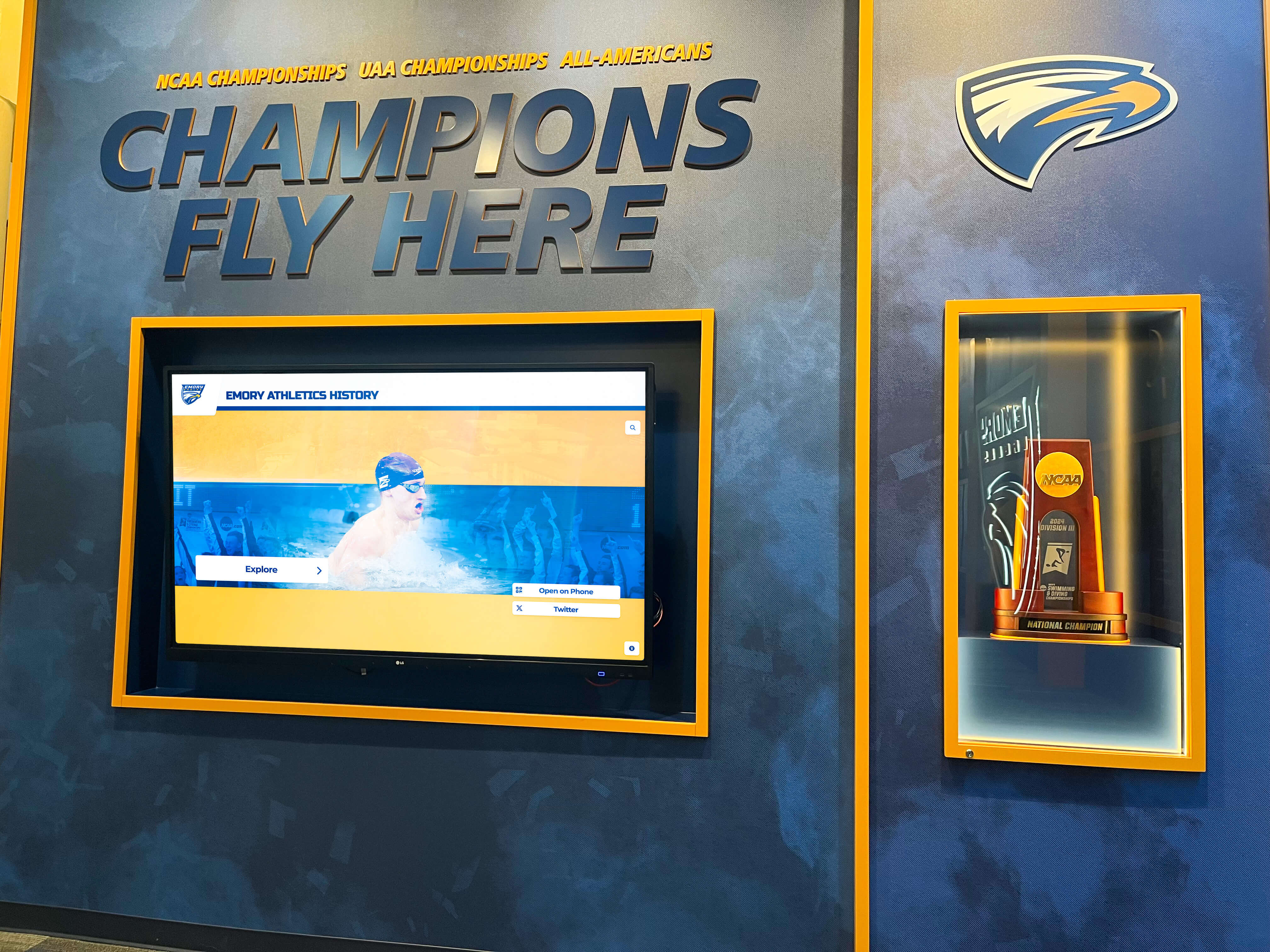
Use digital tools where they eliminate friction. The biggest efficiency gain in recognition administration is eliminating the cycle of printing, laminating, and physically mounting new record holders. Browser-based record management systems let a coach submit a record from a meet and have it reflected on display within the same day. That responsiveness creates a culture where coaches and athletes take recognition seriously because they see it happen in real time.
Connect recognition to retention. Visible, current recognition signals to student-athletes—and their families—that the program values what they accomplish. That perception affects recruitment conversations, alumni engagement, and community support for booster fundraising.
For athletic directors new to the field building these systems from scratch, reviewing the fundamentals of the role is useful context—see how others describe the path in guides like how to become an athletic director or the more detailed career path guide for aspiring athletic directors. Recognition infrastructure is rarely covered in those pathways, but it becomes a significant part of the day-to-day once you’re in the chair.
Quick-Reference Seasonal Checklist Summary
Pre-Season
- Audit all record board data against historical files
- Walk every display location for hardware and content issues
- Set up awards tracking and assign staff ownership
- Collect athlete photos and rosters before competition begins
In-Season
- Process record submissions within 48 hours of events
- Review all displays monthly for content freshness
- Maintain roster and headshot files in a shared location
End-of-Season
- Complete final record reconciliation within two weeks of last competition
- Process senior recognition and archive career data
- Confirm all awards were distributed and documented
- Audit sponsor recognition fulfillment
Off-Season/Annual
- Run the hall of fame nomination and selection cycle
- Conduct archive deep clean and backup
- Evaluate display infrastructure against current program needs
- Assess digital platform needs and upgrade options
Conclusion
A well-run athletic director checklist for recognition and display operations isn’t about adding work—it’s about doing necessary work at the right time rather than under deadline pressure. Programs that bake these tasks into their seasonal calendar maintain accurate records, current displays, and meaningful archives without the year-end scramble. Recognition systems that stay current do more than look good: they tell student-athletes their achievements matter, they give alumni a reason to stay connected, and they demonstrate to the community that the program runs with professionalism.
If your program is ready to move away from manual board updates and toward a system where records update remotely, display automatically, and archives never fall behind, Rocket Alumni Solutions provides the platform built specifically for athletic recognition—from school record boards to full hall of fame displays. Schedule a demo to see how the system fits into your seasonal workflow.































